
Flux 2 Introduction
Flux 2 AI image generator provides text-to-image, editing, and multi-image workflows with Flux.2 AI, understanding prompts for consistent visuals for creators.

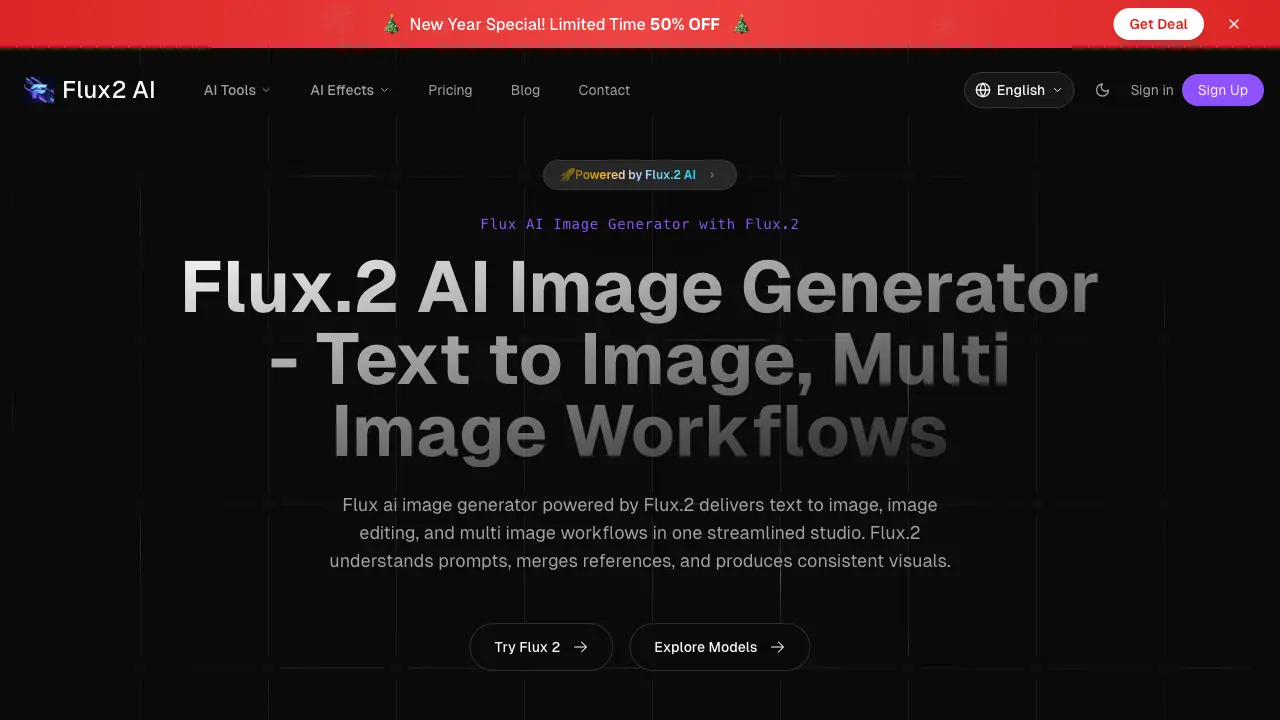
What is Flux 2
Flux 2 is an AI-powered image generation and editing platform that integrates text-to-image creation with comprehensive professional tools in a unified studio. It facilitates multi-image workflows, enabling users to merge visual references and maintain consistency across outputs. Core functionalities include background removal, image upscaling, enhancement, and creative effects such as style transfer to Ghibli or Pixar art, alongside specialized filters like AI baby and hairstyle changers. Smart object detection supports precise editing, while real-time processing accelerates iteration. The system delivers professional-grade results without necessitate traditional software expertise, emphasizing speed, accessibility, and robust data privacy through encryption. Targeted at content creators, designers, and marketers, Flux 2 streamlines image manipulation for diverse applications, from generative art to commercial photo editing.
How does Flux 2 work
Flux 2 operates as an integrated AI-powered studio for image generation and editing. Its core functionality combines text-to-image generation with multi-image workflows, allowing users to merge reference images and textual prompts to produce consistent visuals. The system utilizes deep learning models for smart object detection, enabling precise editing tasks like background removal, object removal, and resizing. Style transfer and creative effects, such as anime or 3D animation filters, apply artistic transformations. Real-time processing and optimization support rapid iteration, while tools for upscaling and enhancement improve image quality. The platform functions as a unified editor and generator, streamlining professional-grade modifications through natural language commands and automated AI understanding.
Benefits of Flux 2
Flux 2 is an AI-powered image generator and editor that unifies text-to-image creation, multi-image workflows, and professional editing tools. It interprets detailed prompts and merges reference images to ensure visual consistency. The platform offers rapid, precise tools for background removal, upscaling, enhancement, and style transfer, alongside creative effects like Ghibli or Pixar filters. Its intuitive interface requires no prior editing expertise, producing professional-quality results in seconds. Processing is secure with bank-level encryption, and user images are not stored for training. New users receive free credits to evaluate the service, making advanced image generation and editing accessible for both creative and professional applications.
Pros and Cons of Flux 2
Pros
- Rapid AI-powered image generation and editing.
- Intuitive interface requiring no prior skills.
- Comprehensive tools including background removal and upscaling.
- Ensures user privacy with encryption.
- Offers a free trial with initial credits.
Cons
- Free trial credits may be insufficient for testing.
- AI outputs can be inconsistent with complex prompts.
- Requires subscription for full feature access.
- May lack granular control compared to traditional software.
- Internet dependency for all processing.
