
AI Car Video Generator FAQs
AI Car Video Generator for car creators and dealerships: produce cinematic videos with AI, featuring dynamic shots, auto-matched music, and social exports.

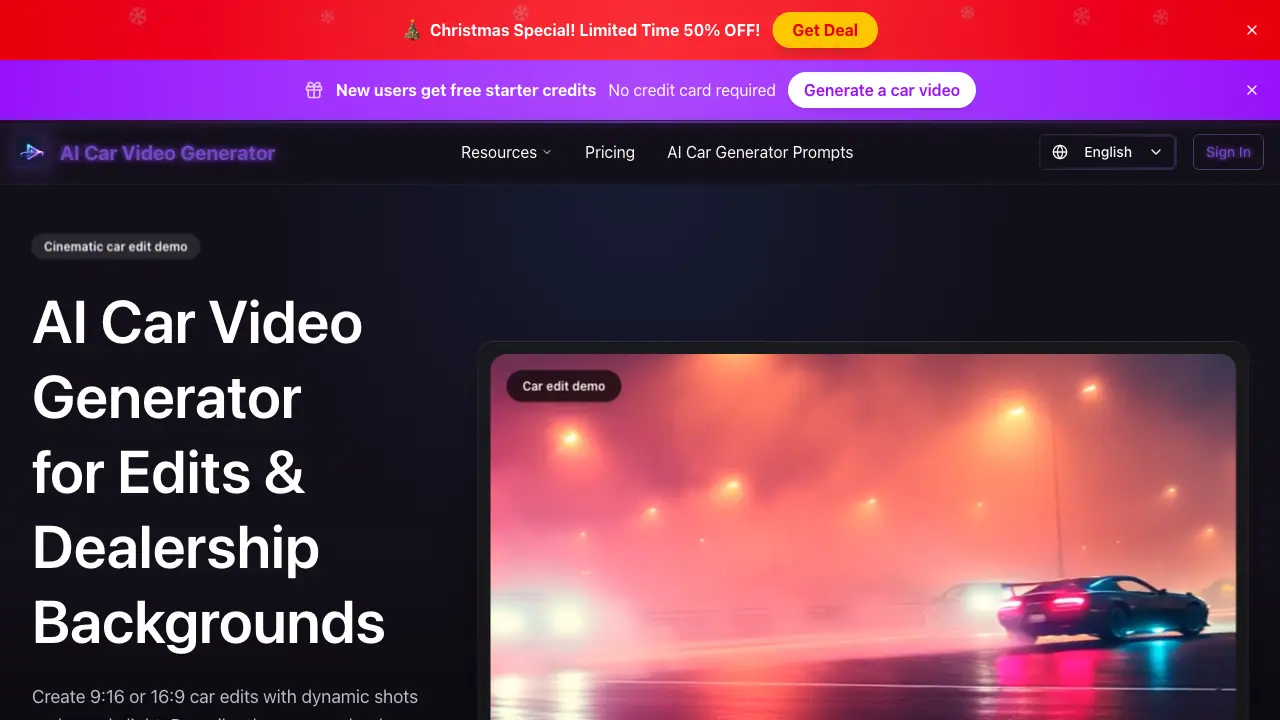
FAQs of AI Car Video Generator
What is the AI Car Video Generator?
The AI Car Video Generator is an online tool that uses artificial intelligence to create cinematic car videos and dealership background clips. Users generate professional-looking content by providing text descriptions or uploading reference photos, with the AI producing export-ready videos in seconds for social media and marketing use.
How does the AI Car Video Generator work?
The tool follows a three-step process: users first input a text prompt or upload an image to describe the desired car video scene. They then select preferences like aspect ratio (9:16, 16:9, or 1:1), duration, and quality. The AI renders the video in under 30 seconds, after which it can be previewed and downloaded directly.
What key features does the AI Car Video Generator offer for car content creation?
The generator provides dynamic camera movements such as slow pans, tracking shots, and close-ups, enhanced with moody lighting, underglow effects, and clean reflections. It automatically matches royalty-free music from genres like phonk or trap, or users can upload custom audio. Videos are optimized for major social media platforms and include built-in sound effects like engine tones.
Who is the primary target audience for the AI Car Video Generator?
The tool is designed for car dealerships, detailers, tuners, and automotive content creators. It serves professionals needing showroom backgrounds, promotional clips, and social media edits, as well as individuals without video production experience. The automated workflow caters to both businesses and hobbyists seeking efficient, high-quality car video production.
What are the available pricing plans and how does the credit system function?
Three annual subscription plans are offered: Starter at $8.33/month (1,200 credits for ~12 videos), Pro at $16.66/month (2,400 credits for ~24 videos), and Premium at $33.32/month (6,000 credits for ~60 videos). Credits are consumed per video generation based on length and quality. All plans include a commercial use license, with new users receiving free starter credits without a credit card.
Are the video projects and generated content kept private?
Yes, all projects created with the AI Car Video Generator are kept private and are not publicly shared or stored in a public gallery. Users retain full ownership of their generated videos, which are downloaded locally. This privacy ensures confidential use for dealership campaigns, client work, and personal portfolios without data exposure.
Can videos created with this tool be used for commercial purposes?
All subscription plans include a commercial use license, permitting the generated videos to be used in business marketing, client deliverables, monetized social media content, and advertising campaigns. This license covers both dealership promotional materials and creator monetization on platforms like YouTube or Instagram without additional licensing fees.
What aspect ratios and video quality options are supported?
The tool generates videos in three aspect ratios: 9:16 for vertical platforms like TikTok and Instagram Stories, 16:9 for YouTube and widescreen displays, and 1:1 for Instagram feeds. Quality tiers include standard, high, and highest, with the highest quality available on Premium plans. All outputs are in widely compatible formats for easy sharing.
How to use AI Car Video Generator
The AI Car Video Generator is a web-based tool that automates the creation of cinematic car video clips using text prompts or reference images. It is designed for generating social media car edits, dealership background visuals, and promotional content with built-in dynamic shots, lighting effects, and music synchronization.
- Navigate to the tool's webpage at carvideoai.com and locate the primary interface to begin a new video generation project.
- Provide a detailed text prompt describing your desired car scene, such as vehicle type and setting, or upload a dealership photo as a visual reference.
- Configure output specifications, including aspect ratio for platforms like TikTok or YouTube, video duration, and quality tier based on your subscription plan.
- Initiate the generation process; the system's AI renders a video clip by compositing automotive assets, applying moody lighting, and syncing to auto-matched music.
- Review the generated preview to ensure the visual output aligns with your initial prompt regarding car model, environment, and overall cinematic tone.
- Download the final video file in your selected resolution for immediate use in social media posts, dealership marketing materials, or creative portfolios.
- Apply the clip to your target platform, leveraging the included commercial use license for business-related content such as advertisements or social promotions.
- For repeated use, manage your remaining credit balance within the user dashboard and consider plan upgrades if higher volume or quality outputs are required.
