
Artta AI FAQs
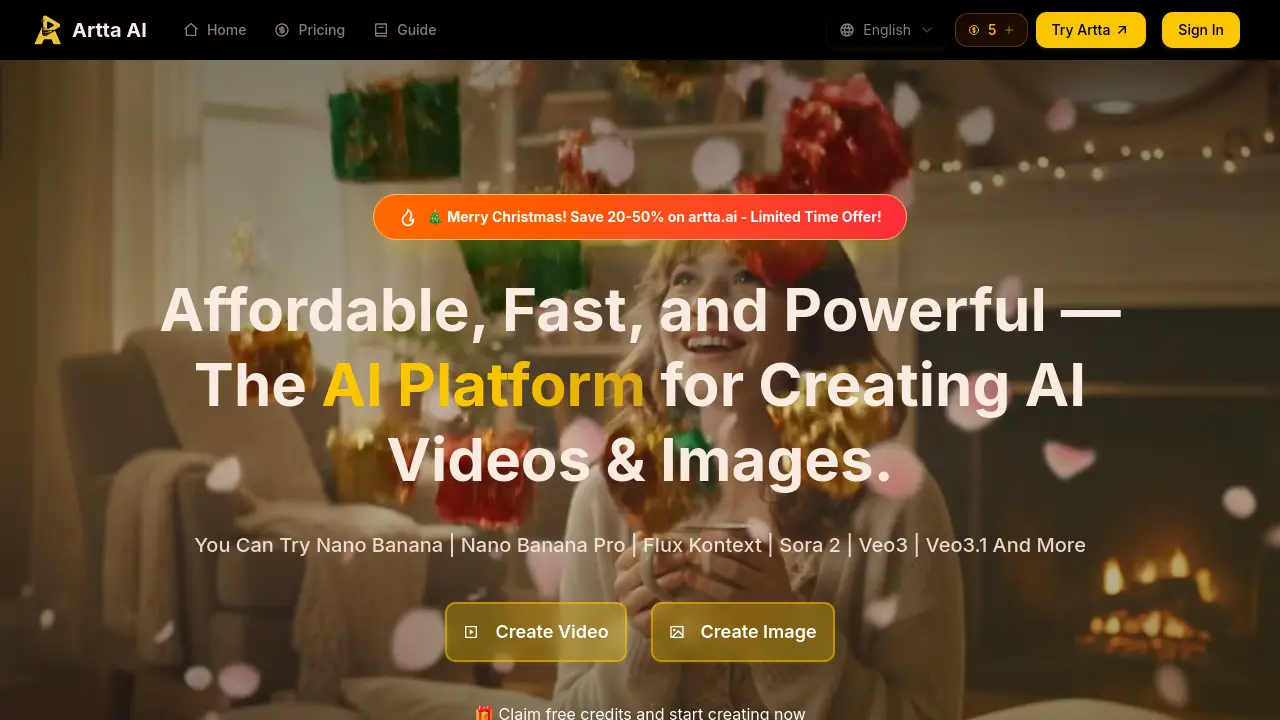
Artta AI is an all‑in‑one platform that lets content creators produce videos, images, music, and voiceovers using Sora 2, Veo 3, and Flux in one workflow.

FAQs of Artta AI
What makes Artta different from other AI content creation platforms?
Artta is the only platform that integrates multiple leading AI models (Sora 2, Veo 3, Flux, DALL‑E) in one seamless workflow. Create videos, images, music, and voiceovers with automated pipelines and professional asset management—all in one place.
Which AI models does Artta support?
Artta supports the latest AI models including OpenAI’s Sora 2 for video generation, Google’s Veo 3 for cinematic videos, Flux and DALL‑E for image creation, plus advanced voice synthesis and music generation models. New models are added regularly.
Can I create professional‑quality content with Artta?
Absolutely! Artta is designed for professional creators, marketers, and businesses. Our platform produces cinema‑quality videos, high‑resolution images, and broadcast‑ready audio content suitable for commercial use and professional productions.
How do Artta’s automated workflows function?
Artta’s workflow engine allows you to chain multiple AI operations together. For example, generate a script, create visuals for each scene, add voiceover, compose background music, and compile everything into a finished video—all automated based on your initial prompt.
Is Artta suitable for team collaboration?
Yes! Artta includes enterprise‑grade collaboration features including real‑time editing, project sharing, role‑based permissions, version control, and team asset libraries. Perfect for creative agencies, marketing teams, and production companies.
What file formats and resolutions does Artta support?
Artta supports all major formats including 4K video export, high‑resolution image formats (PNG, JPEG, SVG), various audio formats (MP3, WAV, FLAC), and professional video formats (MP4, MOV, AVI) optimized for different platforms.
How does Artta ensure content quality and consistency?
Artta uses advanced character consistency engines, style transfer algorithms, and quality enhancement filters. Our platform maintains visual coherence across projects and provides professional‑grade editing tools for fine‑tuning results.
Can I integrate Artta with my existing tools and workflows?
Yes! Artta offers comprehensive APIs and integrations with popular tools like Adobe Creative Suite, Figma, Slack, and more. You can also use our API to integrate AI content generation directly into your existing applications and workflows.
How does Artta handle user privacy and data security?
Artta AI photo generator stores user data in encrypted cloud servers and follows industry‑standard privacy protocols. All content is processed locally when possible, and no personal data is retained beyond the session unless explicitly saved by the user.
What is the credit system and how are credits allocated across different content types?
Artta uses a credit‑based system where each video, image, or audio generation consumes a specific number of credits. Video credits vary by model and resolution, while image credits are fixed per generation. Credits can be purchased or earned through daily free credits.
Can I use Artta for commercial projects and what licensing does it provide?
Yes, Artta grants commercial usage rights for all generated content under its standard license. Users can publish, sell, or distribute videos, images, and audio produced on the platform without additional fees, provided they comply with the terms of service.
Does Artta support voice synthesis in multiple languages and how can I access it?
Artta’s voice studio offers multilingual synthesis, supporting over 30 languages and accents. Users can select the desired voice profile in the audio generation interface or via the API, enabling seamless integration into video or audio projects.
What support options are available for troubleshooting and user assistance?
Artta provides a help center with documentation, FAQs, and tutorial videos. Users can submit support tickets via email or chat, and enterprise customers receive dedicated account managers for priority assistance.
How to use Artta AI
- Artta AI is an all‑in‑one platform that enables creators to generate videos, images, and music using leading AI models such as Sora 2, Veo 3, Flux, and the ai photo generator arta.
- The user accesses the Artta AI web interface, signs in or uses the no‑login option, and selects the desired AI model from the dashboard.
- The creator inputs a detailed textual prompt or uploads reference images, specifying style, aspect ratio, and resolution in the advanced settings panel.
- After confirming the prompt, the user initiates the AI edit; the platform processes the request, applying the selected model and rendering the output image or video.
- The generated content appears in the preview pane; the user can compare multiple iterations, adjust parameters, and re‑run the model to refine details.
- Once satisfied, the user downloads the final asset in the chosen format—PNG, JPEG, MP4, or WAV—directly from the asset library for distribution.
- The output quality can be assessed by comparing resolution, color fidelity, and consistency with the brief; these metrics guide subsequent creative decisions.
- High‑resolution images and videos can be uploaded to social media, marketing campaigns, or embedded in presentations, leveraging the platform’s API for automated publishing.
- Artta AI embodies the state of art of AI, combining big data analytics and smart AI techniques to generate real art that aligns with contemporary design trends.
- Teams can share projects via real‑time collaboration tools, assigning roles, tracking versions, and maintaining character consistency across multiple scenes for cohesive storytelling.
