
Seedance 2.0 FAQs
Turn text and images into stunning cinematic videos with native audio using Seedance 2.0, an online AI video generator that requires no editing skills.

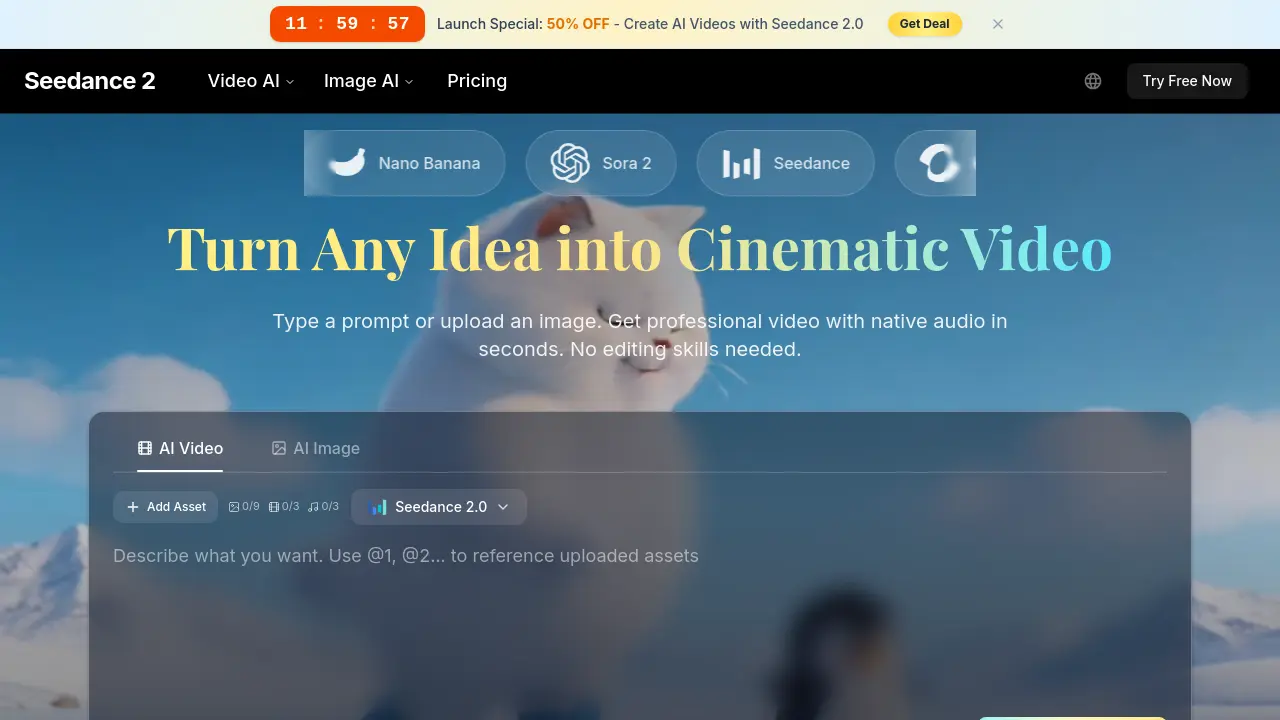
FAQs of Seedance 2.0
What is Seedance 2.0?
Seedance 2.0 is an advanced AI video generator that creates professional-quality videos from text prompts, images, or video references. It offers features like multimodal input, 15-second video generation, instant previews, style transfer, and maintains character consistency across scenes, making it suitable for creators, businesses, and hobbyists.
How does the AI video generator work?
The Seedance 2.0 platform uses artificial intelligence to transform text descriptions or uploaded images into cinematic videos. Users simply describe what they want, including details about characters, actions, and style, and the AI generates the complete video with visuals, motion, and synchronized audio in seconds, without requiring any technical skills.
What AI models are available in Seedance 2.0?
Seedance 2.0 provides access to multiple advanced AI video generation models including Seedance 2.0 itself, Kling 3.0, Nano Banana 2, and Wan 2.6. These models are all available through the Seedance interface, allowing users to choose the best option for their specific needs and receive varying levels of credit discounts depending on their subscription plan.
What are the pricing plans and what do they include?
Seedance offers several subscription tiers: Free ($0/month with 10 credits to start), Lite ($39.9 billed yearly at 50% off), Pro ($49.9 billed yearly at 50% off and most popular), and Ultra ($89.9 billed yearly at 44% off). All paid plans include commercial licenses, no watermarks, priority queue access, and varying credit allocations from 600 to 4,400 credits per month, with Seedance 2.0 consuming 30% fewer credits.
Is the AI video generator free to use?
Yes, Seedance 2.0 offers a free tier that requires no credit card to get started. The free plan provides 10 credits for experimentation and includes basic features like commercial licenses and 480p resolution, though videos will include watermarks. Users can upgrade at any time to unlock premium features and remove limitations.
What video quality and length can I create?
Seedance 2.0 can generate videos up to 15 seconds in length, significantly longer than many competing tools. Free users can create videos at 480p resolution, while paid plans offer 1080p resolution. The platform supports quick generation with instant preview capabilities, allowing users to iterate rapidly on their creative ideas.
Can I use videos commercially?
Yes, Seedance 2.0 includes commercial licenses with both free and paid plans. This means you can use the generated videos for professional purposes including marketing, advertising, educational content, and client deliverables. Paid plans remove watermarks and provide enhanced features suitable for commercial applications.
How is my privacy protected?
Seedance 2.0 prioritizes user privacy with private-by-default settings. Your prompts, uploaded images, and generated videos remain private by default and are not used for training the AI without your explicit permission. The platform maintains content filters to ensure professional quality standards while protecting user data confidentiality.
How does Seedance 2.0 differ from other AI video tools?
Seedance 2.0 stands out with its comprehensive feature set including multimodal input support, 15-second video capability, instant preview generation, realistic physics and motion handling, character consistency across shots, and integrated access to multiple premium AI models. It's designed to be accessible to beginners while providing the professional capabilities that advanced users need.
What types of creators benefit from using Seedance 2.0?
Seedance 2.0 serves diverse creative needs including content creators looking for engaging social media content, marketing teams needing rapid ad variations, e-commerce brands creating product showcases, educators developing animated lessons, agencies delivering quick client concepts, and hobbyists exploring creative possibilities. The platform's versatility makes it valuable across many industries and creative applications.
How to use Seedance 2.0
- Navigate to the Seedance 2.0 homepage at aiseedancev2.com.
- Review the different AI models available, including Seedance 2.0, Kling 3.0, and others.
- Click on the 'Start Creating Free' or 'Try Free Now' button to begin the sign-up process.
- Fill in the required information to create an account and access the free tier.
- After logging in, choose the Seedance 2.0 tool for AI video generation.
- Describe your desired video by typing a text prompt with details on characters, actions, and mood.
- Optionally upload an image to animate or combine with your text prompt.
- Click the generate button to start the AI video creation process.
- Preview the generated video and download it in high quality once satisfied.
- Use the video in your projects with the included commercial license.
