
Seedance FAQs
Seedance 2.0 generates cinematic AI videos from text and images with camera movement, shot continuity, and audio sync for creators.

FAQs of Seedance
What is Seedance 2.0 and how is it different from Seedance 1.5 Pro?
Seedance 2.0 is an AI video generator developed by ByteDance that introduces key advancements over Seedance 1.5 Pro. It features wide-range cinematic camera movement, shot-to-shot continuity, and precision audio-visual synchronization, along with 2K resolution, persistent character identity lock, and 30% faster rendering. These improvements enhance video coherence, quality, and production speed for professional use.
What is Seedance 2.0's Audio-to-Video feature?
The Audio-to-Video feature in Seedance 2.0 allows users to upload a voiceover or audio file, and the AI video generator creates synchronized visuals that match the audio's beats and phonemes. This enables precise audio-visual alignment for content like marketing videos, tutorials, and narratives, improving efficiency in video production workflows.
How does Seedance 2.0 maintain character consistency across scenes?
Seedance 2.0 uses a persistent character identity system to lock facial features, clothing, and body type across multiple shots and scenes. This ensures characters remain visually identical during transitions and action sequences, supporting multi-shot storytelling and narrative coherence in AI-generated videos.
What resolution does Seedance 2.0 support?
Seedance 2.0 supports 2K cinematic resolution, delivering high-definition video quality suitable for professional production. This resolution captures detailed visuals and is optimized for cinematic output, making it appropriate for filmmaking, advertising, and social media content where clarity is essential.
How fast can Seedance 2.0 generate videos?
Seedance 2.0 is 30% faster than previous versions due to optimizations like RayFlow. Generation time varies with prompt complexity, but it can render videos in seconds to minutes for standard inputs. This speed enhancement aids rapid content creation for time-sensitive projects.
What input formats does Seedance 2.0 accept?
Seedance 2.0 accepts multiple input formats: text prompts for text-to-video generation, images for image-to-video animation, and reference text for reference-to-video creation. This versatility supports diverse creative workflows, from script-based storytelling to animating static visuals or using reference materials.
How does Seedance 2.0 achieve cinematic camera movement?
Seedance 2.0 employs advanced AI to execute complex camera choreography, such as sweeping crane shots, orbital movements, dynamic tracking, and drone-like perspectives. It generates smooth, natural camera paths with accurate depth-of-field transitions, mimicking professional cinematography from a single text prompt without manual editing.
Does Seedance 2.0 support multilingual video generation?
Yes, Seedance 2.0 supports multilingual content through its lip sync technology. Users can upload voiceovers in various languages, and the AI video generator produces visuals with synchronized phoneme-level lip movements. This facilitates global audience engagement while maintaining character identity across languages.
What professional applications is Seedance 2.0 suitable for?
Seedance 2.0 is suitable for professional applications including AI filmmaking with multi-shot storytelling, marketing and brand video production, educational content creation, fantasy worldbuilding, social media short-form videos, and multilingual campaigns. Its features like 2K resolution and character consistency cater to industry-standard needs.
Is an API available for integrating Seedance 2.0 into other workflows?
Yes, Seedance 2.0 provides an API for developers and businesses to integrate its AI video generation capabilities into existing applications and workflows. This enables automation, scaling of video production, and custom solutions based on Seedance's features. Details are accessible through the API section on the website.
How to use Seedance
- Seedance 2.0 is an AI video generator that creates cinematic videos from text, images, or reference materials, emphasizing wide-range camera movement, shot-to-shot continuity, and audio-visual synchronization.
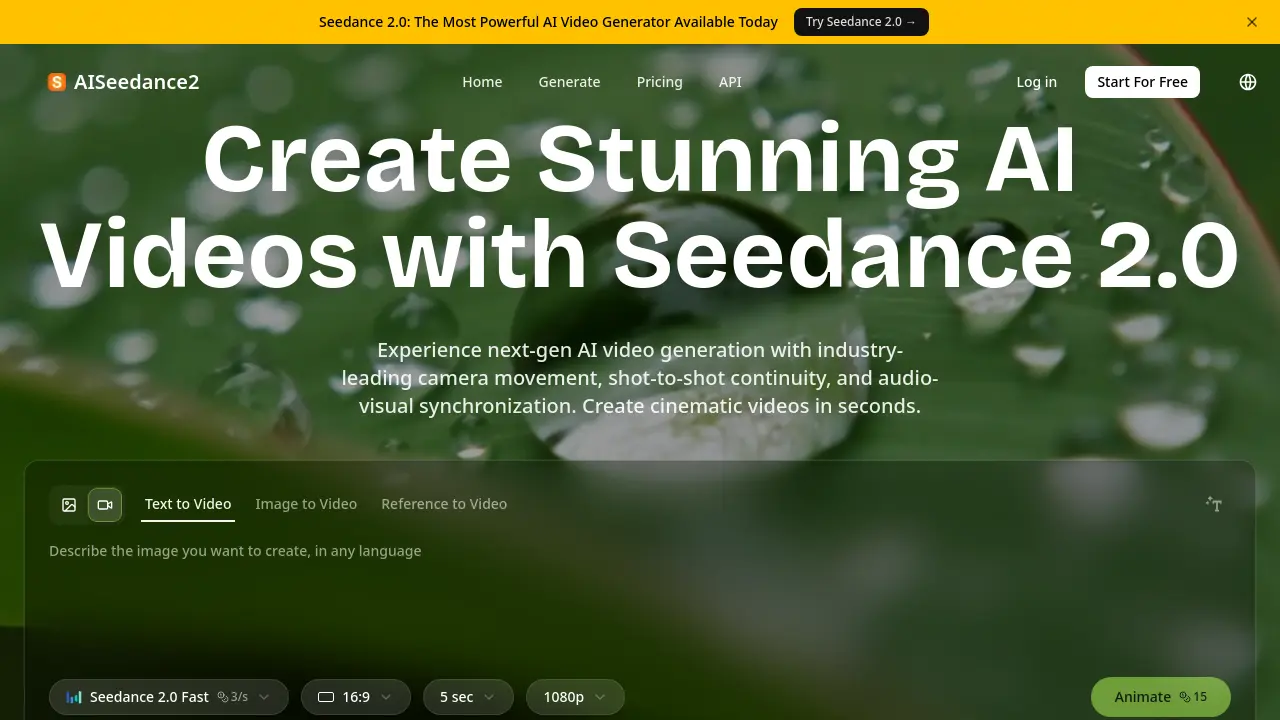
- Access the Seedance 2.0 interface and select an input method: Text-to-Video for descriptive prompts, Image-to-Video for source visuals, or Reference-to-Video for style guidance.
- For text prompts, include specific details about scene composition, camera motion, and audio elements. For Audio-to-Video, upload a voiceover file to drive visual generation.
- Configure output settings such as resolution (up to 2K), video duration, and aspect ratio. Enable character identity lock to maintain consistent appearances across generated shots.
- Submit your request; the platform's optimized rendering pipeline produces video segments faster than prior versions, with processing time dependent on scene complexity.
- Evaluate the generated video, checking for fluid camera transitions, coherent shot sequencing, and precise synchronization between visual elements and any provided audio track.
- Refine your input prompt or parameters based on the initial output. Regenerate to improve visual continuity, cinematic quality, and alignment with your production goals.
