
Adobe Mic Check
Adobe Mic Check - Check Your Mic for Free
| Added on: | Apr 17, 2024 |
| Monthly Visits: | 10.99M |
| Social & Email: | -- |

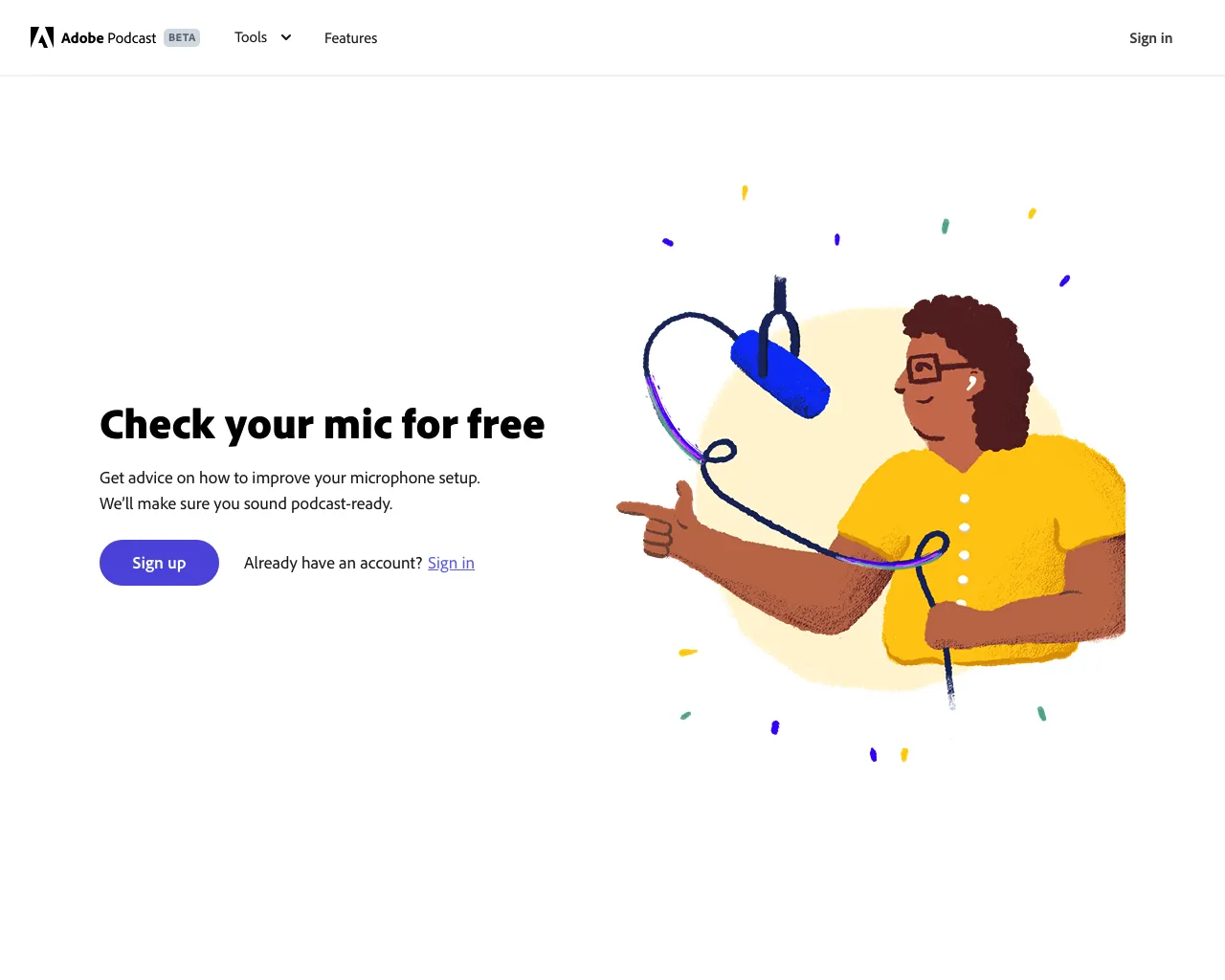
What is Adobe Mic Check
Adobe Mic Check is a free AI-powered tool that analyzes your microphone setup and suggests changes to improve your audio quality. It's perfect for anyone who wants to sound their best on podcasts, videos, or even just online meetings. The tool listens to your audio and tells you if you need to move closer to the mic, reduce background noise, adjust your gain, or make other tweaks. It's a great way to quickly assess your setup and make sure you're getting the best possible sound quality.
Core Features of Adobe Mic Check
Analyze your microphone setup
Mic Check uses AI to analyze your microphone setup and suggests changes to make it sound great.
Provide recommendations
The tool tells you if you need to come closer to the microphone, reduce background noise, adjust gain, or make other changes to improve your audio quality.
FAQs of Adobe Mic Check
What is Adobe Mic Check?
Adobe Mic Check is a free tool that uses AI to analyze your microphone setup and give you suggestions on how to improve your sound.
How does it work?
You just need to record a short audio sample and upload it to the Adobe Mic Check website. The AI will analyze your audio and provide you with a report that includes:
- Suggestions on how to improve your microphone placement
- Recommendations on how to reduce background noise
- Tips on how to adjust your microphone gain
What makes Adobe Mic Check different from other audio analysis tools?
Adobe Mic Check is designed specifically for podcasters and content creators, so it provides practical tips that are tailored to your needs. It also offers a quick and easy way to analyze your microphone setup without having to download any software.
Does Adobe Mic Check work with all microphones?
Adobe Mic Check is compatible with most microphones. It's important to note that the accuracy of the analysis may vary depending on the microphone you're using.
Can I use Adobe Mic Check for free?
Yes, Adobe Mic Check is completely free to use. You don't need to create an Adobe account or provide any personal information to access the tool.
Adobe Mic Check Website Traffic Analysis
Latest traffic information
- Monthly Visits10.99M
- Bounce Rate45.06%
- Pages Per Visit3.19
- Visit Duration00:02:58
- Global Rank--
- Country/Region Ranking--
Top Keywords
| Keyword | Traffic | Volume | Cost Per Click |
|---|---|---|---|
| adobe podcast | 1.66M | 886.4K | $0.9 |
| adobe podcast enhance | 135.7K | 91.02K | $0.83 |
| adobe audio enhancer | 103.27K | 63.56K | $1.29 |
| adobe enhance | 71.42K | 54.48K | $1.18 |
| audio enhancer | 51.9K | 47.95K | $0.6 |
Top Regions
| Region | Percentage |
|---|---|
| United States | 16.15% |
| India | 13.39% |
| Brazil | 9.25% |
| Mexico | 5.22% |
| Colombia | 4.52% |
Adobe Mic Check Alternatives
MusicDesk offers AI vocal removal, stem splitting, reference-based mastering and noise cleanup in the browser, plus free trim, join, convert and speed tools.

PodcastorAI turns PDFs, URLs, notes, and audio into studio-quality video podcasts with AI hosts, voices, and scripts for YouTube, Spotify, and TikTok.
Free to start · Search any podcast, read full transcripts with timestamps, get AI summaries, key takeaways, mind maps and chat every episode.
Miso One AI is an AI voice generator that lets creators and development teams produce expressive dialogue audio, test cloning, review prompts, and download speech samples with credit tracking.
Voicss is an online AI vocal remover that separates vocals and instrumentals, creates karaoke backing tracks, and isolates vocals for remixing, serving singers and creators with a fast, no‑download interface.
Weke AI is a browser‑based AI creative platform for designers, marketers and content creators, providing text‑to‑image, text‑to‑video and audio generation, editing tools, and unified access to 20+ leading AI models via a single credit balance.
LiveTalk Translate offers AI-powered two-way voice translation with low latency, supporting 50+ languages directly in your browser without any app download.
AnySpeech is a professional AI text to speech platform offering 100+ realistic voices across 50+ languages, designed for content creators, YouTubers, and podcasters worldwide.
Audjust AI helps creators edit audio and generate music with AI by shortening songs, lengthening audio, finding loops, and creating tracks from text.
AI Add Audio to Video auto‑detects video scenes and inserts realistic sound effects from a large library, cutting manual editing time for creators.
kirkify instantly creates marketing videos, cinematic images, and audio, enabling marketers and creators to produce visuals quickly with editing and export.
This in-browser tool accurately analyzes song tempo, musical key, and Camelot code using Essentia.js for DJs and producers.