
Znote Core Features
Compose notes with Markdown and Javascript. Easily visualize your data directly from your notes. Tons of snippets and components to manipulate data.

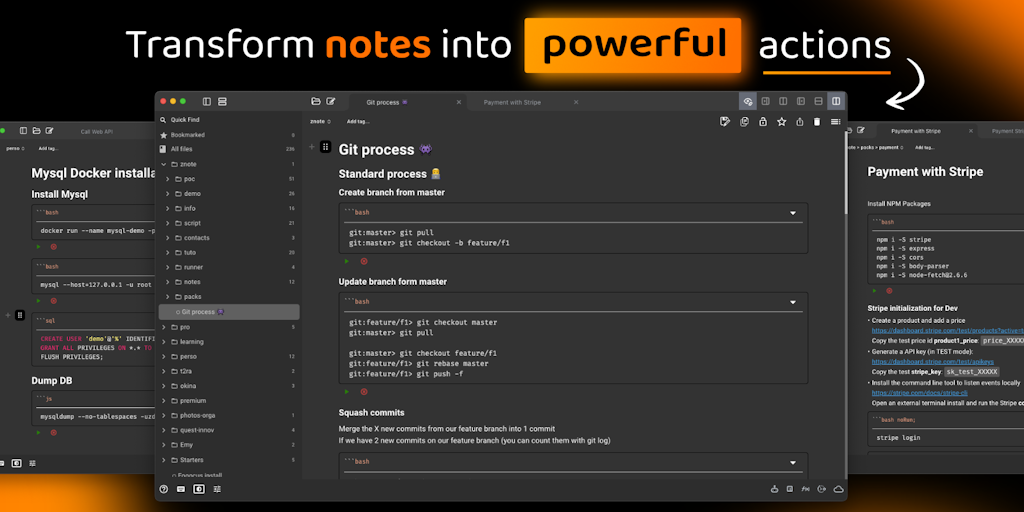
Core Features of Znote
Write notes with actionable steps
Znote is a note-taking app that helps users organize their thoughts and ideas into actionable steps. Users can create notes that are broken down into smaller tasks, which can then be assigned to specific projects or deadlines. Znote also allows users to collaborate on notes with others, making it a great tool for teams.
Capture your thoughts
Znote's interface is simple and easy to use. Users can quickly create new notes, add text, images, and links. Znote also offers a variety of formatting options, allowing users to customize their notes to their liking.
Stay organized
Znote helps users stay organized by providing a variety of features, including:
- Tags: Users can tag their notes with keywords, making it easy to find them later.
- Categories: Users can organize their notes into different categories.
- Search: Users can search for notes by keywords, tags, or categories.
Collaborate with others
Znote allows users to collaborate on notes with others. Users can share notes with others and assign tasks to team members. Znote also offers real-time collaboration, so users can work on notes together in real time.
Track your progress
Znote helps users track their progress by providing a variety of features, including:
- Checklists: Users can create checklists to track their progress on tasks.
- Due dates: Users can set due dates for tasks and receive reminders when they are due.
- Progress bars: Users can track their progress on tasks with progress bars.
Integrate with other apps
Znote integrates with other popular apps, such as Slack, Trello, and Google Calendar. This allows users to easily share their notes with other apps and manage their workflow.
Access your notes anywhere
Znote is available on the web, iOS, and Android. This allows users to access their notes from anywhere, anytime.
