
Znote FAQs
Compose notes with Markdown and Javascript. Easily visualize your data directly from your notes. Tons of snippets and components to manipulate data.

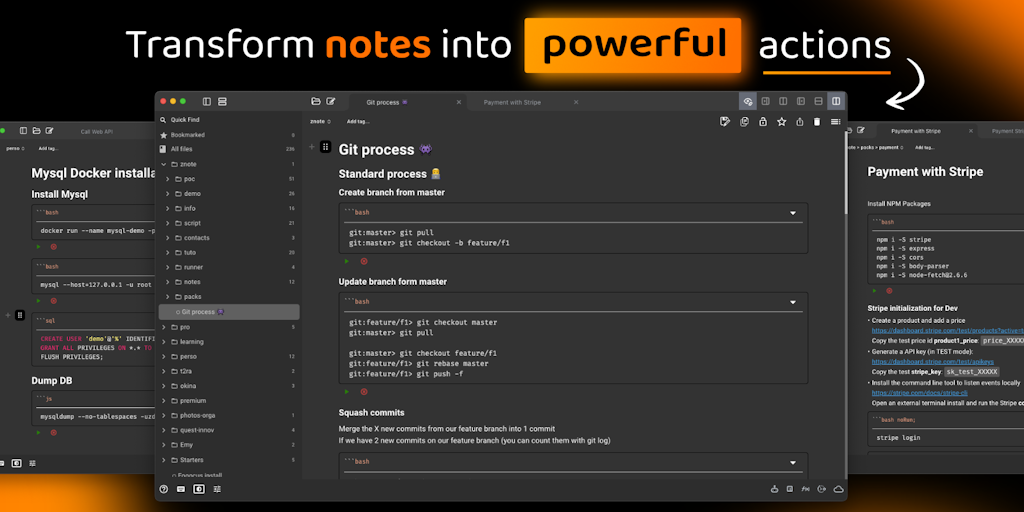
FAQs of Znote
What is Znote?
Znote is a note-taking app designed for people who want to get things done. It's different from other note-taking apps because it helps you turn your ideas into action. You can write notes with actionable steps, organize them into projects, and track your progress.
How do I use Znote?
You can use Znote to:
- Write notes with actionable steps: Znote helps you break down large tasks into smaller, actionable steps. You can use this to plan projects, organize your thoughts, or simply jot down ideas.
- Organize your notes into projects: You can group your notes into projects, so you can easily find the information you need.
- Track your progress: Znote helps you stay on track with your goals by letting you track your progress on each task.
Why is Znote better than other note-taking apps?
Znote is different from other note-taking apps because it focuses on helping you get things done. It's not just a place to store your ideas, it's a tool that helps you turn those ideas into action.
Can I use Znote on my phone?
Yes, Znote is available for both iOS and Android devices. You can download the app from the App Store or Google Play Store.
What are the advantages of using Znote?
Znote is a powerful tool that can help you be more productive and achieve your goals. It helps you stay organized, focused, and motivated. Using Znote helps you:
- Turn your ideas into action.
- Improve your productivity.
- Achieve your goals.
Can I use Znote for free?
Yes, Znote offers a free plan that gives you access to the core features of the app. You can also upgrade to a paid plan for more features.
