
Voxpad FAQs
Voxpad uses AI to convert video and audio into detailed, customizable notes. Save time with automated note-taking. Get accurate and detailed notes with timestamps. Customize your notes to match your needs. Easy interface, secure note storage, and AI-powered editing. Choose from a variety of plans for all budgets.

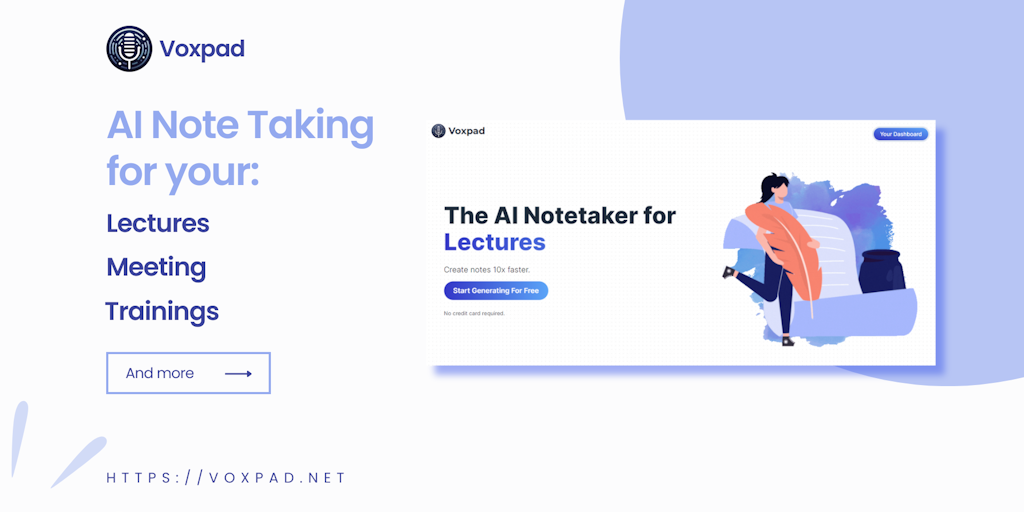
FAQs of Voxpad
What is Voxpad?
Voxpad is an AI notetaker that converts video and audio recordings into detailed, customizable notes. It can be used for lectures, meetings, and more.
How does Voxpad work?
Voxpad uses AI to transcribe your audio and video recordings and then summarizes them into notes. You can then customize the notes by adding your own thoughts, comments, and highlights.
What are the benefits of using Voxpad?
Voxpad can help you:
- Save time by automating note-taking.
- Improve your understanding of the information you are taking notes on.
- Easily share your notes with others.
What are some of the use cases for Voxpad?
Voxpad can be used for a variety of purposes, including:
- Taking notes in lectures and meetings.
- Summarizing research papers and articles.
- Creating transcripts of interviews and podcasts.
- Generating notes for online courses.
How does Voxpad compare to other note-taking tools?
Voxpad is different from other note-taking tools because it uses AI to automatically create notes. This can save you time and effort, especially when taking notes on long recordings.
How can I get started with Voxpad?
You can sign up for a free trial of Voxpad on the Voxpad website. You can also find more information about Voxpad on the website, including tutorials and FAQs.
