
Vocaldo AI FAQs
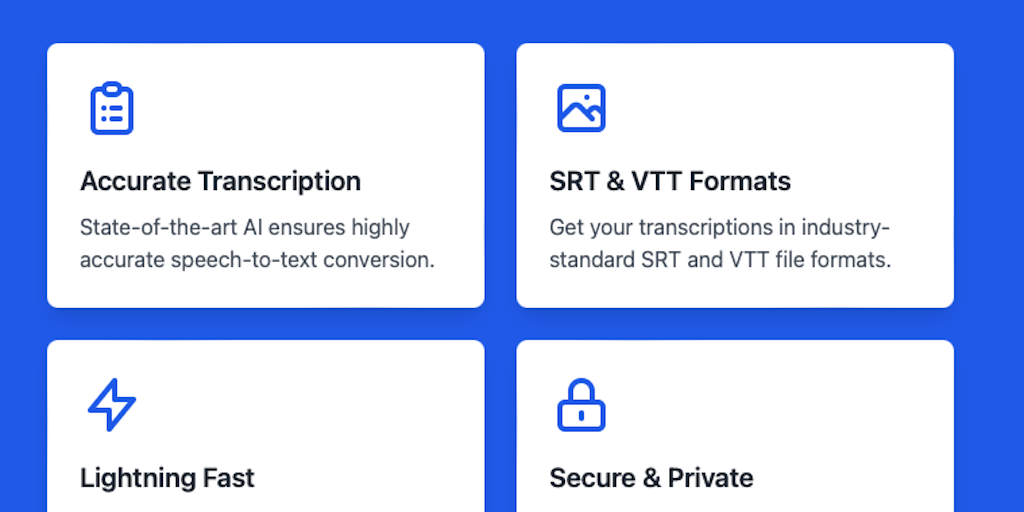
Vocaldo turns speech into text in over 100 languages, fast and free. Perfect for subtitles, interview transcripts, or meeting notes. 10 free transcriptions daily. No subscriptions, no fuss – just accurate transcripts when you need them.

FAQs of Vocaldo AI
What is Vocaldo AI?
Vocaldo AI is a speech-to-text software that converts audio files into written text in any language.
How does Vocaldo AI work?
Vocaldo AI uses advanced speech recognition technology to transcribe audio files into text. It can process various audio formats, including MP3, WAV, and M4A, and supports over 100 languages.
What are the benefits of using Vocaldo AI?
Vocaldo AI can help you save time and effort by automating the transcription process. It can also improve the accuracy of your transcripts and make your content more accessible to a wider audience.
How does Vocaldo AI compare to other speech-to-text software?
Vocaldo AI is a powerful and versatile speech-to-text software that offers a wide range of features, including support for multiple languages, high accuracy, and easy integration with other tools. It also offers a user-friendly interface and affordable pricing plans.
Does Vocaldo AI offer any support?
Yes, Vocaldo AI offers a variety of support options, including online documentation, tutorials, and a customer support team.
How to use Vocaldo AI
Vocaldo AI is a service that uses AI to transcribe audio and video into text. It supports over 100 languages and offers features such as summary generation and translation.
- Begin by creating an account at Vocaldo.com, which offers a free tier with a limited number of transcriptions per day.
- Upload your audio or video file to the platform. Vocaldo supports various formats including MP3, WAV, and MP4, streamlining your vocalo ai workflow.
- Select the language spoken in the audio. Vocaldo offers multi-language support, critical for accurate vocaloid transcription.
- Initiate the transcription process. Vocaldo's AI analyzes the audio, providing results faster than manual transcription.
- Review and edit the generated transcript in the provided editor. Vocaldo boasts high accuracy, with editing options to refine results.
- Download the transcription in your preferred format (TXT, SRT, VTT). This allows versatile use with video editing software.
- Utilize the translation feature to convert the transcript into another language. This leverages vocalo ai for global content reach.
- Consider upgrading to a paid plan for unlimited transcriptions. Assess your needs based on frequency and file size requirements.
- For creating subtitles, use the generated SRT or VTT file. Ensure proper synchronization with your video for accessibility.
- Explore Vocaldo's summary generation to condense transcripts. This is useful for quick overviews, saving time and effort.
