
Video Compressor Core Features
Video Compressor is a free online tool that compresses videos locally with GPU acceleration, shrinking files up to 90% while preserving quality and privacy for Discord, WhatsApp, email.

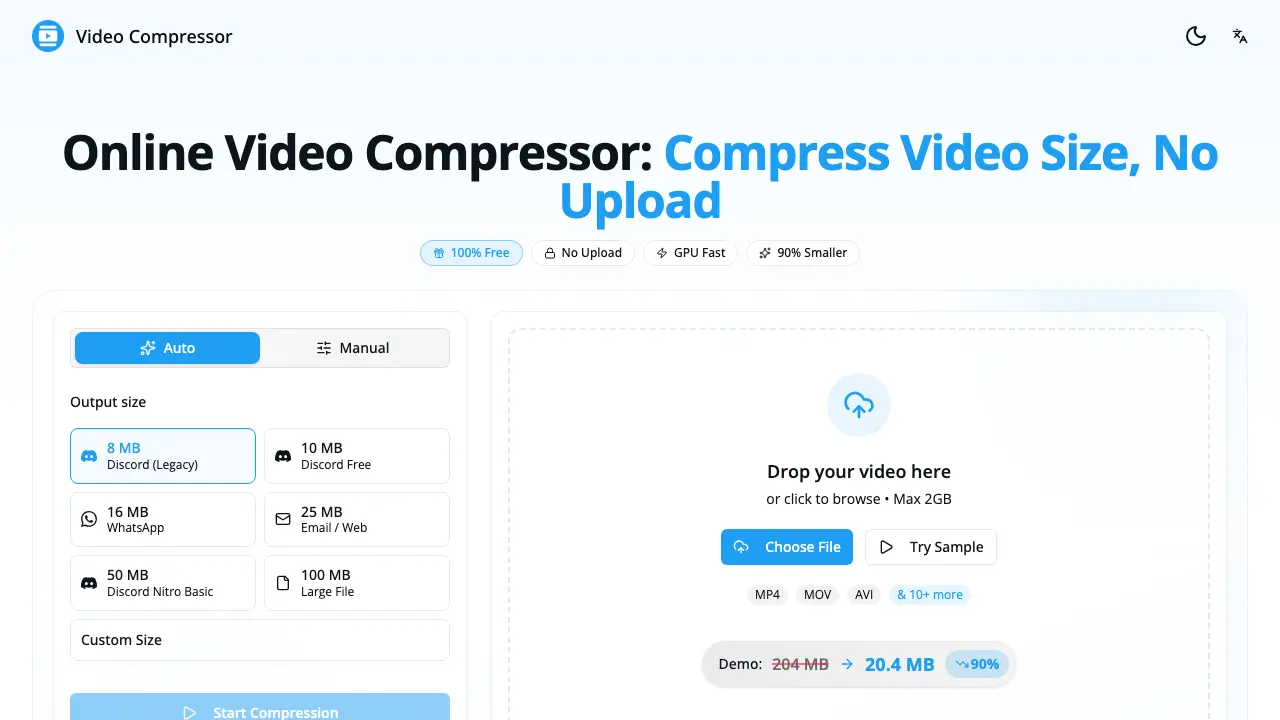
Core Features of Video Compressor
Local Video Compression
Processes files entirely within the browser, ensuring 100 % privacy by never uploading data to external servers, which protects sensitive content during compression.
GPU‑Accelerated Compression
Utilizes the device’s GPU via the WebCodecs API to achieve up to 10× faster processing compared with CPU‑only methods, reducing wait times.
Multi‑Format Support
Accepts major video containers (MP4, WebM, MOV, MKV, AVI, etc.) and outputs optimized MP4/H.264 files, guaranteeing broad compatibility across platforms.
Preset and Custom Settings
Provides ready‑made presets for Discord, WhatsApp, Email, and allows manual adjustment of resolution, bitrate, and frame rate for fine‑tuned results.
Unlimited Free Usage & No Watermarks
Offers unrestricted compression without registration, fees, or watermarking, enabling users to compress any number of videos at any size.
Quality Preservation Algorithms
Applies smart bitrate and scaling techniques that maintain visual clarity while achieving significant size reductions, minimizing perceptible quality loss.
Use Cases of Video Compressor
- University students: Reduce lecture recordings to email‑friendly sizes while preserving clarity for peer review.
- Content creators: Optimize video assets for Discord and social media using GPU‑accelerated presets, avoiding upload delays.
- Mobile users: Compress iPhone videos locally to meet WhatsApp or Telegram limits without sacrificing visual quality.
- Remote teams: Prepare project demos for cloud storage by shrinking files 80% on‑device, ensuring data privacy.
- Educators: Generate lightweight video lectures for LMS platforms, eliminating bandwidth constraints for students.
