
Tome App AI Introduction
Convert PPT to Keynote-ready PPTX online. Free PPT to Keynote converter for Apple Keynote imports with secure processing and no installs.

What is Tome App AI
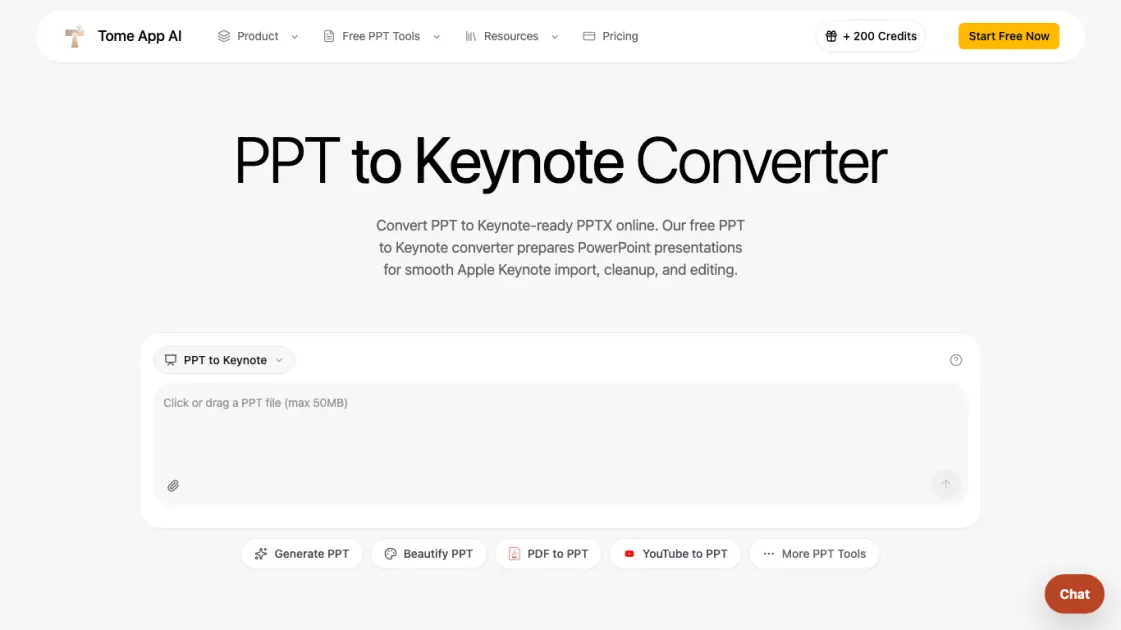
Tome App AI offers a free online PPT to Keynote converter that turns PowerPoint files into Keynote-ready PPTX documents. Users upload PPT or PPTX files up to 50MB, the tool rebuilds them with LibreOffice for compatibility, and the output opens cleanly in Apple Keynote on Mac, iPad, or iCloud. The converter handles both modern and legacy PowerPoint formats, making it useful for teams and individuals who work across Windows and Apple ecosystems without installing Microsoft Office on a Mac.
How does Tome App AI work
When a user uploads a PPT or PPTX file, Tome App AI transmits it to a secure sandbox where LibreOffice rebuilds the presentation as a modern PPTX file. This process normalizes legacy formatting, updates the file container, and strips incompatible PowerPoint-specific elements. The resulting PPTX opens in Apple Keynote as an editable presentation, allowing users to refine layouts, fonts, transitions, and notes before saving a native .key document.
Benefits of Tome App AI
The PPT to Keynote converter removes the need to install Microsoft PowerPoint on a Mac or rebuild slides manually. It handles legacy PPT files that often import inconsistently into Keynote, normalizes them through LibreOffice, and delivers a clean starting point for editing. The online workflow works from any browser, files are processed in a secure sandbox, and the final result stays editable in Keynote so users can polish transitions, typography, and presenter notes.
Pros and Cons of Tome App AI
Pros
- Free online conversion without software installation
- Handles both legacy PPT and modern PPTX formats
- Secure sandbox processing for confidential files
- Preserves slide text, images, tables, and layouts
- Output stays editable in Apple Keynote
Cons
- Does not generate native .key files directly
- Requires sign-in for web conversion
- Native Keynote saving requires Apple Keynote app
- File size limited to 50MB per upload
