
Tome App AI FAQs
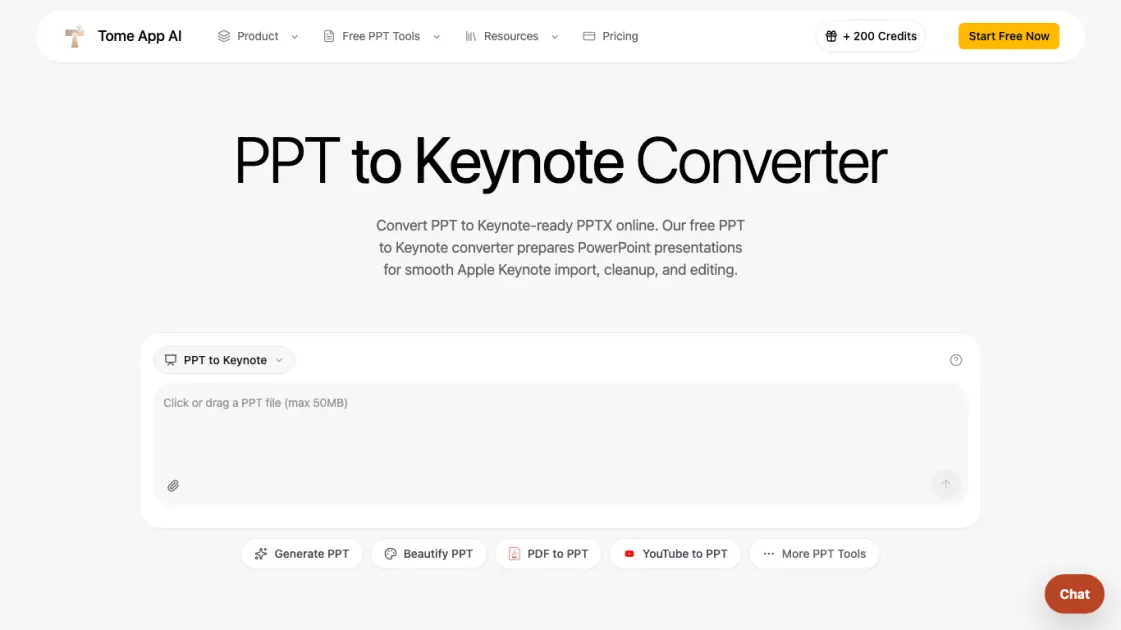
Convert PPT to Keynote-ready PPTX online. Free PPT to Keynote converter for Apple Keynote imports with secure processing and no installs.

FAQs of Tome App AI
Can this tool convert PPT to a native .key file?
No, the tool converts PPT files to Keynote-ready PPTX, not native .key files. Apple's .key format is proprietary and cannot be generated in a browser. Users open the PPTX in Apple Keynote on Mac, iPad, or iCloud and save it as a native .key document from within the Keynote app.
Does PPT to Keynote conversion preserve formatting?
Yes, the conversion preserves slide text, images, tables, charts, and common layouts. The tool rebuilds the presentation using LibreOffice to normalize legacy formatting and minimize compatibility issues before the file reaches Keynote.
Is PPT to Keynote conversion free?
Yes, the online PPT to Keynote converter is free to use. Users upload their PowerPoint files and download Keynote-ready PPTX output without any charges. Tome App AI offers premium subscription plans for additional features and higher usage limits.
Is my PowerPoint file secure during conversion?
Yes, uploaded files are processed in an isolated sandbox environment. They are used only for conversion and are not stored, reused for training, or displayed in public galleries. The tool is designed for confidential pitch decks, client proposals, and internal materials.
Do I need Apple Keynote installed to use the converted file?
Yes, you need Apple Keynote to open the converted PPTX file as a full Keynote presentation. Keynote is free on Mac, iPad, and iCloud. The converter produces a Keynote-compatible PPTX that opens cleanly in the app for editing, annotation, and native format saving.
How to use Tome App AI
- Upload your PPT or PPTX file by dragging it into the converter or clicking to browse from your device.
- Click the convert button and wait a few seconds while the tool rebuilds the presentation as a Keynote-ready PPTX.
- Download the converted file and open it in Apple Keynote on Mac, iPad, or iCloud for final editing.
- Save the presentation as a native .key document inside Keynote when you need the proprietary Apple format.
