
SlidesGo Introduction
SlidesGo is an AI-powered PPT generator for businesses, educators and content creators, offering instant slide creation, design beautification, format conversion and automatic speaker notes to streamline presentation development.

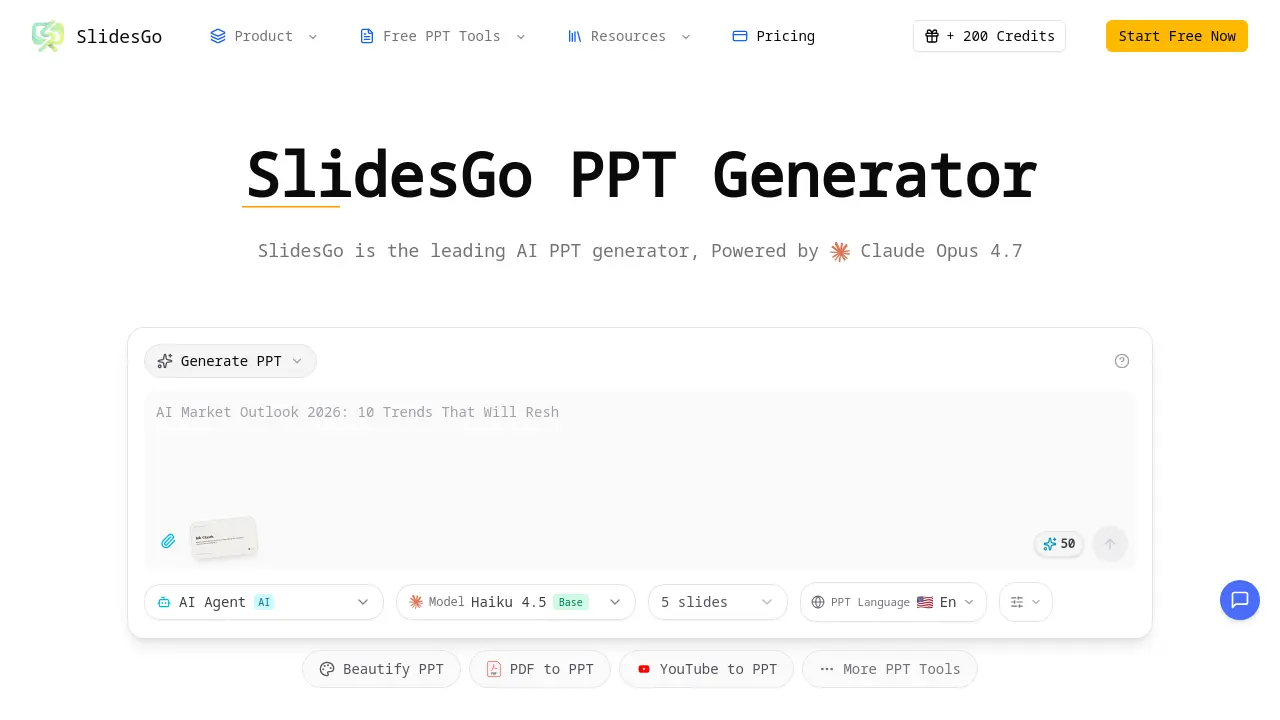
What is SlidesGo
SlidesGo is an AI‑powered PPT generator that creates, beautifies, and converts presentations using Claude Opus 4.7. Users can describe a topic in plain text and receive a fully structured slide deck with professional layouts, charts, and image suggestions. Existing files can be uploaded for automatic redesign, while the platform also offers PDF‑to‑PPT, Word‑to‑PPT, HTML‑to‑PPT, and YouTube‑to‑PPT conversions. Real‑time preview and in‑browser editing enable quick refinements before exporting to PPTX, ensuring compatibility with PowerPoint, Google Slides, and Keynote. Additional features include AI‑generated speaker notes, multilingual support, and a reverse‑prompt tool that extracts design instructions from finished slides. SlidesGo streamlines presentation creation for students, educators, and business professionals, delivering polished results in minutes.
How does SlidesGo work
SlidesGo operates as an AI‑driven presentation platform that converts user input into fully formatted PowerPoint decks. When a user supplies a text prompt, a topic description, or an existing file, the system forwards the input to Claude Opus 4.7, which parses the content, determines appropriate slide structures, and selects layout templates. The AI then populates each slide with generated text, charts, and suggested images, applying consistent design rules and branding. Users can preview and edit the deck in real‑time, export it as a PPTX file, or invoke additional tools such as PDF‑to‑PPT conversion, speaker‑note generation, or reverse‑prompt extraction, all within the browser interface.
Benefits of SlidesGo
SlidesGo is an AI‑powered PPT generator that turns text prompts, PDFs, Word files, or existing slides into fully designed presentations within minutes. Leveraging Claude Opus 4.7, it creates professional layouts, suggests relevant images, and produces charts and speaker notes automatically. Users can beautify uploaded decks, convert multiple file formats, and preview edits in real‑time before exporting to PPTX, Google Slides, or Keynote. The platform supports multilingual output and maintains consistent branding, making it suitable for business, education, and content‑creation contexts while reducing the time spent on manual slide design.
Pros and Cons of SlidesGo
Pros
- Generates full slide decks from text prompts.
- Beautifies and redesigns existing presentations automatically.
- Supports multiple file conversions (PDF, Word, HTML, YouTube).
- Provides real‑time preview and in‑browser editing.
- Offers speaker notes generation for each slide.
Cons
- Limited information on pricing beyond free credits.
- No detailed data on AI model customization options.
- Potential reliance on internet connectivity for all features.
- May produce generic designs without deep brand tailoring.
- Export limited to PPTX, lacking other native formats.
