
SlidesGo FAQs
SlidesGo is an AI-powered PPT generator for businesses, educators and content creators, offering instant slide creation, design beautification, format conversion and automatic speaker notes to streamline presentation development.

FAQs of SlidesGo
What is SlidesGo?
SlidesGo is an AI‑powered presentation platform that generates, beautifies, and enhances PowerPoint slides. It leverages Claude Opus 4.7 to turn text prompts, PDFs, Word files, or existing decks into professionally designed PPTX files quickly and automatically.
How does the AI PPT generator work?
Users input a topic, upload a document, or provide a plain‑text description. The AI analyses the content, selects appropriate layouts, creates charts, suggests images, and writes speaker notes. The result is a complete slide deck that can be previewed and edited in the browser before export.
Can I edit presentations generated by the AI PPT maker?
Yes. After the AI creates the deck, SlidesGo provides a real‑time preview where users can modify text, swap images, adjust layouts, and fine‑tune design elements. All changes are saved instantly, and the final version can be exported as a PowerPoint (.pptx) file.
What file formats does the AI PowerPoint generator support?
SlidesGo accepts PDF, Word (.docx), Excel, Markdown, HTML, and plain‑text files for conversion to slides. It also allows uploads of existing PPTX files for beautification. Export options include PPTX, PDF, JPG, and PowerPoint‑compatible formats for seamless use across Microsoft PowerPoint, Google Slides, and Apple Keynote.
Can I upload and beautify existing presentations with SlidesGo?
Absolutely. Users can upload any PPTX file, and SlidesGo’s AI Beautify feature automatically redesigns layouts, improves typography, applies consistent branding, and adds relevant images or charts. The enhanced deck can then be downloaded or further edited within the platform.
Does SlidesGo’s AI PPT generator create speaker notes?
Yes. For each automatically generated slide, SlidesGo produces detailed speaker notes that summarize key points and suggest talking cues. These notes are editable, allowing presenters to personalize their script while retaining the AI‑generated structure.
How fast is the AI PPT generator?
The platform typically creates a complete presentation in a matter of minutes—often under five minutes for a standard 10‑slide deck—depending on the complexity of the input and current server load. This speed is significantly faster than manual slide design.
Can I use SlidesGo for business presentations?
SlidesGo is designed for both educational and commercial use. It offers professional templates, brand‑consistent styling, multilingual support, and secure data handling, making it suitable for marketing decks, investor pitches, training materials, and internal reports.
How to use SlidesGo
SlidesGo functions as an AI‑powered PPT generator, offering text‑to‑slides creation, design beautification, format conversion, and automatic speaker‑note generation for professional presentations.
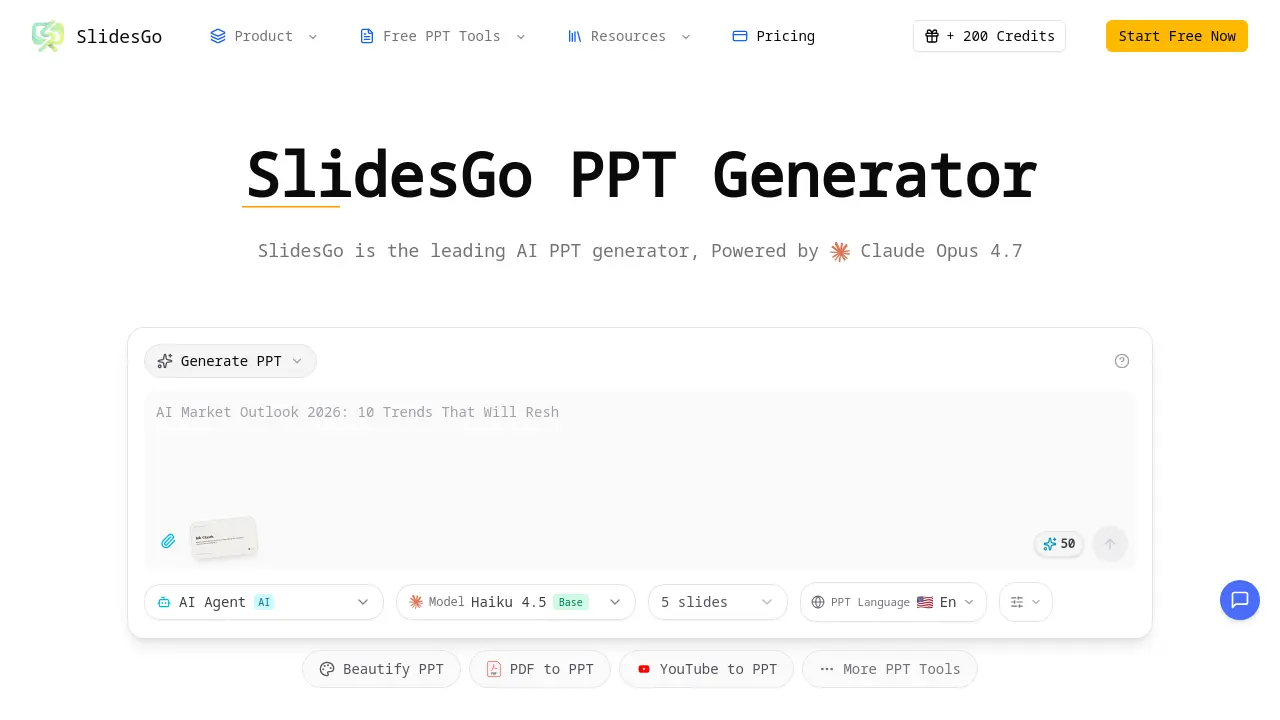
Users begin by selecting the appropriate tool (e.g., AI Generate PPT, AI Beautify PPT) from the dashboard, then enter a concise topic description or upload the source file.
After submitting the prompt, SlidesGo’s Claude Opus 4.7 engine processes the input, generating a complete slide deck with smart layouts, suggested images, and formatted charts within seconds.
The platform displays a real‑time preview; users can edit individual slides, adjust layouts, or replace suggested visuals directly in the browser before exporting.
Once satisfied, the user clicks “Export to PPTX,” downloading a fully compatible PowerPoint file ready for offline editing or presentation delivery.
To interpret results, review the automatically generated speaker notes and chart data; these insights guide narrative flow and highlight key metrics for the audience.
Finally, apply the extracted insights to refine messaging, ensure branding consistency, and leverage SlidesGo’s multi‑language support for global collaboration.
