
Read PDF Aloud FAQs
This online PDF voice reader uses AI to convert documents, including scanned files via OCR, into natural speech in 142+ languages, supporting all PDF formats.

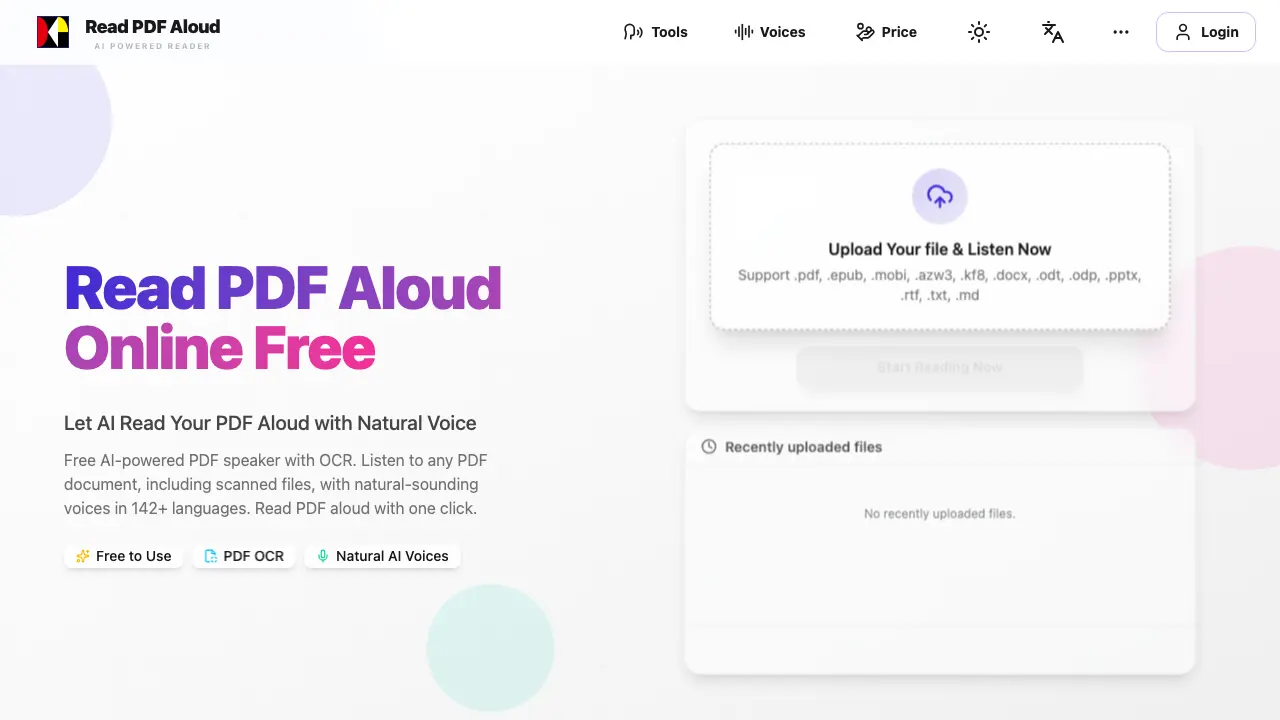
FAQs of Read PDF Aloud
How do I use Read PDF Aloud to listen to a PDF document?
Using Read PDF Aloud is simple and straightforward. First, upload your PDF file to the platform. The tool will then parse the document and extract the text directly in your browser. Next, select your preferred language and voice from the 142+ language options and 100+ natural AI voices available. Finally, click the play button to start listening to your PDF document. The tool processes most of the work locally, ensuring a smooth and instant experience without long loading times.
What types of files can I upload to Read PDF Aloud?
Read PDF Aloud supports a wide range of file formats, including .pdf, .epub, .mobi, .azw3, .kf8, .docx, .odt, .odp, .pptx, .rtf, .txt, and .md. This versatility allows you to listen to various types of documents, from PDFs to eBooks and even PowerPoint presentations.
Can Read PDF Aloud read scanned PDFs and handwritten notes?
Yes, Read PDF Aloud is equipped with AI-powered OCR (Optical Character Recognition) technology. This feature enables the tool to extract text from scanned documents and even handwritten notes, converting them into natural-sounding speech instantly. This makes it an excellent choice for students and professionals dealing with non-searchable files.
Is Read PDF Aloud free to use, and what are the limitations?
Read PDF Aloud offers free daily credits to all registered users upon login, making it accessible for regular use. While the free version provides a great experience, there may be premium features or additional credits available for purchase to enhance your usage further. The tool is designed to be user-friendly and cost-effective for everyone.
Can I export the audio from Read PDF Aloud as an MP3 file?
Yes, Read PDF Aloud allows you to export the audio narration of your PDF documents as MP3 files. This feature is perfect for offline listening and sharing the audio with others. You can download the MP3 files and listen to them on any device or audio player, making it convenient for on-the-go use.
How to use Read PDF Aloud
- Navigate to the Read PDF Aloud website and select the "Read Aloud PDF" tool.
- Upload your PDF file by clicking the "Upload Your File" button.
- Choose your preferred language and voice from the available options.
- Click the "Start Reading Now" button to begin the audio playback.
- Use the player controls to pause, resume, or skip to different sections of the document.
- To export the audio, click the download button and save the MP3 file to your device.
