
Pokecut FAQs
Pokecut AI photo editor: enhance portraits, remove backgrounds, batch edit 50 photos, and generate AI images with 100+ styles. Free daily credits, no sign-up.

FAQs of Pokecut
What is Pokecut and who is it for?
Pokecut is an AI photo editing platform designed for portraits, travel photos, product images, and creative content. It suits casual users who want quick photo enhancements, e-commerce sellers who need batch product editing, and content creators looking for AI-generated portraits and visuals.
Is Pokecut free to use?
Yes, Pokecut offers free daily credits for basic features like photo enhancement and background removal. Users who need more edits, higher resolution, or advanced features can subscribe to paid plans. Premium plans start at $3.33 per month and include unlimited access to certain tools.
Can I use Pokecut without signing up?
Yes, you can use most Pokecut tools directly on the website without creating an account or logging in. Signing up is optional and lets you save projects, track your order history, and manage your subscription if you upgrade to a paid plan.
What makes Pokecut different from other AI photo editors?
Pokecut combines AI image generation, background removal, object erasing, portrait retouching, product cleanup, and batch editing in one platform. This eliminates the need for multiple separate tools. It offers free daily usage without watermarks, supports up to 50 images in batch mode, and requires no design skills.
Can I use images edited with Pokecut for commercial purposes?
Yes, Pokecut allows commercial use of images generated or edited through its AI tools. Users can use the output for product listings, marketing materials, social media content, and other commercial applications without additional licensing fees.
How to use Pokecut
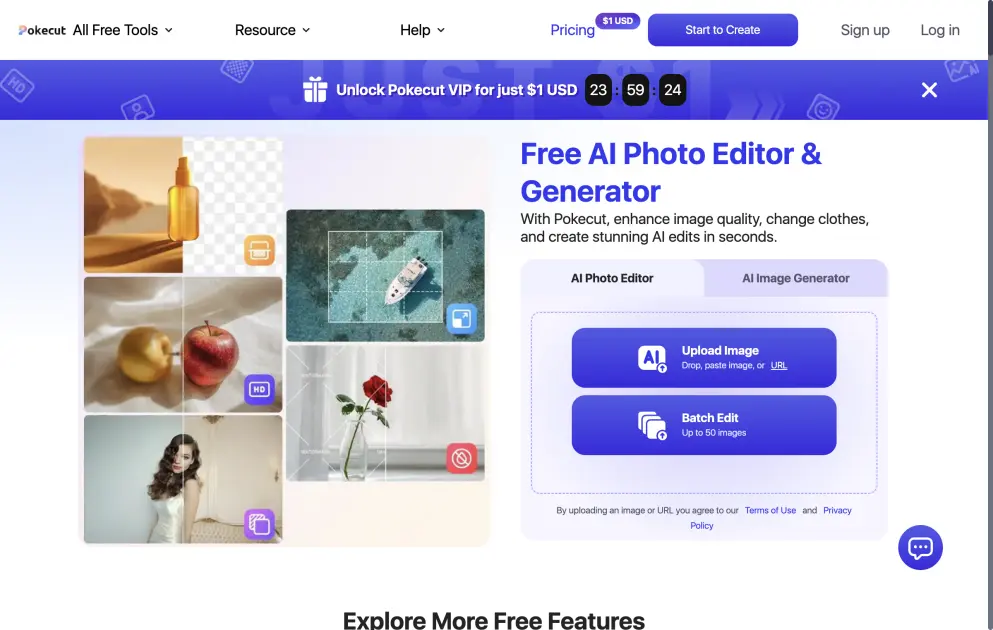
- Visit the Pokecut website and upload an image by dragging, pasting, or using a URL. No account registration is needed for basic editing.
- Select a tool from the available options, such as background removal, AI portrait retouching, object eraser, or AI image generation.
- Adjust settings if needed and let the AI process the image. Results appear within seconds for most standard edits.
- Download the edited image in high resolution. For batch editing, upload up to 50 images and apply the same operation to all at once.
- Optional: Sign up for a free account to track your projects, or subscribe to a premium plan for additional credits and advanced features.
