
Free AI Infographic Maker—Piktochart AI - Piktochart
| Added on: | Apr 28, 2024 |
| Monthly Visits: | 878.38K |
| Social & Email: | -- |

What is Piktochart
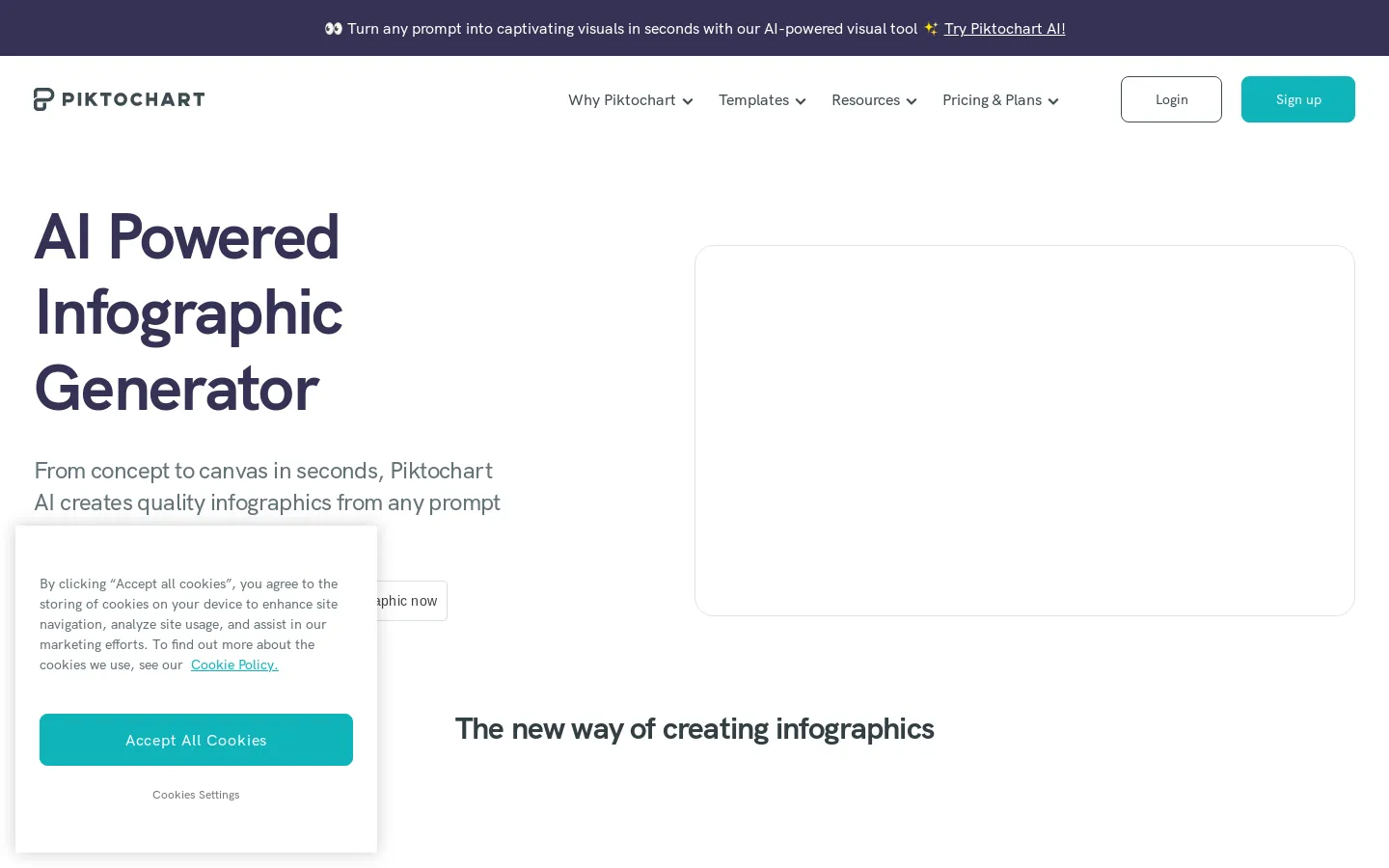
Piktochart AI is a free tool that can help you create infographics. It uses AI to generate custom infographics from any topic you enter in seconds. Piktochart AI can be helpful for anyone who wants to quickly and easily create visually appealing infographics, but doesn't want to spend hours designing them. The tool uses AI to automatically generate vibrant visuals and layouts. Piktochart AI could be a good choice for marketers, educators, or anyone else who needs to create infographics for presentations, reports, or social media.
Core Features of Piktochart
Free AI Infographic Maker
Piktochart AI is a free infographic maker that uses artificial intelligence to create custom infographics from any topic in seconds.
Vivid Visuals
The AI can generate vivid visuals that make your infographics engaging and easy to understand.
Swift Creation
Piktochart AI can create infographics quickly and easily, so you can focus on your content.
Try it for Free
Piktochart AI is free to use, so you can try it out and see for yourself how easy it is to create stunning infographics.
FAQs of Piktochart
What is Piktochart AI?
Piktochart AI is a free infographic maker that can create custom infographics from any topic in seconds. It uses artificial intelligence to generate vivid visuals and quickly create infographics.
How does Piktochart AI work?
You can use Piktochart AI by entering a topic or keyword. The AI will then generate a variety of infographic designs based on your input. You can customize these designs to your liking.
What are the benefits of using Piktochart AI?
Piktochart AI can help you create professional-looking infographics quickly and easily. It can also help you to save time and effort on designing infographics.
How does Piktochart AI compare to other infographic makers?
Piktochart AI is a free infographic maker that offers a variety of features. It is easy to use and can help you create professional-looking infographics quickly. Other infographic makers may offer more advanced features, but they may also be more expensive.
Where can I learn more about Piktochart AI?
You can learn more about Piktochart AI on the Piktochart website. You can also find information about Piktochart AI on social media platforms such as Twitter, LinkedIn, and Instagram.
Piktochart Website Traffic Analysis
Latest traffic information
- Monthly Visits878.38K
- Bounce Rate37%
- Pages Per Visit4.99
- Visit Duration00:02:33
- Global Rank45.1K
- Country/Region Ranking53.05K
Visits Over Time
Traffic Sources
- Organic Search: 53.97%
- Direct: 33.62%
- Referrals: 4.82%
- Organic Social: 2.49%
- Paid Search: 1.81%
- Generative AI: 1.68%
Top Keywords
| Keyword | Traffic | Volume | Cost Per Click |
|---|---|---|---|
| piktochart | 44.71K | 47.11K | $0.49 |
| piktochart ai | 12.65K | 13.35K | $1.41 |
| pictochart | 2.72K | 2.07K | $0.97 |
| picktochart | 970 | 890 | $0.15 |
| pikochart | 870 | 1.17K | $0.87 |
Top Regions
| Region | Percentage |
|---|---|
| United States | 16.42% |
| India | 9.53% |
| Mexico | 5.41% |
| Colombia | 4.95% |
| Peru | 4.92% |
