
PictoGraphic FAQs
Explore over 40K images and SVG, or create your own custom illustrations in seconds. Adjust colors directly in our intuitive platform, saving time and enhancing creativity. Start your design process for free today!

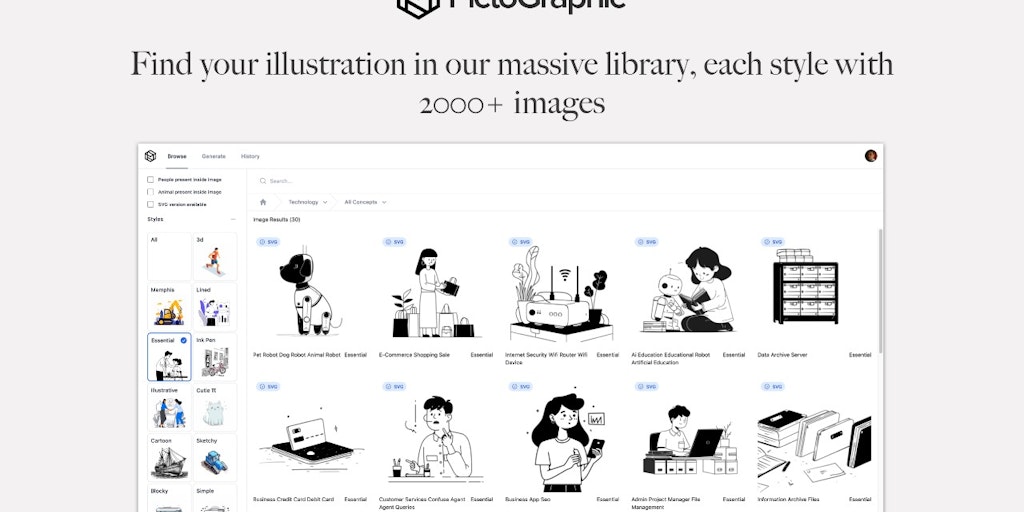
FAQs of PictoGraphic
What is Pictographic?
Pictographic is a tool that helps you create and share diagrams, flowcharts, and other visual content. It's a simple and intuitive way to communicate your ideas visually.
How do I use Pictographic?
You can create a new diagram or flowchart by dragging and dropping shapes, lines, and text onto the canvas. You can also use Pictographic's built-in templates to get started quickly.
What makes Pictographic different from other diagramming tools?
Pictographic focuses on making visual communication simple and accessible to everyone. It has a clean and modern interface, and its drag-and-drop functionality makes it easy to use.
How can I use Pictographic to collaborate with others?
Pictographic allows you to share your diagrams with others and collaborate on them in real time. You can also export your diagrams in a variety of formats, including PNG, SVG, and PDF.
What are some ways Pictographic can help me with my work?
Pictographic can be useful for a wide range of tasks, including:
- Brainstorming and idea generation
- Explaining complex concepts
- Creating presentations
- Documenting processes
- Creating project plans
- Building user flows
Is Pictographic free to use?
Pictographic offers a free plan that lets you create unlimited diagrams with basic features. There are also paid plans that offer more features and storage space.
