
PDFToQuiz Core Features
Transform your messy PDFs into engaging quizzes. Perfect for educators, students, and anyone looking to enhance their knowledge. Upload your PDF, select the pages you want to study, and we'll do the rest, converting the PDF to a multiple-choice question quiz.

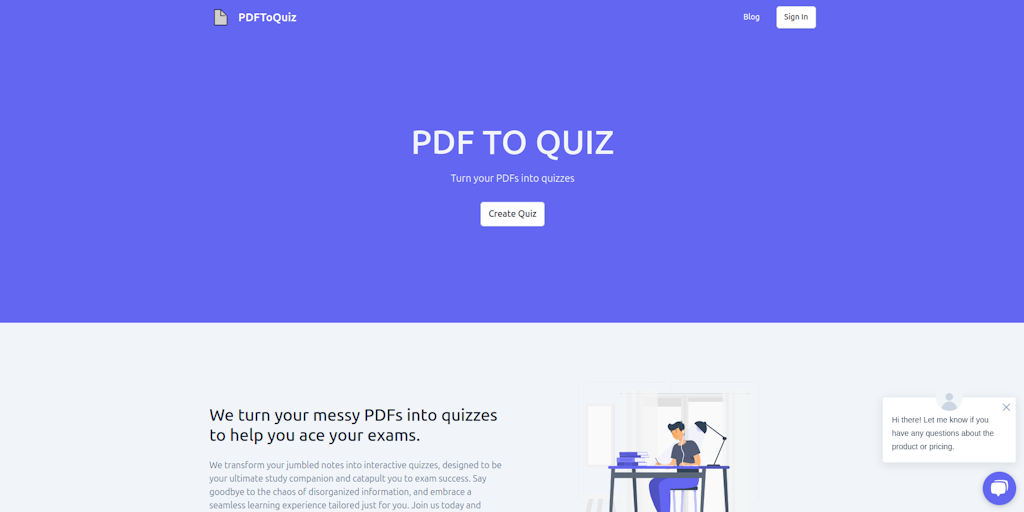
Core Features of PDFToQuiz
Turn PDFs into Quizzes
PDFToQuiz is a web-based tool that allows users to easily convert PDF documents into interactive quizzes. This feature is useful for educators, trainers, and anyone else looking to create engaging learning materials.
Multiple Choice Questions
The tool supports multiple choice questions, making it easy to assess learner understanding.
Answer Key
PDFToQuiz allows users to create an answer key for each quiz, making it easier to grade and provide feedback to learners.
Shareable Quizzes
Users can share their quizzes with others through a unique URL, making it easy for learners to access and complete the quizzes.
Use Cases of PDFToQuiz
- Students: Convert lecture notes PDFs to interactive quizzes using the PDF quiz generator for efficient exam preparation.
- Teachers: Utilize the PDF to quiz maker to transform learning materials into engaging PDF quizzes for students.
- Educators: Create comprehensive assessments using the PDF quiz creator to generate PDF quiz questions and answers quickly.
- Corporate Trainers: Employ the PDF to quiz AI converter for employee training, assessing knowledge retention efficiently.
- Online Educators: Design custom PDF quizzes for online courses, using the PDF quiz maker app to enhance student engagement.
