
PDFToQuiz FAQs
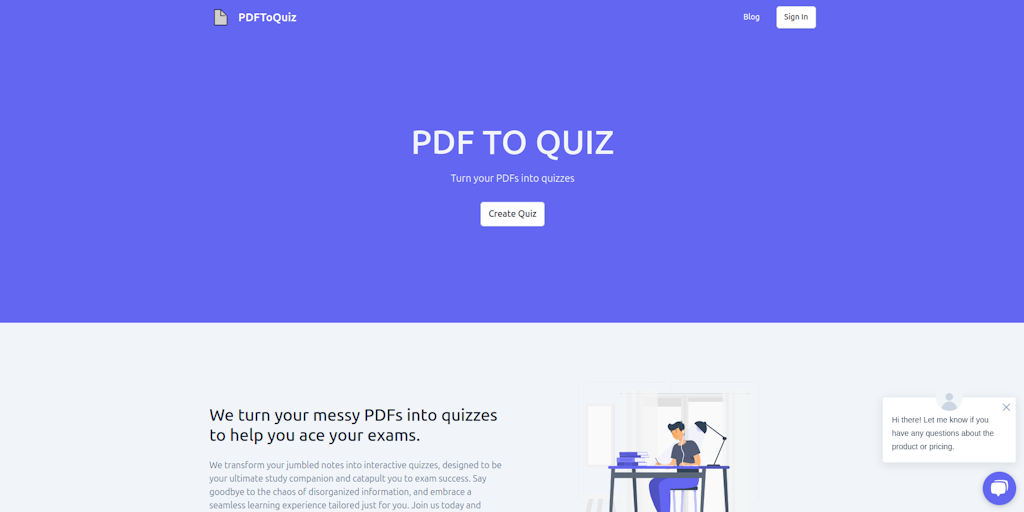
Transform your messy PDFs into engaging quizzes. Perfect for educators, students, and anyone looking to enhance their knowledge. Upload your PDF, select the pages you want to study, and we'll do the rest, converting the PDF to a multiple-choice question quiz.

FAQs of PDFToQuiz
What is PDFToQuiz?
PDFToQuiz is an online tool that converts PDFs into interactive quizzes. It's designed to be easy to use and offers a variety of features to make your quizzes engaging and effective.
How do I use PDFToQuiz?
- Upload your PDF to PDFToQuiz.
- Select the type of quiz you want to create (e.g., multiple choice, true/false, fill-in-the-blank).
- Add questions and answers to your quiz.
- Customize your quiz with images, videos, and other media.
- Share your quiz with others through a link or embed it on your website.
What types of quizzes can I create with PDFToQuiz?
You can create a variety of quiz types, including multiple-choice, true/false, fill-in-the-blank, and more.
Can I add images or videos to my quizzes?
Yes, PDFToQuiz allows you to add images and videos to your quizzes.
How do I share my quizzes with others?
You can share your quizzes with others by generating a unique link or embedding the quiz on your website.
How to use PDFToQuiz
- Visit PDFToQuiz.com, an AI-powered PDF quiz maker, to begin converting your documents. This tool efficiently transforms PDFs into interactive quizzes for effective learning.
- Upload your PDF document by dragging and dropping it into the designated area, or by clicking to select a file. The PDF quiz generator supports easy uploading.
- The AI will scan your PDF and generate quiz questions. Expect multiple choice, fill-in-the-blank, or true/false questions from this PDF to quiz AI.
- Answer the generated quiz questions directly within the platform. This allows for immediate feedback and assessment of your understanding using the PDF quiz app.
- Review your results to identify areas for improvement. PDFToQuiz provides instant feedback after quiz completion, promoting effective learning for better exam results.
- Consider upgrading to the Pro plan for features like unlimited PDF uploads and quiz downloads. The free PDF to quiz converter option has limitations on usage.
- Share your created quizzes with classmates for collaborative learning. The PDF quiz maker app lets you share and study together, which enhances retention.
