
PDFtoMD Introduction
AI-powered PDF to Markdown converter with OCR for scanned pages. Get clean, structured Markdown from any PDF in seconds online.

What is PDFtoMD
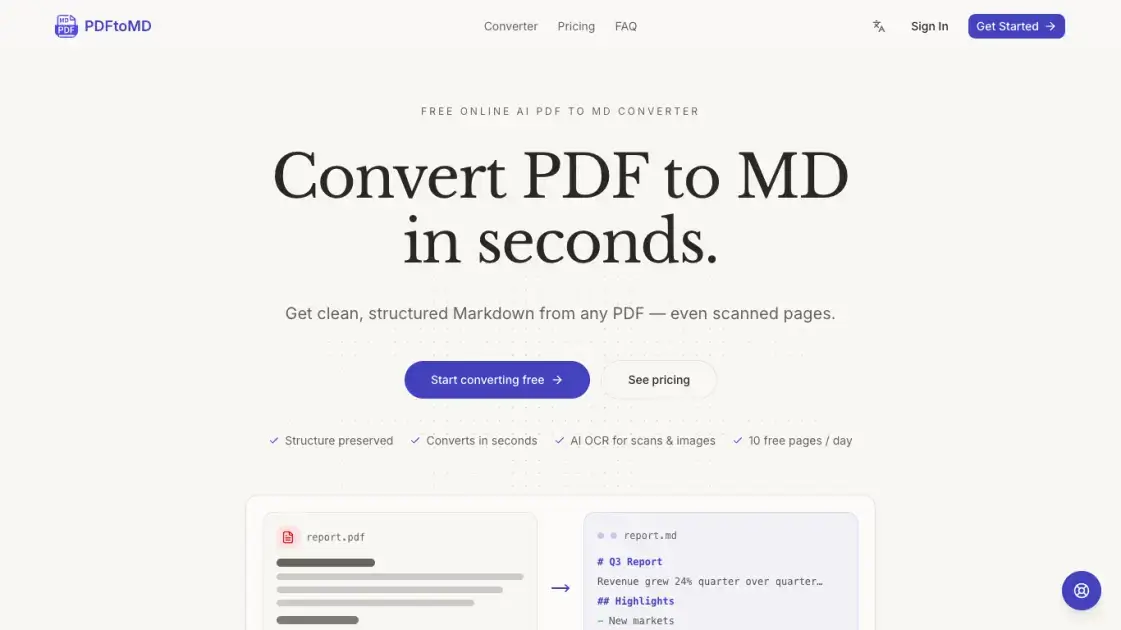
PDFtoMD is an AI-powered converter that transforms PDF documents into clean, structured Markdown format in seconds. The tool handles both digital PDFs and scanned documents, using state-of-the-art OCR and vision models to extract text, headings, lists, and tables accurately. Users can upload files directly in the browser without installing software, and the conversion preserves original document structure including headings, paragraphs, and bullet points. The platform offers a free tier with 10 pages daily, with paid plans providing higher page limits and advanced Vision mode for complex documents containing formulas, charts, and seals.
How does PDFtoMD work
PDFtoMD processes documents through a multi-step pipeline. Digital PDFs are read directly from the text layer for exact fidelity, while scanned pages undergo OCR processing. The system detects document structure including headings, paragraphs, lists, and tables, then converts these elements into corresponding Markdown syntax. For scanned documents on paid plans, a vision model analyzes page images to reconstruct complex elements like formulas, charts, and seals. The final output is clean, portable Markdown that preserves the original document's organization and content.
Benefits of PDFtoMD
PDFtoMD eliminates manual copy-pasting and reformatting by automatically converting PDF structure into clean Markdown. The tool handles both digital and scanned documents, making it suitable for various document types. Users get immediate results without software installation, and the free tier provides sufficient capacity for occasional use. The output integrates directly with popular tools like Obsidian, Notion, GitHub, and static-site generators, streamlining document workflows for researchers, developers, and content creators.
Pros and Cons of PDFtoMD
Pros
- Free tier with 10 pages daily, no credit card required
- Handles both digital PDFs and scanned documents
- Preserves document structure including headings and lists
- No software installation needed, works in browser
- Conversion history saved to account
Cons
- Free plan limited to 10 pages per day
- Scanned PDF accuracy depends on image quality
- Vision mode only available on paid plans
- No batch processing for multiple files
