
PDFtoMD Core Features
AI-powered PDF to Markdown converter with OCR for scanned pages. Get clean, structured Markdown from any PDF in seconds online.

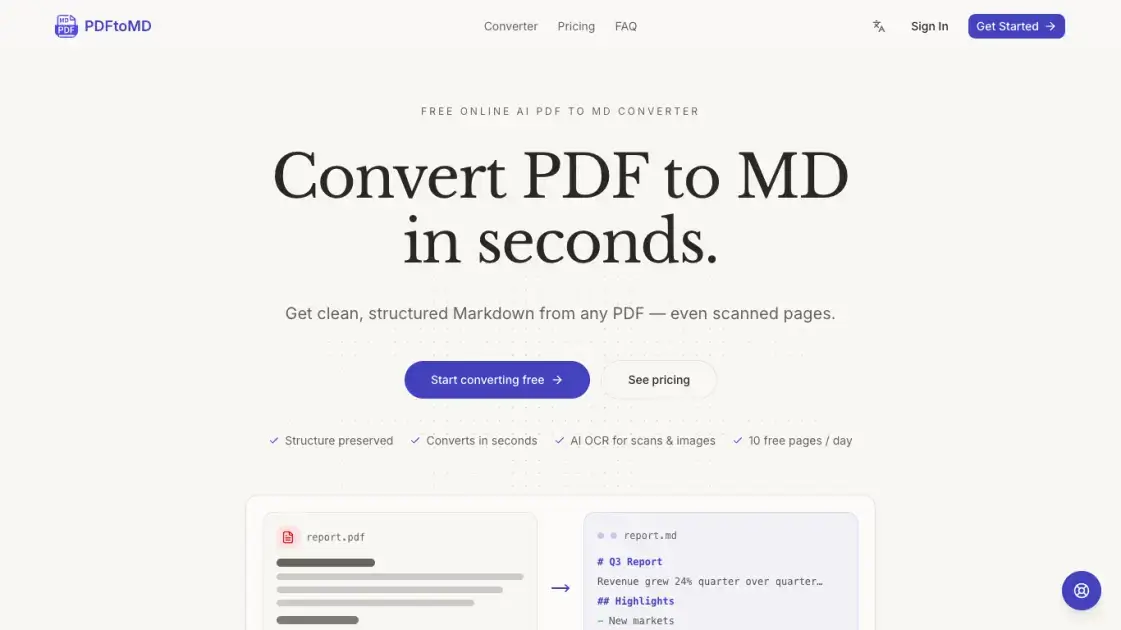
Core Features of PDFtoMD
Accurate Text Extraction
Digital PDFs are processed through the document's native text layer, ensuring correct reading order and exact character reproduction without OCR noise or formatting errors.
Structure Preservation
The converter automatically detects headings, paragraphs, lists, and other structural elements, converting them to proper Markdown syntax for clean, portable output.
AI-Powered OCR for Scans
Scanned pages and image-based PDFs are processed using advanced OCR technology that reads every page image and reconstructs content as structured Markdown.
Vision Mode for Complex Documents
Paid plans include Vision mode, an AI model that reconstructs tables, formulas, charts, and seals from scanned documents into formatted Markdown.
Conversion History
Every conversion is saved to the user's account, allowing re-copying or re-downloading of Markdown output from any device at any time.
Fast Processing Speed
Most documents convert from PDF to Markdown within seconds, with results ready to copy directly into editors, note-taking apps, or version control systems.
Use Cases of PDFtoMD
- Researchers: Convert academic papers and reports to Markdown for note-taking in Obsidian or Notion
- Developers: Transform technical documentation into format suitable for GitHub wikis and static-site generators
- Content creators: Extract text from PDF ebooks or whitepapers for editing and repurposing
- Students: Convert lecture notes and study materials from PDF to editable Markdown format
- Teams: Process scanned contracts and reports into searchable, version-controlled documents
