
Taskly FAQs
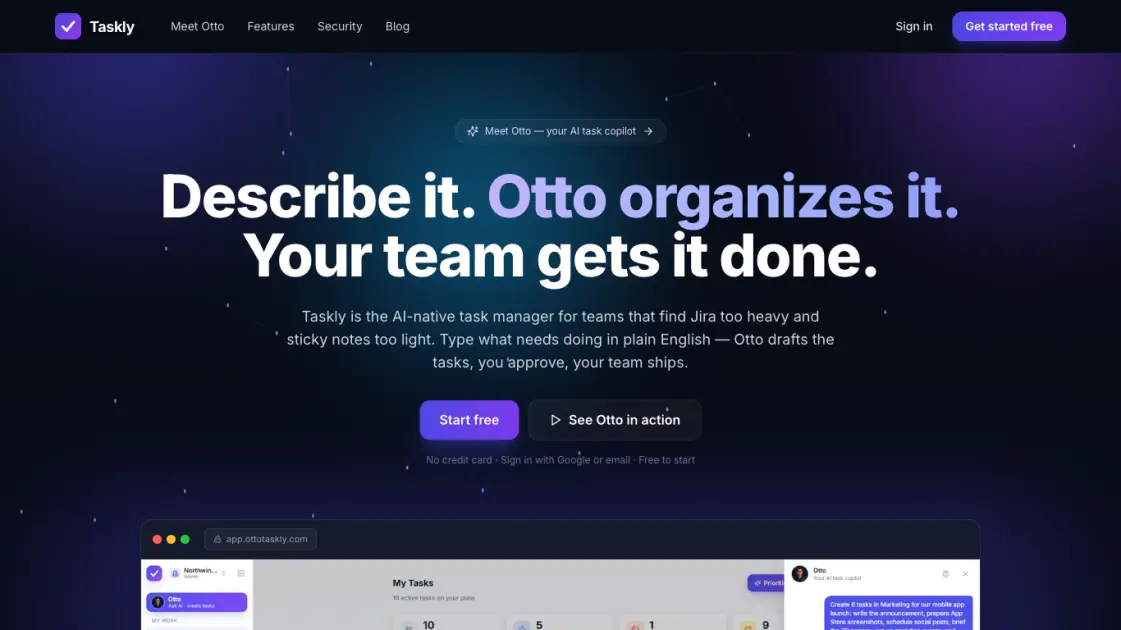
Taskly is an AI-native task manager where teams describe work in plain English and Otto drafts, prioritizes, and organizes tasks with your approval every step.

FAQs of Taskly
What is Taskly?
Taskly is an AI-native task manager for teams. You describe work in plain English and Otto, the built-in AI assistant, drafts the tasks — with lists, a Kanban board, subtasks, recurring tasks, and assignments — for you to review and approve before anything takes effect.
How much does Taskly cost?
Taskly is free while in early access — the whole product, including the Otto AI assistant, at no cost. Early adopters lock in preferential pricing when paid plans arrive. No credit card is required to get started.
What can Otto, the AI assistant, do?
Otto can create, edit, reprioritize, schedule, assign tasks, and file reference links from natural-language requests. Every change is shown as a before-and-after diff that you apply or discard. Otto also offers a one-click Prioritise feature that groups your list into Do Now, This Week, Can Wait, and Reconsider.
Is my data private — even from the AI?
Yes. Every workspace is isolated at the database level with row-level security and encrypted in transit. Teammate email addresses are never sent to the AI model — Otto works with stable pseudonyms instead, ensuring privacy by design.
How is Taskly different from Jira or Trello?
Taskly sits between heavyweight tools like Jira and lightweight ones like Trello. It provides real structure — boards, subtasks, recurrence, and a team model — without the configuration overhead. Otto handles organization and prioritization, keeping the team focused on work rather than tool setup.
Can I use Taskly on my phone?
Yes. Taskly is a fully responsive progressive web app with a native-feeling mobile layout featuring a bottom tab bar. You can add it to your home screen on iOS or Android, and Otto is available on mobile as well.
How to use Taskly
- Sign up with Google or email at app.ottotaskly.com and name your team's workspace — no setup wizard or configuration required.
- Describe your work to Otto by typing plain English like "Plan the marketing launch with subtasks for each channel" and review the proposed tasks.
- Approve or discard Otto's suggestions using the before-and-after diff interface — nothing changes without your consent.
- Manage tasks on the Kanban board by dragging cards across To-Do, In-Progress, Blocked, and Done columns, or use the filtered list view.
- Hit ⌘K anywhere for quick capture — type "Fix payment bug !urgent #Eng @Sarah" and priority, project, and assignee are parsed automatically.
