
OC Maker FAQs
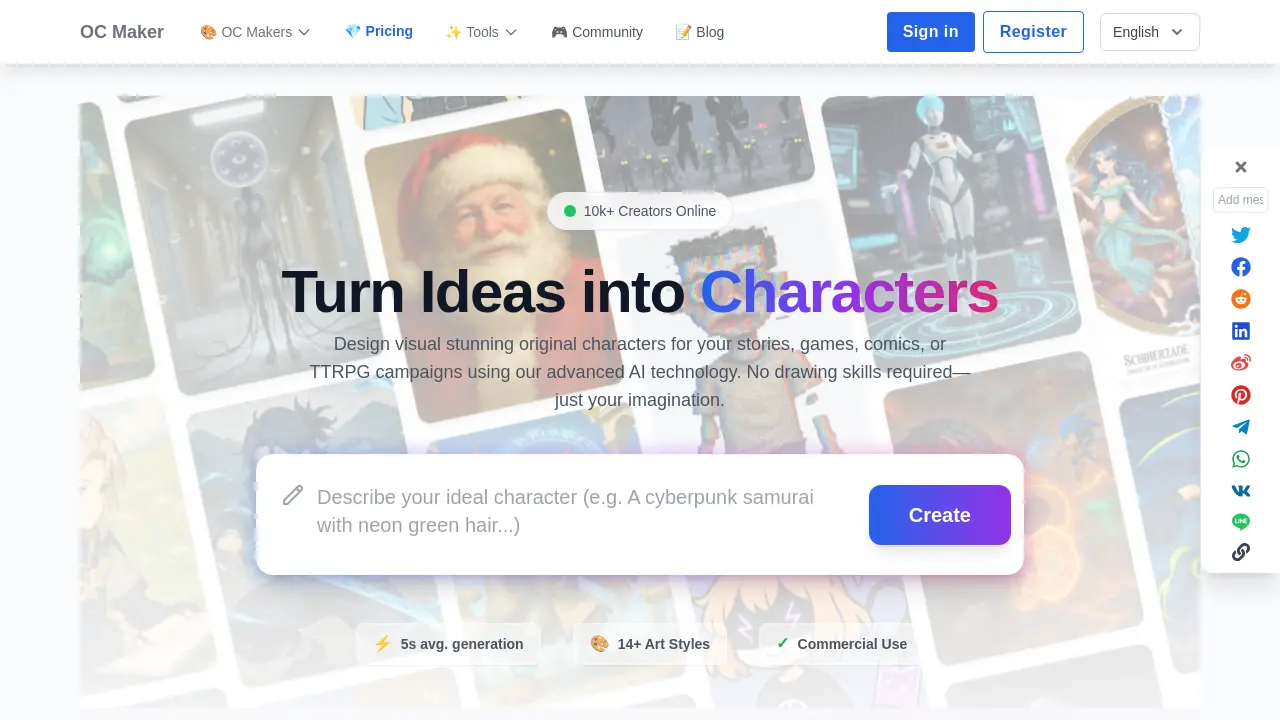
OC Maker is an AI platform for creating and customizing original characters for stories, games, and more. Generate full body designs in diverse art styles, with commercial use rights.

FAQs of OC Maker
Is OC Maker free to use?
OC Maker offers a free tier that allows users to generate characters daily without registration. The free plan includes basic resolution outputs and limited access to certain art styles, while premium plans unlock higher‑resolution downloads, commercial licensing, and advanced editing features.
How do I write a good OC maker prompt?
A strong OC Maker prompt starts with clear descriptors such as gender, age, hair color, and eye shape. Add outfit details, pose, and lighting preferences, then specify the desired art style (e.g., “OC maker anime” or “OC maker full body”). The more precise the prompt, the closer the AI output will match the envisioned character.
Is there an OC Maker Chinese version?
Yes. The OC Maker interface supports multiple languages, including Chinese. Users can switch the language from the selector at the top of the page, enabling a localized experience for Chinese‑speaking creators.
How is this different from other makers?
Unlike traditional avatar makers that rely on pre‑drawn layers, OC Maker’s AI generates entirely new artwork from scratch. This approach yields dynamic poses, realistic lighting, and full‑body details that align with the user’s textual description, offering a more flexible and creative workflow.
Can I use this for my game development?
Absolutely. OC Maker provides commercial rights for characters created under paid plans, making it suitable for indie developers, visual novel designers, and RPG artists who need ready‑made sprites, portraits, or token assets.
Can I generate full body characters?
Yes. OC Maker’s “full body” models are specifically trained to produce complete character renderings. Including “full body shot” or “standing pose” in the prompt ensures the AI outputs a full‑body illustration rather than a cropped portrait.
What art styles can I choose in OC Maker?
OC Maker supports over 14 distinct art styles, ranging from anime (shonen, shojo, chibi) to realistic 3D renders, fantasy, and fandom‑specific templates such as Sonic, Genshin Impact, and Kimetsu no Yaiba. Users can select a style from the style gallery before generating a character.
Can I export high‑resolution images from OC Maker?
Premium plans allow users to download images in up to 4K resolution, suitable for printing, professional use, or high‑quality game assets. The free tier provides lower‑resolution outputs, but still offers clear visuals for web or social media use.
Does OC Maker allow commercial use of generated characters?
Characters created under paid subscriptions grant full commercial rights to the user. This means the assets can be used in games, merchandise, marketing materials, or any other commercial project without additional licensing fees.
What are the pricing options for OC Maker?
OC Maker offers a tiered pricing structure: a free tier with limited daily generations, a standard plan for hobbyists, and a professional plan for commercial use. Each tier differs in resolution limits, commercial rights, and access to advanced editing tools. Detailed pricing can be found on the official pricing page.
How can I edit or refine a character after it is generated?
The OC Creative Lab provides region‑based editing tools that let users paint over specific areas of a generated image. The AI then regenerates only the edited region while preserving the rest of the character, enabling precise adjustments to color, style, or pose without re‑generating the entire image.
How to use OC Maker
- OC Maker is an online AI‑driven avatar maker platform that produces full‑body, anime, or themed characters from text prompts, supporting commercial use and integration into games or comics.
- Select a generator from the style menu, such as OC Maker anime, Sonic, or Genshin Impact, or use the Picrew‑style wheel for randomization.
- Enter a detailed prompt describing appearance, clothing, pose, and personality; the OC Maker generator will interpret it to guide the AI.
- Click generate to trigger the OC Maker AI; the system renders a full‑body image in approximately five seconds, displaying the result in the preview pane.
- Use the edit tools to adjust colors, details, or regenerate specific regions; the AI preserves unchanged areas while updating selected parts for precise customization.
- Analyze the generated image for alignment with the prompt; if discrepancies exist, modify the prompt or use the wheel feature to explore alternative designs.
- Download the high‑resolution file or share directly to the community; the character can be incorporated into OC Maker games, comics, or marketing assets with full commercial rights.
- Repeat batch generation to create multiple variations, then select the best for your project; the platform supports free usage with optional premium plans for higher resolution.
