
Seed Audio FAQs
Generate expressive AI voiceovers and dialogue with Seed Audio. An ElevenLabs-powered text-to-speech tool with performance tags, multi-voice selection, and fast MP3 preview.

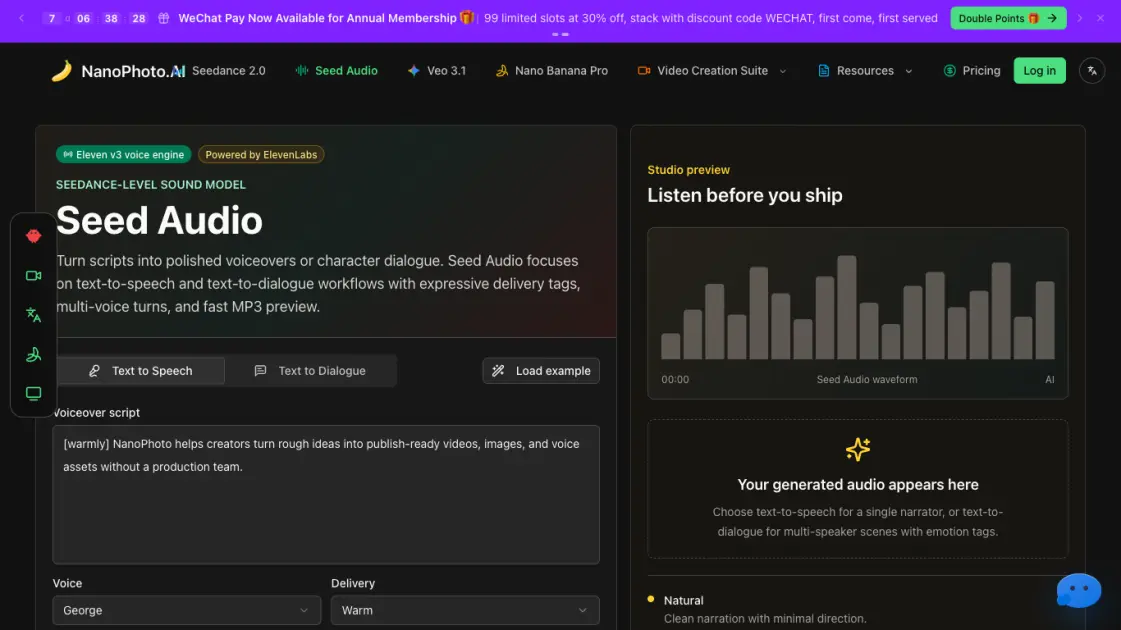
FAQs of Seed Audio
What is Seed Audio?
Seed Audio is an AI-powered text-to-speech and text-to-dialogue tool built on ElevenLabs technology and integrated into the NanoPhoto platform. It converts written scripts into spoken audio with expressive performance tags, multi-voice dialogue support, and fast MP3 preview. Users write or paste a script, select a voice, optionally add delivery directions, and generate listenable audio in seconds without leaving the browser.
What is the difference between text-to-speech and text-to-dialogue?
Text-to-speech (TTS) generates a single narrator voiceover from a block of text, ideal for explainers, ad reads, and voiceover drafts. Text-to-dialogue assigns different voices to individual turns in a script, supporting multi-speaker conversations for podcasts, game dialogue, demos, and storyboards. Dialogue mode also accepts per-turn performance tags so each character's delivery can be directed independently.
What performance tags are supported?
Seed Audio recognizes tags such as [laughing], [whispering], [sighs], [short pause], [warmly], [curious], and others that steer the emotional tone and pacing of the output. These tags are inserted directly into the script text at the point where the delivery should change. They work in both TTS and dialogue modes, giving users fine-grained control over how a line sounds without needing external audio editing.
How does Seed Audio pricing work?
Seed Audio uses a credit-based pricing model where each audio generation costs 1 credit. Credits are purchased through the NanoPhoto platform and apply across the product suite. This pay-per-generation model suits users with variable workloads, from occasional voiceover drafts to high-volume dialogue production, without requiring a monthly subscription commitment.
Who is Seed Audio designed for?
Seed Audio targets content creators, video editors, podcasters, game developers, and product teams who need quick, publishable voice assets. It fits workflows where speed matters, such as ad mockups, tutorial voiceovers, character dialogue for indie games, and podcast draft recordings. Users who would otherwise open a dedicated audio studio for every short script can complete the same task in a fraction of the time.
What audio formats does Seed Audio output?
Seed Audio generates MP3 files that can be previewed directly in the browser and downloaded for use in video editing software, podcast production tools, game engines, and presentation decks. MP3 was chosen as the output format for its balance of file size and audio quality, making it practical for quick drafts and final assets alike.
How does Seed Audio compare to standalone TTS tools?
Unlike standalone TTS tools that require switching between applications for script editing, voice selection, and audio export, Seed Audio keeps the entire workflow inside the NanoPhoto platform. Users write, direct, render, listen, and download in one interface. The built-in performance tag system and multi-speaker dialogue mode remove the need for separate audio editing passes for basic delivery adjustments, which reduces iteration time from minutes to seconds per generation.
How to use Seed Audio
Write the source script by entering a voiceover paragraph or two to four dialogue turns, or four dialogue turns focused on natural-sounding speech.
Choose voices and delivery by selecting a narrator voice for text-to-speech or assigning a different voice to each dialogue turn for character exchange.
Add performance tags such as [warmly], [curious], [laughing], or [short pause] to guide emotional delivery and make output feel directed.
Preview the generated MP3 in the browser to verify quality, then download the audio file for video edits, podcast drafts, ad mockups, or product demos.
