
Instagram Transcript Generator FAQs
Turn public Instagram Reels and videos into clean transcripts with NanoPhoto.AI. Copy, read, and download spoken text with one credit.

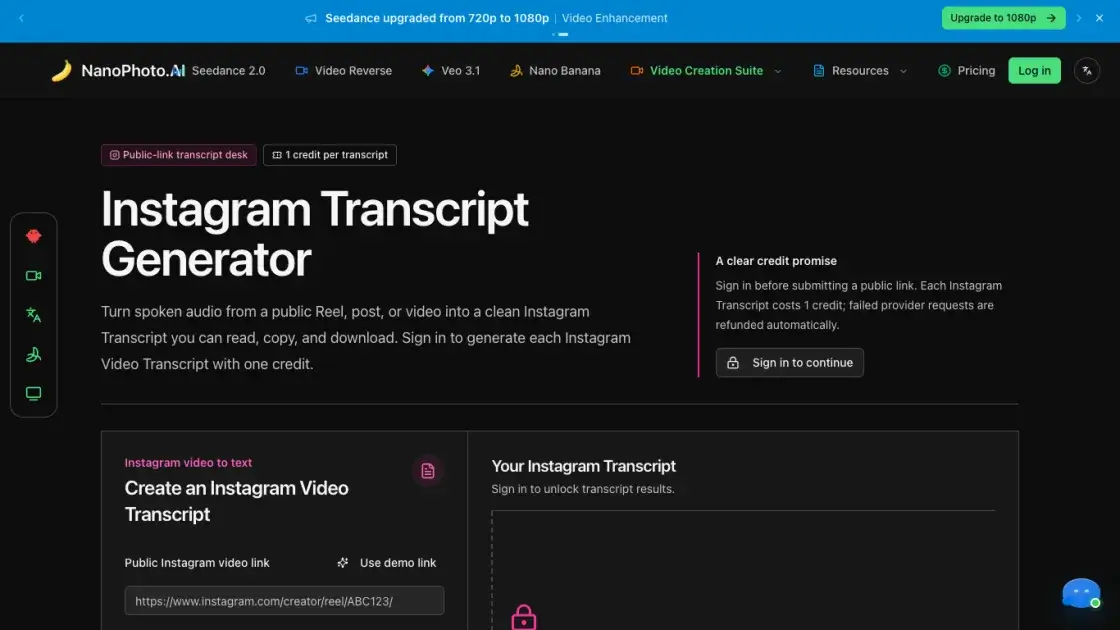
FAQs of Instagram Transcript Generator
What is the Instagram Transcript Generator?
It is a tool by NanoPhoto.AI that converts spoken audio from public Instagram Reels, posts, or videos into clean, readable text. It provides a digital transcript that users can read, copy, or download.
How does the credit system work?
Each transcription request costs one credit, which is reserved when the user submits a link. If the transcription fails or the provider returns no text, the credit is automatically refunded.
What types of Instagram links can be transcribed?
The tool works with public Reels, posts, and video URLs from Instagram. It does not support private accounts, deleted posts, close-friends stories, or content that requires login credentials to view.
Is there a limit to how long a video can be?
The tool processes public videos based on the provider's capabilities. While specific limits are not mentioned, the system is designed for standard social media clips and public posts.
Does the transcript include timestamps or speaker labels?
No, the current version returns the complete text and individual segments when available. It does not provide reliable timestamps or distinguish between different speakers in the audio.
How accurate are the generated transcripts?
Accuracy depends on the audio quality, speech clarity, and background noise of the source video. The generated text is intended as a helpful draft and should be verified against the original video when precision is required.
Can I download the transcript?
Yes, users can copy the text to their clipboard or download it as a plain TXT file. The file format is designed for easy archival and use in other content workflows.
What happens if the transcription fails?
If the provider cannot process the public link or returns no usable text, the reserved credit is refunded. This ensures users are only charged for successful transcription results.
How to use Instagram Transcript Generator
- Locate the public Instagram link: Open the Instagram Reel or video post and copy its unique URL. Ensure the content is public and not restricted or set to a private account.
- Sign in to NanoPhoto.AI: Access the account dashboard to ensure sufficient credits are available. A valid session is required to initiate the transcription request.
- Paste and submit the link: Insert the copied Instagram URL into the designated field and click the generate button. The system validates the link and reserves one credit.
- Review the transcript: Once the provider returns the text, it appears in the results panel. The user can scan the segments and read the full transcription in one place.
- Copy or download the result: Use the copy function for quick pasting into other documents or select the download option to save the transcript as a plain TXT file.
