
Musicaura FAQs
Musicaura turns mood, scene, or lyric prompts into original songs and background tracks for creator videos, podcasts, and games.

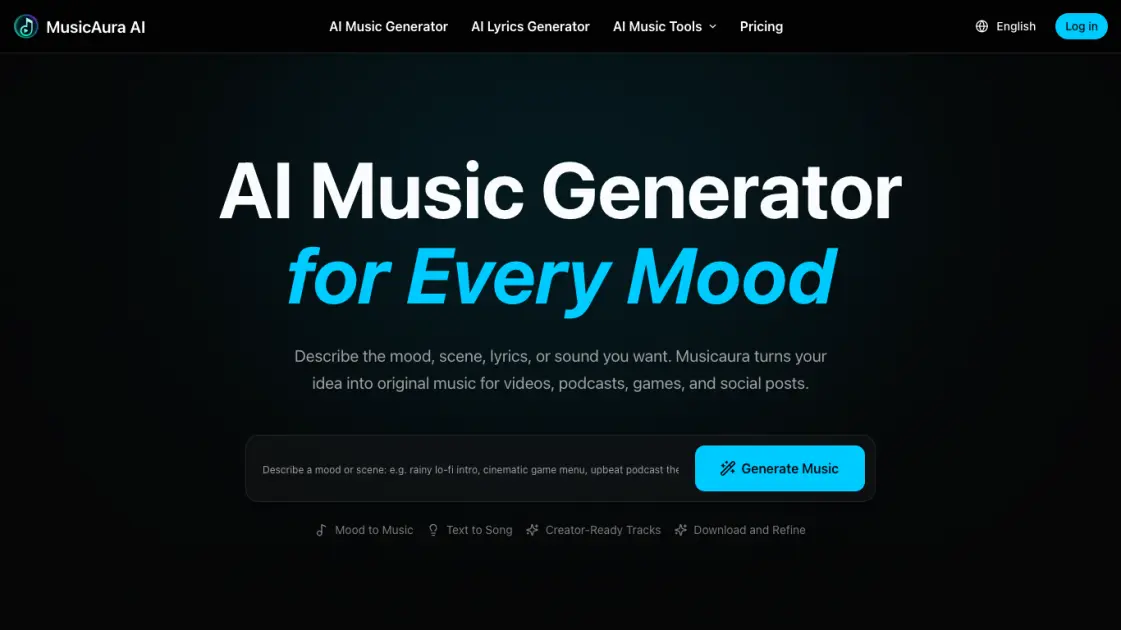
FAQs of Musicaura
What Can Musicaura's AI Music Generator Do?
Musicaura's AI music generator creates original music from text prompts, lyrics, moods, or scene descriptions, allowing users to generate custom tracks without any music production experience.
Can I Generate Music from a Mood or Scene?
Yes, users can describe the atmosphere they need and Musicaura will generate music that matches the specified mood or scene, making it easy to create soundtracks for specific emotional contexts.
Can I Use Musicaura as an AI Song Generator for Lyrics?
Yes, Musicaura works as an AI song generator when starting with lyrics, transforming written words into complete musical compositions with appropriate melodies and arrangements.
What Music Styles Can I Create with Musicaura?
Musicaura supports a wide range of styles including lo-fi, pop, EDM, hip-hop, ambient, cinematic, acoustic, and more, giving creators flexibility across different genres and use cases.
Can I Download Generated Tracks?
Yes, users can save and download generated tracks according to their plan and license terms, with the free plan offering limited downloads and paid plans providing expanded access.
Can I Use Musicaura Tracks in Videos, Shorts, and Podcasts?
Yes, Musicaura is built for creator workflows and generated tracks can be used in videos, shorts, podcasts, and other content formats under the applicable license terms.
Is Musicaura Free to Start?
Yes, Musicaura offers a free plan with limited credits to get started, with paid plans available from $125.92 per year for expanded features and higher usage limits.
How to use Musicaura
- Visit the Musicaura website and click the login button to create a free account or sign in with existing credentials.
- Select a tool from the available options including AI Music Generator, AI Lyrics Generator, AI Vocal Remover, or AI Stem Splitter.
- Describe the desired atmosphere, mood, or musical style in the input field to guide the AI generation process effectively.
- Click generate to create the music or lyrics, then preview the output to assess quality and alignment with expectations.
- Download the generated content directly or use the refine option to adjust parameters and regenerate until fully satisfied with results.
- Upgrade to Starter, Pro, or Premium plans to unlock additional features, higher generation limits, and priority processing for professional projects today.
