
MotionShot FAQs
MotionShot is a website that lets you create AI-powered animated videos from text prompts.

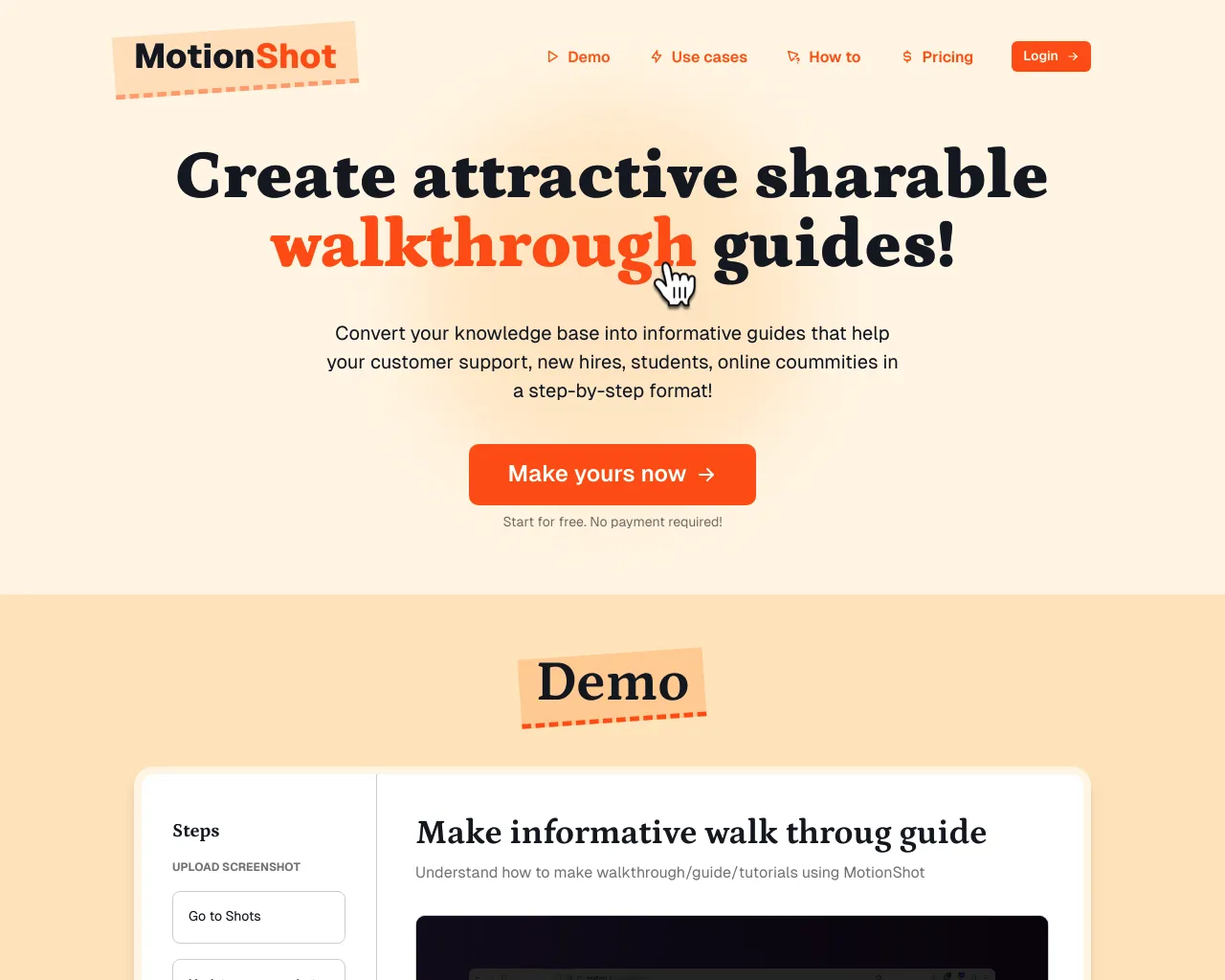
FAQs of MotionShot
What is MotionShot?
MotionShot is an app that allows you to create walkthrough guides for your website or app in just a few minutes.
How does MotionShot work?
It uses screen recording and annotation features to let you capture your screen and add voiceovers, text, and other elements to highlight important steps in your process. The finished guide can be shared with users directly or embedded on your website.
What are the benefits of using MotionShot?
Using MotionShot can help you create guides that are more engaging and informative than traditional text-based tutorials. It can also help you save time on creating guides, as you can capture your entire process in a single recording session. MotionShot offers a way to create shareable walkthrough guides quickly and easily, reducing the time it takes to communicate how to use your app or website.
Is MotionShot free to use?
MotionShot offers a free trial, but you need to purchase a subscription for continued use.
What platforms does MotionShot work on?
MotionShot is available for both Mac and Windows. You can also use it to create guides for your website or app, regardless of the operating system your users are using.
Can I create guides in different languages?
Yes, MotionShot supports multiple languages.
Does MotionShot integrate with other tools?
MotionShot integrates with other tools such as Slack, Webflow, and Zapier.
What makes MotionShot different from other screen recording tools?
MotionShot focuses on creating interactive and shareable walkthrough guides. While other screen recording tools may offer similar features, MotionShot is specifically designed to help you create engaging and effective user onboarding experiences.
