
Makeform: Free AI-Powered Form Builder

What is Makeform
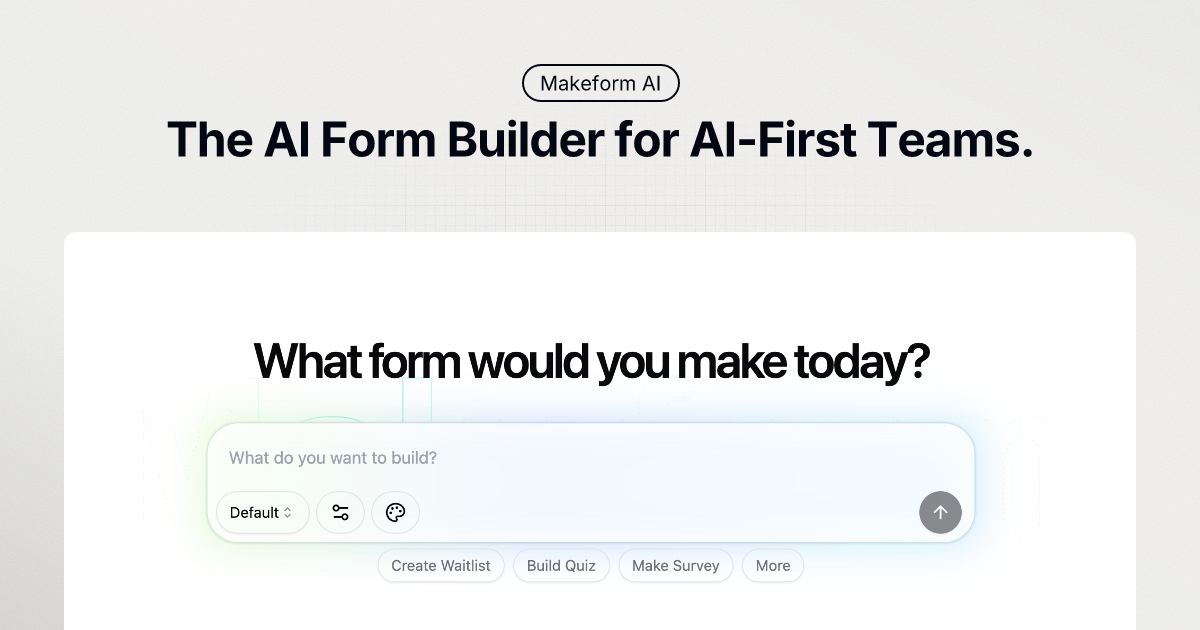
Makeform is an AI-native form builder designed to streamline form creation through an intuitive chat interface. This platform enables users to effortlessly create various form types, including surveys, quizzes, and registration forms.
Makeform employs AI to generate questions, logic, and design elements, minimizing the need for manual input. Users can customize forms with features like conditional logic, custom branding, and seamless integrations with tools like Slack and Google Sheets.
Makeform offers a range of options, from free to enterprise, to suit different user needs. The platform focuses on simplifying the form creation process.
How does Makeform work
Makeform AI operates as a form builder, streamlining form creation through an AI-driven chat interface. Users describe their desired form, and the AI generates a customized form, complete with logic and validation. Makeform supports various form types, including contact forms, surveys, and registration forms. It offers integrations with tools like Slack and Google Sheets. Key features include customizable branding, advanced analytics, and options for using dynamic variables. Various makeforms templates are available, and makeforms pricing is tiered. The makeforms API is available in enterprise plans.
Benefits of Makeform
Makeform is an AI-native form builder designed to streamline form creation. It leverages AI to generate forms from a simple chat, creating questions, logic, and design automatically. Makeforms supports various form types, including contact, survey, and registration forms. It offers features like secure data handling, smart automations, complete customization, and seamless integrations with tools like Slack and Google Sheets. Makeform provides analytics and insights to track form performance. With Makeform, teams can create forms free, saving time and improving data collection.
Pros and Cons of Makeform
Pros
- AI instantly creates forms from a simple chat.
- Offers a free plan with unlimited forms/submissions.
- Integrates with Slack, Google Sheets, and Zapier.
- Allows customization of branding and form layouts.
- Provides ready-to-use form templates for faster launch.
Cons
- Beta status may imply ongoing development issues.
- Advanced features require paid subscription.
- GPT-4 and other AI models require login to use.
- Enterprise pricing is only available upon request.
- White labeling requires a pro subscription.
Core Features of Makeform
AI-Powered Form Generation
Makeform uses AI to generate forms from simple chat descriptions, creating questions, logic, and design automatically and requiring no prior form-building knowledge.
Customizable Form Templates
The platform offers a variety of pre-built, ready-to-use form templates for different needs, which users can quickly launch and adapt.
Form Customization
Makeform provides complete design control, allowing users to customize fonts, colors, backgrounds, and branding elements for a professional and branded experience.
Data Security
Offers enterprise-grade security with top-notch encryption and privacy protocols to ensure that every form submission remains confidential and secure.
Integrations & Automation
Users can seamlessly connect forms with tools like Slack, Google Sheets, and Zapier to automate workflows and streamline data collection and integration.
Analytics & Insights
Enables users to track form performance and optimize completion rates with detailed form reports, analyzing submissions and tracking responses.
Use Cases of Makeform
- Market Researchers: Conduct online surveys using Makeform's customizable templates to gather insights efficiently.
- Human Resources: Streamline job applications with AI-generated forms, resume uploads, and custom screening questions using Makeform.
- E-commerce Businesses: Implement secure payment forms using Makeform with credit card validation and order summary integration.
- Educators: Create interactive quizzes with Makeform, leveraging dynamic variables and conditional logic for engaging assessments.
- Event Organizers: Build registration forms with email verification and profile information fields for seamless attendee management through Makeform.
FAQs of Makeform
What is Makeform?
Makeform is a free, AI-native form builder that simplifies form creation. It allows users to generate forms, including questions, logic, and design, using a simple chat interface, eliminating the need for traditional form-building methods.
How does Makeform work?
Makeform utilizes AI to generate forms based on user descriptions. Users describe the type of form they need, and the AI instantly creates a functional form, complete with styling, logic, and validation. Users can then customize the form, connect integrations, and share or embed it to start collecting responses.
Is my data safe with Makeform?
Makeform employs enterprise-grade security measures, including encryption and privacy protocols, to ensure that all form submissions remain confidential and secure. These measures are in place to protect user data during form creation, submission, and storage.
Do I need coding skills to use Makeform?
No, coding skills are not required to use Makeform. The platform's AI-powered interface allows users to create forms through a simple chat, abstracting away the complexities of traditional form building that may require coding knowledge.
Can I customize my forms?
Yes, Makeform offers complete customization options. Users can personalize their forms with custom branding, including colors, fonts, and layouts. The platform also allows users to remove Makeform branding with the Pro feature, use custom domains, implement hidden fields, and apply conditional logic.
What integrations does Makeform offer?
Makeform provides seamless integrations with various tools such as Slack, Google Sheets, and Zapier, allowing users to automate form workflows and streamline data collection and integration processes. These integrations facilitate easy connection with existing business tools.
How does the pricing model work?
Makeform offers a tiered pricing model, including a free plan with unlimited forms and submissions. Paid plans, like the Pro plan, offer additional features such as priority support, AI form analysis, premium integrations, and custom branding. Enterprise plans are also available with API access and data retention options.
What kind of support can I expect?
Makeform provides support through various channels. Users on the free plan can access standard support resources, while Pro plan users receive priority support. Enterprise users can expect dedicated support tailored to their specific needs, including API assistance and data management guidance.
Does Makeform offer pre-designed templates?
Yes, Makeform provides a variety of ready-to-use templates designed for different needs, enabling users to launch forms more quickly. These templates cover use cases such as contact forms, surveys, registration forms, payment forms, and application forms.
What AI models does Makeform use?
Makeform leverages various GPT models to generate forms, including GPT-4o Mini, GPT-4o (Login to Use), GPT-4.1 (Login to Use) and GPT-4.1 Mini (Login to Use). Access to certain models may require users to log in.
How to use Makeform
Makeform is an AI-powered form builder that simplifies the creation of various forms like surveys, quizzes, and registration forms. It leverages a chat-based interface for easy form generation and customization.
Begin by describing your desired form in the chat interface. Specify the type of form needed, such as contact or survey, and include necessary fields.
Select the AI model (GPT-4o Mini, GPT-4o, GPT-4.1, or GPT-4.1 Mini). Note that GPT-4o, GPT-4.1, and GPT-4.1 Mini require login.
Click "Generate". Makeform AI will automatically create the form based on your provided description. This includes relevant fields and basic logic.
Customize the generated form to align with your branding requirements. Options include adjusting colors, fonts, layouts, and adding your logo.
Integrate your form with other tools such as Slack, Google Sheets, or Zapier for streamlined workflows. Makeform offers seamless integration options.
Analyze form performance using Makeform's analytics and insights tools. Track completion rates and optimize your forms based on collected data.
Share your Makeform through a link or embed it directly on your website. This allows immediate data collection from your target audience.
Consider upgrading to a Pro plan for features like AI Form Analyst, premium integrations, and removal of Makeform branding (white labeling). This also provides priority support.
Explore Makeform templates to quickly create common forms. The templates provide pre-built structures for various needs, saving design time.
Utilize the Makeform API for advanced integration capabilities, available within the Enterprise plan. This facilitates custom solutions and data management.
Makeform Website Traffic Analysis
Latest traffic information
- Monthly Visits180.24K
- Bounce Rate37.22%
- Pages Per Visit3.04
- Visit Duration00:01:20
- Global Rank211.54K
- Country/Region Ranking136.97K
Top Keywords
| Keyword | Traffic | Volume | Cost Per Click |
|---|---|---|---|
| medical certificate generate ai | 1.34K | 2.57K | $0.32 |
| solicitud de empleo online para llenar ia | 310 | 330 | -- |
| site que gera um quiz com base nas perguntas tipo um jogo | 260 | -- | -- |
| shipping address generator | 230 | 240 | -- |
| рандомайзер для составления школьного дежурства | 220 | 230 | -- |
Top Regions
| Region | Percentage |
|---|---|
| United States | 26.42% |
| India | 7.45% |
| Chile | 3.87% |
| Russia | 3.19% |
| Vietnam | 2.39% |
Makeform Alternatives
Alenta AI trains an AI agent on your website to answer visitor questions, capture qualified leads, and book appointments 24/7 for service businesses.
Formpost is a free contact form to email API delivering submissions to your inbox with AI spam filtering, webhooks, file uploads and a REST API.
Linkeddit is an AI demand and competitor intelligence platform that tracks competitor moves and complaints, surfaces buyer intent from Reddit and review sites, and turns signal into pipeline and content.

RedReplier monitors Reddit, X, Bluesky, and Hacker News for keywords that match your product, ranks conversations by buyer intent, and alerts you so you can reply before anyone else.
AI Prospect Scout is an AI‑driven SDR platform designed for founders and lean outbound teams, offering ICP building, multi‑signal prospect discovery, AI‑generated outreach and automated reply handling to accelerate pipeline creation.
RFP AI Hub is a free directory that helps sales and proposal teams find AI-powered tools for RFP response, security questionnaire automation, and bid management.
Volumn.ai automates X/Twitter growth for B2B SaaS and creators using AI replies, SalesBot follow-ups, and lead tracking to turn engagements into revenue.
AI BotKit enables businesses to create no-code AI chatbots for websites quickly, automating 24/7 customer support and lead capture using ready-to-use templates.
Cleanlist provides AI-powered B2B data enrichment, cleaning, verifying, and enriching leads with 95%+ accuracy using 15+ data sources and waterfall enrichment for reliable outbound campaigns.
echoloc uses AI to analyze job posts for hiring signals, providing sales teams with real-time, evidence-based company insights to find ready buyers.
LinkFinder AI enriches lead and company data instantly by finding websites, emails, phone numbers, and LinkedIn information from multiple sources.
NeverDrop is an AI app for sales teams that captures event leads by scanning business cards, enriching contacts, and sending follow-ups in under two minutes.