
Free AI Chatbot Builder for Websites, Live in Minutes

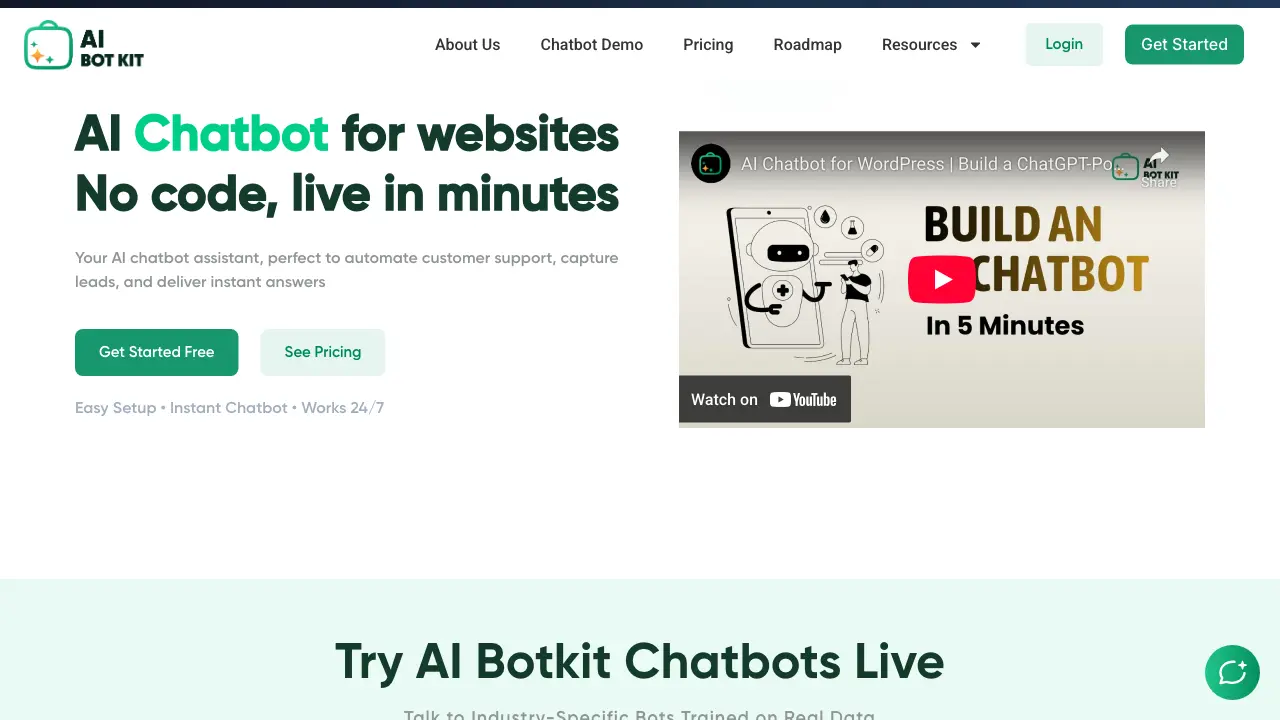
What is AI BotKit
AI BotKit is a no-code platform designed to build and deploy AI chatbots for websites without requiring technical expertise. The system allows users to train chatbots by uploading content such as website links, documents (PDF, DOCX, TXT), or videos, enabling the bot to learn and respond to queries accurately. Key features include extensive customization of the chatbot's appearance, tone, and greeting messages to match brand identity, multilingual support for over 75 languages, and 24/7 automated operation. The tool facilitates lead capture within chat conversations and provides analytics on chat volume, user engagement, and performance metrics. Integration is simplified through embed codes or smart links for platforms like WordPress and Squarespace. Emphasizing data control and security, AI BotKit gives users full management over training data and chat logs, with secure token-based integrations for third-party services.
How does AI BotKit work
AI BotKit operates as a no-code platform for creating and embedding AI chatbots on websites. The system trains on user-provided content such as website URLs, documents, and videos, then generates automated responses to visitor inquiries. Deployment follows a three-step process: adding knowledge sources, customizing the bot's appearance and conversational tone, and installing a simple embed code or smart link. The chatbot captures leads directly within conversations, supports over 75 languages, and provides analytics on chat volume and user engagement. Secure, token-based integrations with tools like CRMs and a user-controlled data policy underpin its operation for reliable customer support automation.
Benefits of AI BotKit
AI BotKit is a no-code platform enabling rapid deployment of AI chatbots trained on user-provided content like documents, links, and videos. Extensive customization allows alignment with brand identity through adjustable avatars, colors, and tone. Supporting over 75 languages, the chatbots automate 24/7 customer support and capture leads directly within conversations via integrated forms. Comprehensive analytics track performance metrics, while robust data security ensures user control over training data and secure third-party integrations. This facilitates efficient website engagement and operational automation without requiring technical expertise.
Pros and Cons of AI BotKit
Pros
- No-code setup simplifies chatbot deployment.
- Quick integration via embed code.
- Supports 75+ languages for localization.
- Captures leads directly within chat.
- Customizable branding and conversation tone.
Cons
- Industry-specific templates are not yet available.
- Website performance may be impacted by embed.
- Free plan enforces message usage quotas.
- Bot accuracy depends on training data quality.
Core Features of AI BotKit
No-Code Chatbot Deployment
Enables users to create and embed AI chatbots on any website without coding, launching in minutes with simple setup and integration.
Automated Content Training
Allows training the chatbot by uploading documents, links, and videos, enabling it to learn from provided knowledge and answer questions accurately.
Brand-Consistent Customization
Offers extensive options to customize chat interface, including colors, avatar, and messages, ensuring alignment with website branding effortlessly.
Integrated Lead Capture
Collects leads and customer data directly through chat interactions, functioning as a smart contact form with CRM-ready export capabilities.
Multilingual Conversational Support
Supports over 75 languages with auto-detection and localization for 76 countries, facilitating global audience engagement seamlessly.
Performance Analytics
Provides detailed insights into chat logs, user engagement, and bot performance through visual dashboards and exportable reports for optimization.
Secure Data Management
Ensures data protection with secure integrations, no unauthorized access, and full user control over training data and conversation history.
Use Cases of AI BotKit
- Hotel Managers: Automate booking inquiries and guest support with a 24/7 AI chatbot trained on hotel information.
- Real Estate Agents: Handle property questions and schedule viewings using an AI assistant embedded on their website.
- E-commerce Stores: Provide instant product support and order tracking via a no-code AI chatbot trained on catalog data.
- HR Departments: Answer employee frequently asked questions and streamline onboarding with an internal AI chatbot.
- Small Businesses: Capture leads and customer queries through conversational chat without traditional forms.
FAQs of AI BotKit
How does AI BotKit handle data privacy and compliance?
AI BotKit emphasizes data security by giving users control over their training data and chat logs. The platform states that customer data is not shared or used for unauthorized purposes. All third-party integrations use token-based authentication to prevent breaches. Users can update or delete their bot's content anytime from the dashboard, aligning with principles of data minimization and user rights often required by regulations like GDPR.
What content formats are most effective for training the AI chatbot?
The chatbot learns from uploaded text, documents (PDF, DOCX, TXT), website links, and YouTube video transcripts. For optimal accuracy, providing clear, structured, and comprehensive source material is recommended. The system processes this information to answer user queries, but the quality of responses depends directly on the relevance and clarity of the trained content. Regularly updating the knowledge base improves performance.
Are the industry-specific chatbot templates available now?
The website indicates that ready-to-use templates for industries like hospitality, real estate, e-commerce, and HR are listed as "coming soon." Currently, users must manually configure their bot using the three-step setup process: adding content, customizing appearance/tone, and embedding the code. The roadmap suggests these pre-configured templates will be released to simplify deployment for specific use cases.
Can the chatbot integrate with external business tools?
Yes, AI BotKit supports secure integrations with platforms like Google Calendar for scheduling and various CRM systems. These connections use token-based authentication to ensure security. The chatbot can also potentially connect with messaging APIs such as WhatsApp. Integrations aim to extend functionality beyond simple website chat, though specific available integrations may vary and are detailed in the documentation.
How can a user improve the chatbot's response accuracy over time?
Accuracy is enhanced by continuously refining the bot's training data. Users should add detailed documents, clear Q&A pairs, and update website links to reflect current information. Adjusting the fallback message for unclear queries and using the analytics dashboard to review chat logs can identify knowledge gaps. Regularly revisiting the bot's instructions and tone settings also helps maintain relevant and precise conversations.
How to use AI BotKit
AI BotKit is a no-code platform for deploying AI chatbots on websites to automate customer support, capture leads, and provide instant responses based on uploaded content.
- Add training materials by uploading website links, documents (PDF, DOCX, TXT), or YouTube videos. The bot processes these sources to learn and answer questions accurately.
- Personalize the bot's configuration. Define its name, welcome message, conversational tone, avatar, and color scheme to match your brand guidelines and user expectations.
- Integrate the chatbot by copying the unique embed code and inserting it into your website's HTML or via a platform-specific plugin. The bot becomes active immediately after deployment.
- Use the analytics dashboard to review chat logs, user engagement metrics, and performance data. Identify common queries and missed responses to continuously improve the bot's effectiveness.
AI BotKit Website Traffic Analysis
Latest traffic information
- Monthly Visits6.7K
- Bounce Rate15.54%
- Pages Per Visit3.31
- Visit Duration00:00:49
- Global Rank2.25M
- Country/Region Ranking623.73K
Top Keywords
| Keyword | Traffic | Volume | Cost Per Click |
|---|---|---|---|
| chatbot wordpress divi | 40 | 40 | -- |
| quote ai assistant | 20 | 100 | -- |
| claude ai | -- | 14.87M | $0.76 |
| ai | -- | 8.74M | $0.53 |
| arcads ai | -- | 33.43K | $1.35 |
AI BotKit Alternatives
Alenta AI trains an AI agent on your website to answer visitor questions, capture qualified leads, and book appointments 24/7 for service businesses.
Coralflavor offers uncensored AI chats without safety filters, plus burn-mode retention, web search, image generation, and an OpenAI-compatible API for U.S. adults.
AIdorable is a virtual baby AI companion app. Adopt, name, and care for a tiny AI baby in daily moments, as it grows, learns to speak, and remembers you.

Zens AI delivers account-aware AI customer support, turning user feedback into product work for SaaS teams via Codex, Linear, Slack, and GitHub.
Turn your website into a searchable knowledge base. Knowster answers visitors from your content in any language. One-line setup, no coding, free plan.
Chat with 20 realistic AI boyfriend characters. Send voice messages, request photos, and build romantic scenarios that remember what matters to you.
Linkeddit is an AI demand and competitor intelligence platform that tracks competitor moves and complaints, surfaces buyer intent from Reddit and review sites, and turns signal into pipeline and content.
Therly AI is an AI therapist and chatbot offering private, anonymous mental health support for anxiety, stress, and emotional well-being, available 24/7.
RedReplier monitors Reddit, X, Bluesky, and Hacker News for keywords that match your product, ranks conversations by buyer intent, and alerts you so you can reply before anyone else.
HoneyChat is an AI chatbot platform featuring 80+ customizable girlfriend and character personas for roleplay and romance, offering voice, images, memory and 20 free daily messages.
VibeBot is an AI-powered Discord bot builder for server owners and community managers, generating custom moderation, music, leveling and AI chat features from plain English prompts and providing instant cloud hosting with zero coding required.
AI Prospect Scout is an AI‑driven SDR platform designed for founders and lean outbound teams, offering ICP building, multi‑signal prospect discovery, AI‑generated outreach and automated reply handling to accelerate pipeline creation.