
LivePhoto.video Introduction
LivePhoto.video is a web tool that converts videos into LivePhotos, animates still photos with AI, and creates dynamic wallpapers or GIFs for social media.

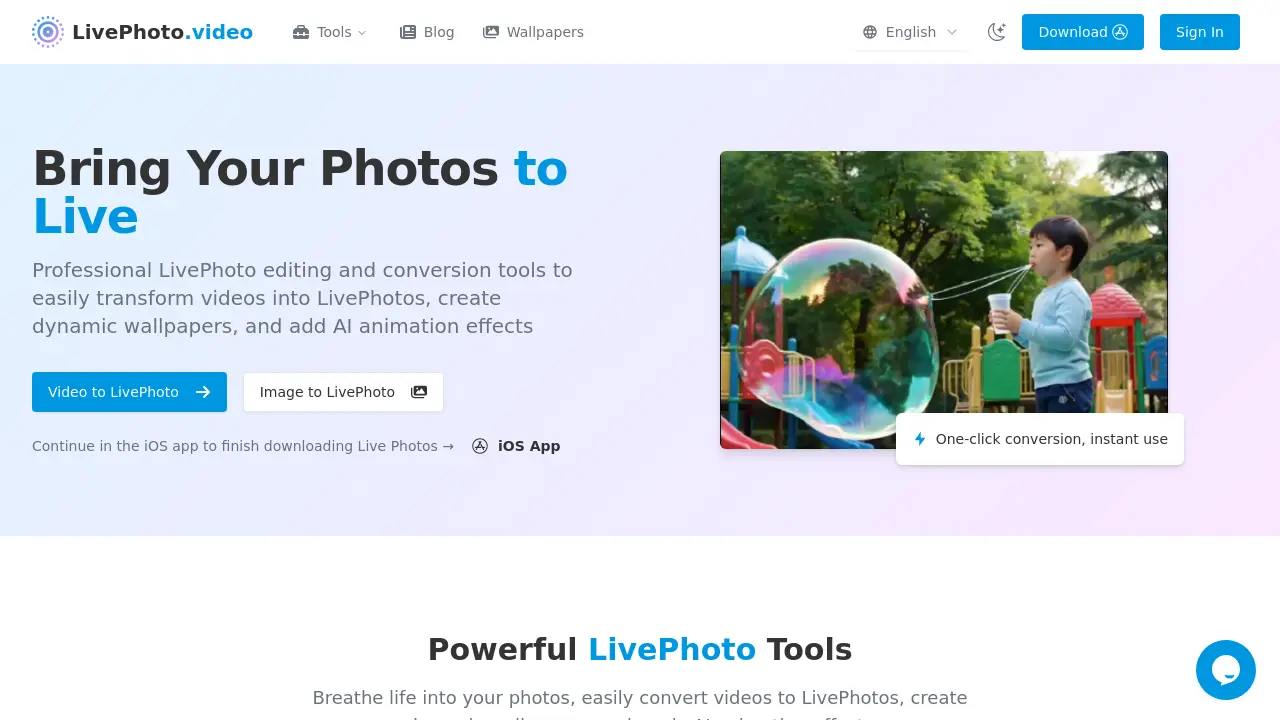
What is LivePhoto.video
LivePhoto.video is a web‑based toolkit that simplifies the creation and conversion of Apple Live Photos. Its Video to Live Photo feature lets users upload short clips, trim them, and export a fully functional Live Photo in seconds. The Live Photo to Video converter supports reverse conversion, allowing easy sharing beyond iOS. Image to Live Photo and picture to live video transform stills into animated experiences, while the Live Photo Viewer (Windows 10) delivers a native viewing option for non‑Apple devices. AI animation effects add natural motion to static photos, and dynamic wallpaper creation customizes lock screens. Additionally, a dedicated Live Photo Viewer for Windows allows users to preview and adjust Live Photos directly on desktop systems. One‑click optimization for social platforms ensures the tools support diverse formats and provide an intuitive workflow for photographers and content creators.
How does LivePhoto.video work
livephoto.video supplies a web‑based suite that permits the conversion of short videos to live photo files and the reverse operation, allowing users to convert live photo to video for platforms that lack native support. An upload interface accepts common video codecs, trims to 1.5‑second clips, and packages the result with required metadata so the file is compatible with iOS devices. Additionally, the site offers a live photo viewer windows 10 module that renders live photo files directly in the browser before download. AI‑driven animation modules can augment still images with movement prior to stamping them as live photos.
Benefits of LivePhoto.video
LivePhoto.video is a web‑based toolkit that lets users easily convert videos into LivePhotos, transform LivePhotos to GIFs or videos, and apply AI animation to still images. The platform supports video formats, automatic size optimization, and cropping, making it simple to create lock‑screen wallpapers for iPhone. With one‑click tools for video‑to‑live‑photo, live‑photo‑to‑gif, and live‑photo‑to‑video, creators can share animated content on social media in multiple formats. Its AI animation feature brings portraits and landscapes to life, while live‑photo‑viewer utilities allow quick preview on Windows and Windows 10.
Pros and Cons of LivePhoto.video
Pros
- One-click video to LivePhoto conversion on livephoto.video.
- Supports multiple formats with automatic display optimization.
- AI animates photos, recognizing subjects via livephoto.video.
- Generates dynamic lock-screen wallpaper from converted LivePhotos.
- Converts LivePhotos to GIFs for social platforms.
Cons
- Browser cannot create true LivePhoto; requires iOS app.
- Only compatible with Apple devices; other platforms need conversion.
- No batch processing; single file only.
- Limited editing beyond animation and format conversion.
- Requires iPhone to view LivePhotos; non-Apple users need workarounds.
