
LivePhoto.video FAQs
LivePhoto.video is a web tool that converts videos into LivePhotos, animates still photos with AI, and creates dynamic wallpapers or GIFs for social media.

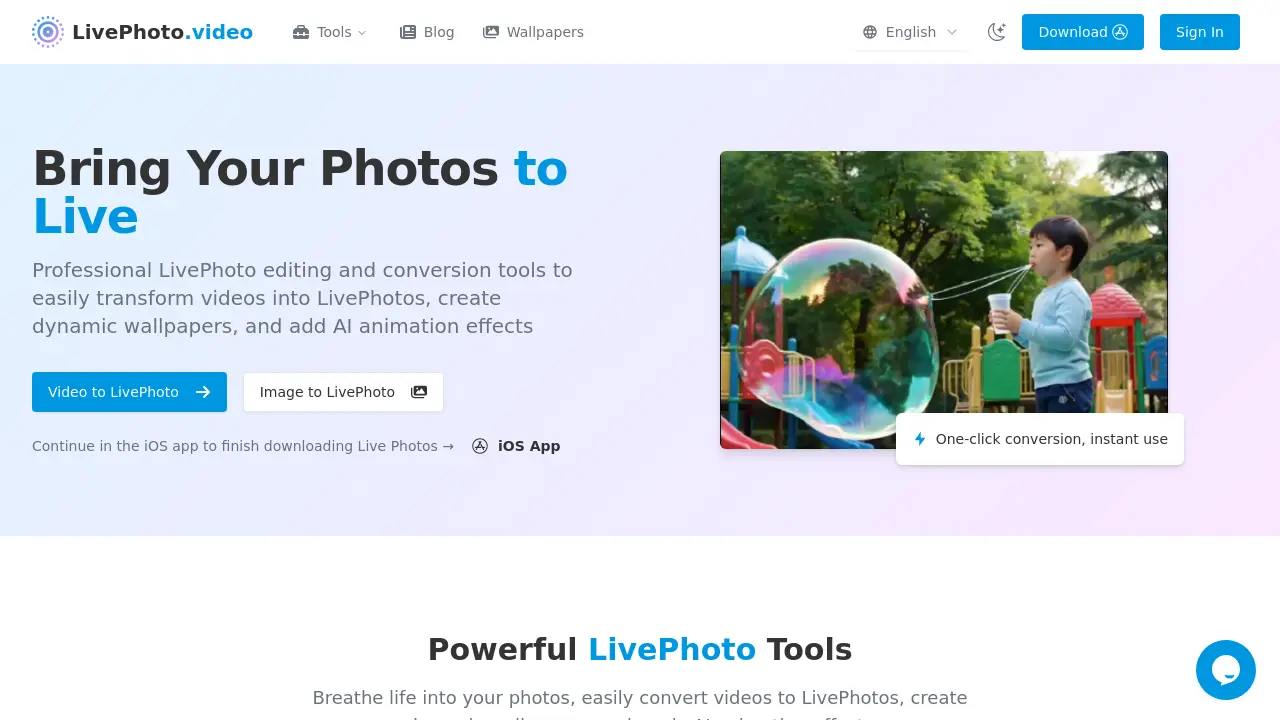
FAQs of LivePhoto.video
What exactly is a Live Photo and how does it work?
A Live Photo is an Apple feature that records 1.5 seconds of video and audio before and after a still image is taken. On compatible devices the image animates when pressed, revealing the surrounding context and sound.
Can I use Live Photos on non‑Apple devices?
Live Photos are native to Apple hardware, but LivePhoto.video converts them into universally compatible formats such as GIF and MP4, allowing playback on all platforms.
How do I set a Live Photo as my iPhone wallpaper?
Open Settings → Wallpaper → Choose a New Wallpaper → select a Live Photo album, pick the photo, adjust, and set it as a lock‑screen wallpaper. Press the screen to view the animation.
What's the difference between a Live Photo and a GIF?
Live Photos include audio and higher‑resolution video triggered by touch; GIFs are silent, loop automatically, and are larger in file size but work across any device.
How do I turn a regular video into a Live Photo?
Upload the video to the Video → Live Photo tool, adjust duration and quality, then convert. The resulting file can be saved to the camera roll as a Live Photo.
Can I turn off Live Photos on my iPhone camera?
Yes, tap the Live Photo icon (concentric circles) in the camera app, or disable it permanently in Camera → Settings → Live Photo.
Which video and photo formats are supported by LivePhoto.video converters?
LivePhoto.video accepts MP4, MOV, AVI, GIF for video conversion, and JPG, PNG, HEIC, and HEIF for image input when creating Live Photos or animated wallpaper.
How does the AI animation feature create motion from a still image?
The AI system uses a depth‑aware generative model that detects subjects, estimates a virtual camera path, and generates realistic frames, producing smooth motion in seconds.
What is the maximum length of video that can be converted to a Live Photo?
A Live Photo can store no more than 2.5 seconds of video/audio. The converter automatically trims longer clips to fit this limit while preserving the core content.
Can I convert a Live Photo back to its original video or image format?
Yes, LivePhoto.video’s “Live Photo → Video” tool extracts the embedded media, exporting the audio‑video stream as MP4 or GIF for cross‑platform use.
Is there a desktop or web version of live photo viewer for Windows 10?
LivePhoto.video provides a dedicated iOS app; however, exported GIFs or MP4s can be viewed on Windows 10 using the native Photos app or third‑party players.
How to use LivePhoto.video
- LivePhoto.video is a web‑based toolkit that transforms videos and images into Apple Live Photos, converts Live Photos to GIFs, restores GIFs back to Live Photos, and offers AI animation for dynamic wallpapers.
- From the home page, choose “Video to LivePhoto” in the top menu or click the direct link under “Tools.”
- Click the “Convert Now” button and upload a short video (≤ 10 seconds) via the file picker; an upload animation confirms receipt.
- Adjust optional settings—set duration, select frame‑rate, and apply cropping or resize under the “Advanced” tab to fit lock‑screen dimensions.
- Press “Start Conversion”; a progress bar appears, and the system renders the Live Photo bundle (.mov + .jpg) automatically.
- After processing, the preview thumbnail shows the result; click “Download” to save the bundle to your device or cloud storage.
- Import the downloaded bundle into the iPhone Photos app; iOS will recognize and tag it as a Live Photo with motion and audio.
- To use as a lock‑screen wallpaper, open Settings → Wallpaper → Choose a New Wallpaper, select the Live Photo album, preview, and set it.
- For sharing, open “LivePhoto to GIF” in the app, upload the Live Photo bundle, pick output resolution, and download the GIF file.
- Interpret results: high‑quality Live Photos can be saved, shared, or used as dynamic wallpapers; GIFs work across platforms; AI animation can breathe life into still photos for social‑media posts.
