
Infographic Generator AI FAQs
Generate professional-looking infographics quickly with Infographic Generator AI, designed for marketers and businesses looking to simplify visual content creation.

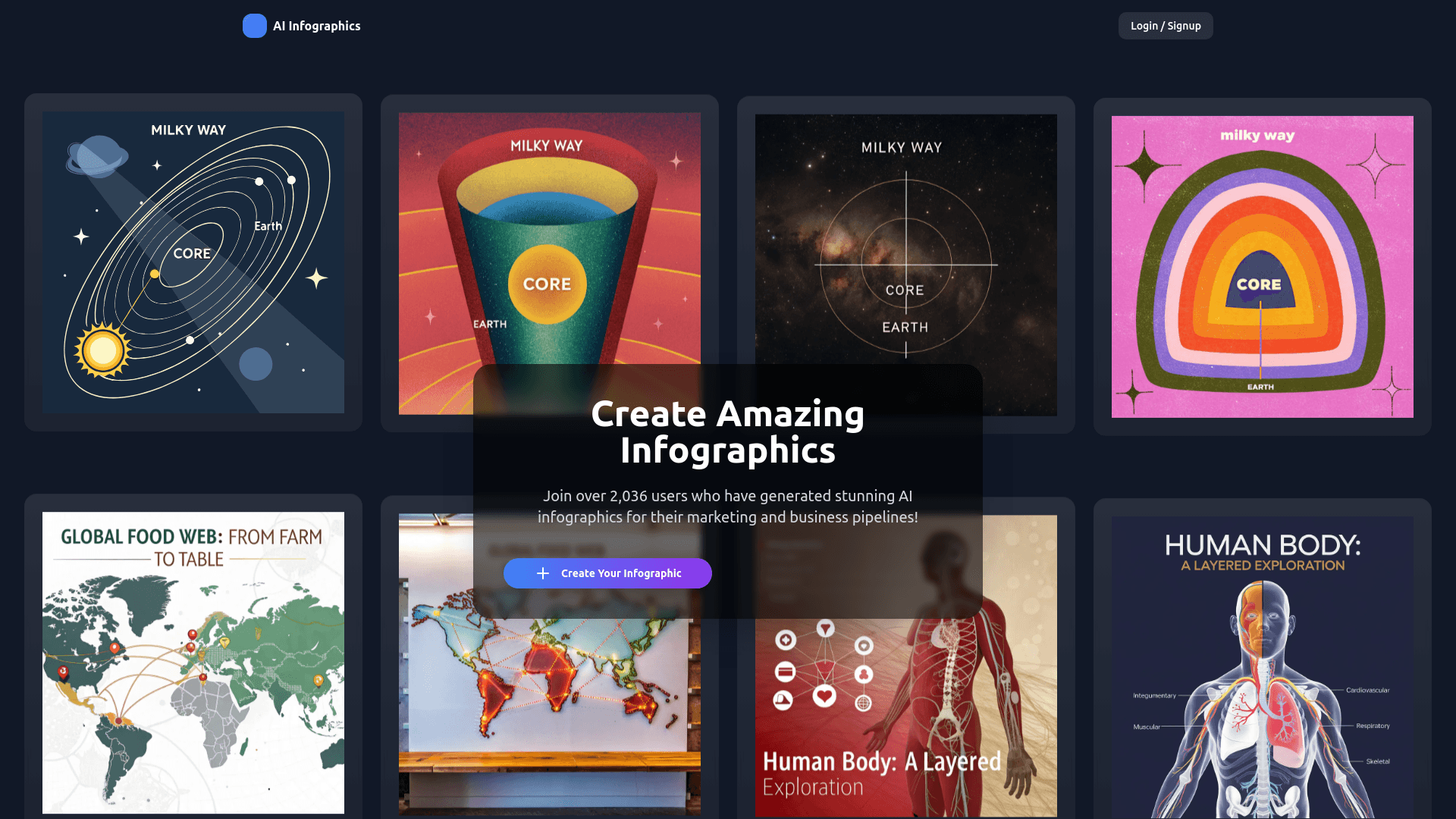
FAQs of Infographic Generator AI
How do I create an infographic?
Simply click on the 'Create Your Infographic' button, describe your infographic, upload any data if needed, and let our AI generate it for you.
What formats are supported for data upload?
We support CSV, Excel, and JSON formats for uploading your data.
Is my data secure?
Absolutely. We implement top-notch security measures to ensure your data is always safe and private.
How to use Infographic Generator AI
- Begin by accessing the Infographic Generator AI platform and clicking the "Create Your Infographic" button to initiate the infographic creation process.
- Provide a detailed description of your desired infographic, specifying content, style, and any specific requirements for the AI infographic generator.
- If applicable, upload your data in a supported format, such as CSV, Excel, or JSON, to provide the AI infographic generator with the necessary information.
- The AI will process your request; monitor the progress until the infographic generation is complete. This process utilizes AI infographic generation from text.
- Review the generated infographic and make any necessary adjustments; download the completed infographic in your preferred format, utilizing the AI infographic generator from text capabilities.
