
ImagesArt.ai FAQs
ImagesArt.ai offers AI tools to generate and edit images. It transforms text to images and modifies existing photos, targeting creators needing visuals.

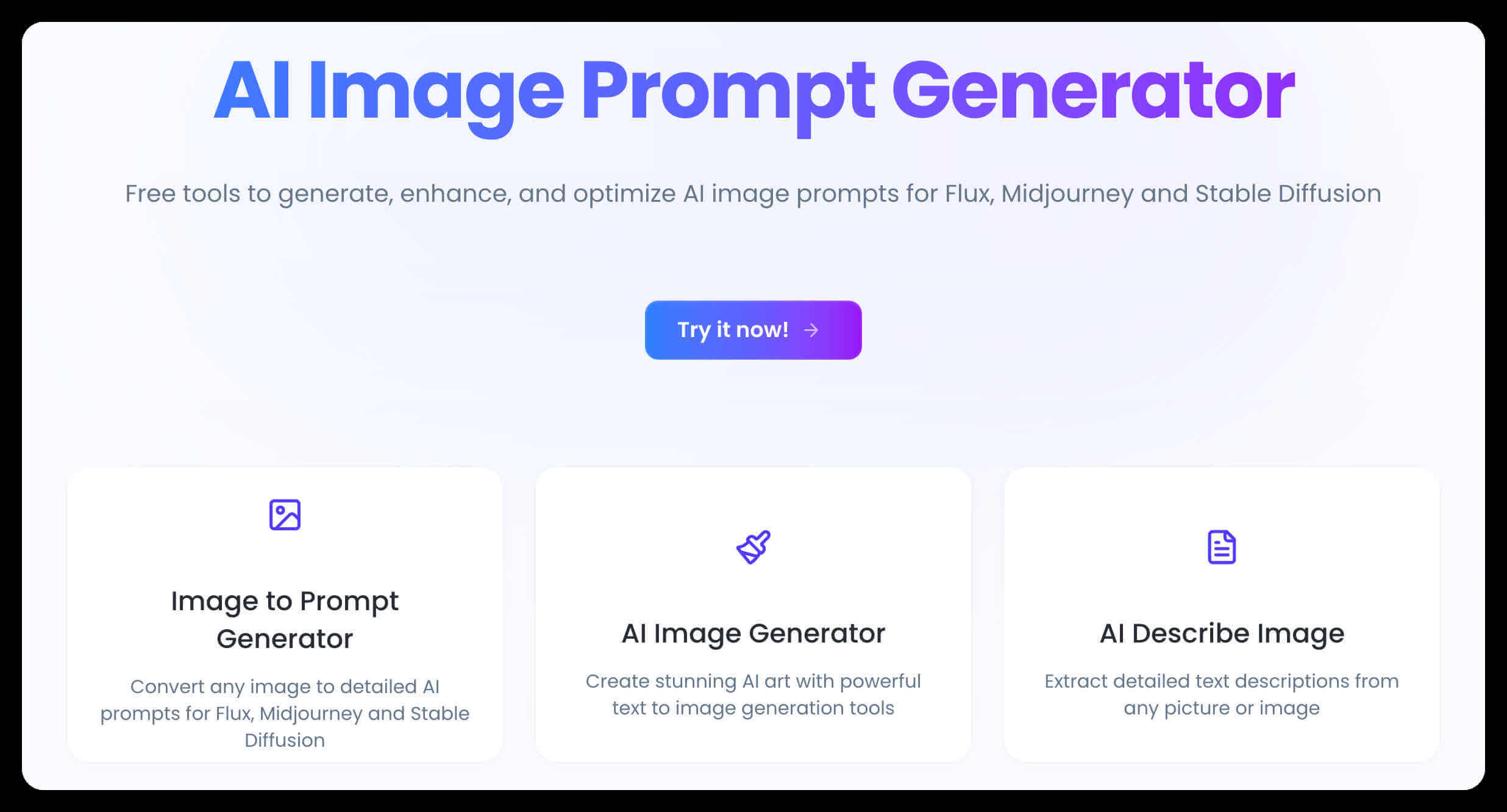
FAQs of ImagesArt.ai
What is ImagesArt.ai?
ImagesArt.ai is an AI-powered platform that allows users to create and edit images using artificial intelligence. It offers a suite of tools including an AI image generator, an AI image editor, and tools for generating and optimizing prompts. The platform aims to make AI art accessible to everyone, regardless of technical knowledge.
What features does ImagesArt.ai offer?
ImagesArt.ai provides several key features including an AI Magic Image Generator to create images from text prompts, an AI Magic Image Editor to modify existing images, an AI Buzz Cut Generator, and an Image to Prompt Generator to convert images into detailed AI prompts. These image art ai tools cater to both beginners and professionals looking to enhance their creative workflows.
How does the AI Magic Image Generator work?
The AI Magic Image Generator creates stunning AI art from text descriptions. The user inputs a simple phrase, and the AI expands it into an optimized prompt to generate a high-quality image. This text to image AI functionality simplifies the image generation process, making it accessible without requiring extensive prompt engineering.
What is an image prompt?
An image prompt is a text description that guides AI tools in generating specific images. It includes detailed visual elements, style references, and composition instructions. Effective image prompts are crucial for AI image generation, acting as a blueprint to determine the final image's appearance.
How can I improve my image prompts for the image art ai generator?
To improve image prompts, use specific descriptive language, include style references, and utilize the Image Prompt Generator tool to enhance basic prompts with professional details. High-quality image prompts should clearly describe visual elements, specify artistic styles, and include technical parameters when needed.
Can ImagesArt.ai convert existing images into prompts?
Yes, the Image to Prompt generator analyzes images and generates detailed prompts that describe their visual elements. These prompts can then be used with any AI image generation tool. This technology helps users understand what makes images effective and how to recreate similar styles.
Why are good image prompts important for AI art generation?
Quality image prompts significantly influence the output of AI image generators. Better prompts result in more precise, artistic, and controlled image results that align with your vision. A well-crafted image prompt can be the difference between a generic output and a stunning, personalized creation.
How does the Image to Prompt generator extract information from an image?
The Image to Prompt generator uses advanced AI to analyze any image and generate comprehensive text descriptions. This technology identifies key elements, styles, and compositions, providing insights into what makes images effective and aiding in crafting better prompts for future projects.
How does the Text to Image AI generate visuals from simple inputs?
The Text to Image AI generator transforms simple phrases into visuals using Magic Tool technology. It automatically expands short inputs into optimized descriptions, generating images with appropriate lighting and composition. This AI image generator supports multiple languages and makes creating AI art accessible to users with varying levels of technical expertise.
What types of AI-generated images can I create?
Using ImagesArt.ai, users can create a variety of image styles including photorealistic scenes, digital artwork, paintings, illustrations, concept art, character designs, landscapes, portraits, and abstract compositions. The platform supports various artistic styles, offering the flexibility to match diverse creative visions.
How does ImagesArt.ai compare to other AI image generators?
ImagesArt.ai distinguishes itself with its Magic Tool technology, allowing users to generate AI art with simple phrases. It also supports multiple languages and offers an integrated solution with both image generation and image-to-prompt analysis in one platform. ImagesArt.ai aims to provide high-quality output with fewer attempts, making it suitable for both beginners and professionals.
Can I use ImagesArt.ai as a prompt generator for other AI art tools?
Yes, the Image to Prompt generator can analyze images and generate text descriptions that work with other AI art generators. Users can extract prompts from reference images and refine them for use with services like Midjourney, Flux, or Stable Diffusion, making ImagesArt.ai a valuable prompt generator for various AI art workflows.
Is NSFW material allowed with this AI image generator?
No, the AI image generator does not support the creation of NSFW material. Filters are in place to prevent the generation of explicit, offensive, or inappropriate imagery. This ensures the AI art generator creates positive, constructive images suitable for all creative purposes.
Is there a cost associated with using ImagesArt.ai?
ImagesArt.ai has a pricing page where users can find up-to-date information on the costs associated with the platform's different features. The platform also offers free generations daily. This allows users to explore its capabilities before committing to a subscription.
What languages are supported by ImagesArt.ai?
ImagesArt.ai supports multiple languages for prompt creation, enhancing accessibility. While English may produce slightly more refined outputs, the platform’s ability to understand various languages makes it user-friendly for a global audience.
How to use ImagesArt.ai
- Navigate to the ImagesArt.ai website; this platform offers AI-powered image generation and editing tools.
- Select the "AI Magic Image Generator" to create images from text prompts, or use the "AI Magic Image Editor" to modify existing images.
- Alternatively, try the "AI Buzz Cut Generator" or the "Image to Prompt Generator" for specific transformations or prompt creation.
- Input a text prompt into the text-to-image AI tool, describing the desired image; more detailed prompts generally yield better results.
- Review the generated image and refine your prompt if necessary; experiment with different descriptions to achieve the desired outcome using image art ai.
- Use the "Image to Prompt Generator" to analyze an existing image and create a detailed prompt that can be used to generate similar images.
- Explore the "AI Magic Image Editor" to modify images, using text descriptions to guide the editing process and refine the images artificial intelligence.
- Consider using the AI prompt generator to enhance simple ideas into powerful AI art prompts. Optimize descriptions for improved results.
- Understand that while the platform supports multiple languages, English prompts may produce slightly more refined output when using the image art ai generator.
- Note that ImagesArt.ai prohibits the generation of NSFW material; accounts violating this policy may face restrictions.
