
Image FX: Free One-Click AI Photo Editor & Image Generator

What is Image FX
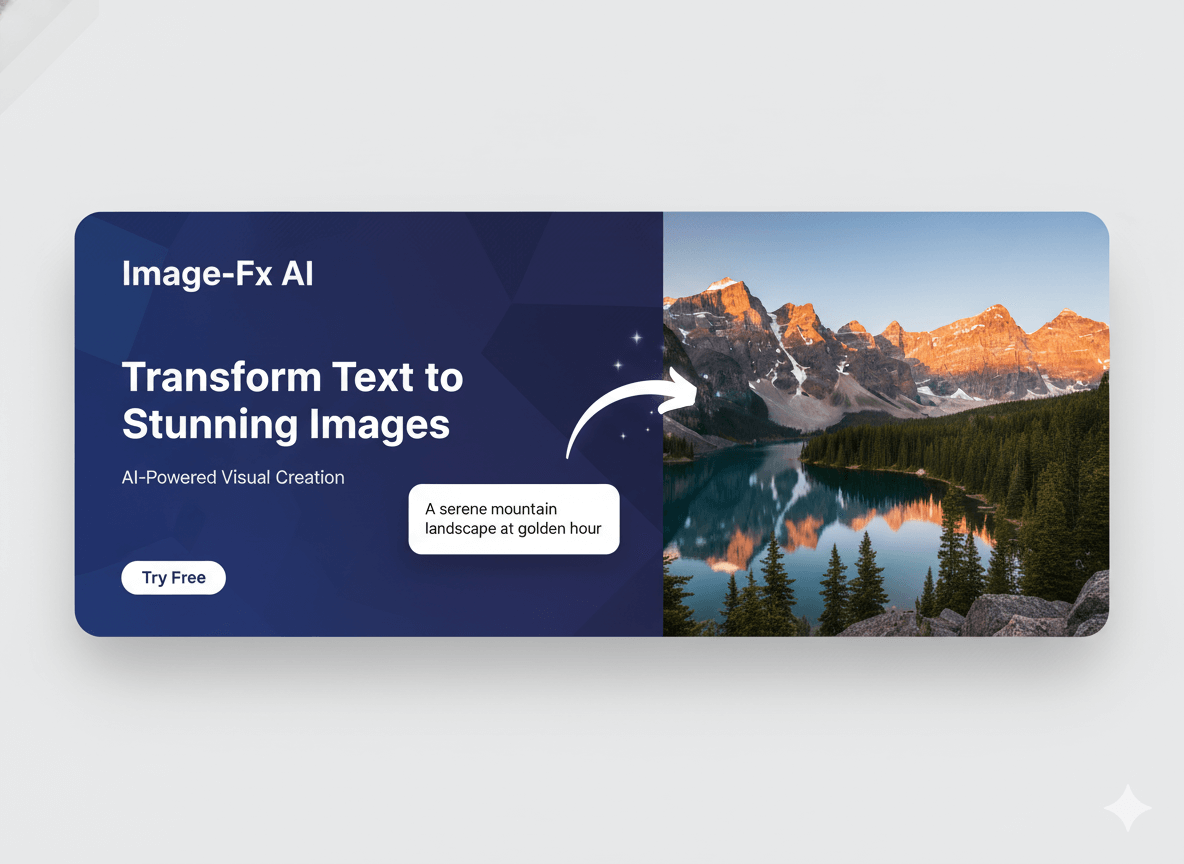
Image FX is an AI-powered platform for generating diverse digital art and enhancing images. This tool facilitates the transformation of textual prompts into images and enables image-to-image transformations. It also supports text-to-video and image-to-video conversions. Key features include AI Super Resolution, AI Enhancement, and Creative Style Transfer, allowing users to produce high-resolution, professional-grade visual content. The platform offers a user-friendly interface, making AI image generation accessible for various creative and professional applications.
How does Image FX work
Image FX operates as an AI image generator, leveraging advanced artificial intelligence to transform text prompts and existing images into various visual outputs. Users input descriptions or upload images, which the platform's intelligent algorithms interpret to generate high-resolution art, enhancing creative workflow. Features like text-to-image and image-to-image capabilities, along with style customization and AI enhancement, facilitate diverse artistic expressions. This Google-affiliated product, also known as ImageFX by Google, provides professional-grade results, allowing for precise control over composition and style, supporting both free and premium access for its AI generator tools.
Benefits of Image FX
Image FX is an AI image generator empowering users to transform creative visions into professional-grade artwork. This platform, leveraging advanced AI models, offers intelligent text-to-image and image-to-image capabilities, ensuring high-resolution output and precise style customization. It provides an intuitive interface, making AI art creation accessible without requiring design skills. Users benefit from a suite of creative tools, including AI super resolution and style transfer, supported by enterprise-grade security and a vibrant creator community, enhancing the overall image FX AI experience.
Pros and Cons of Image FX
Pros
- AI-powered image and video generation.
- Intuitive interface, no design skills needed.
- Offers advanced AI tools for customization.
- Provides high-resolution professional output.
- Active creator community for inspiration.
Cons
- Free version includes watermarks.
- Credits required for image generation.
- Some features require a Pro upgrade.
- One-time purchase packages available.
Core Features of Image FX
AI-Powered Image Generation
Transforms textual descriptions or existing images into high-quality visual artwork using advanced AI algorithms, supporting various artistic styles and photorealistic compositions.
Image and Video Enhancement
Offers tools like AI Super Resolution and AI Enhancement to improve image clarity, upscale resolutions, and apply creative style transfers, turning blurry images into crystal-clear HD.
Creative AI Suite
Provides a comprehensive set of AI tools for diverse creative workflows, including text-to-image, image-to-image, text-to-video, and image-to-video capabilities for versatile content creation.
Style Customization and Advanced Controls
Enables users to fine-tune generated images and videos with precise control over composition, artistic elements, and style presets, ensuring professional and high-resolution output.
Community and Gallery Features
Fosters a vibrant creator community, allowing users to explore, share, and remix AI-generated masterpieces from talented artists worldwide, fostering inspiration and collaboration.
Use Cases of Image FX
- Digital Artists: Generate diverse AI art styles from text prompts, enhancing creative workflows with the Image FX AI generator.
- Marketing Professionals: Create high-resolution images for campaigns using Image FX to visualize ideas quickly.
- Content Creators: Transform blurry photos into crystal-clear HD images with AI super resolution for various platforms.
- Game Developers: Produce conceptual artwork and textures efficiently using the Image FX AI image generator and prompt features.
- Hobbyists: Experiment with creative AI-powered art generation to explore new artistic expressions on the Image FX app.
FAQs of Image FX
What makes ImageFX different from other AI image generators?
ImageFX distinguishes itself through its advanced AI technology, which integrates deep learning with professional-grade image processing. Unlike more basic AI image generators, ImageFX provides precise control over artistic styles, composition, and various technical parameters. The platform specializes in generating high-resolution outputs while maintaining exceptional image quality, making it suitable for professional creative endeavors.
How does ImageFX ensure the quality of AI-generated images?
ImageFX utilizes state-of-the-art AI algorithms and advanced rendering techniques to ensure high-quality AI-generated images. This includes features like AI Super Resolution and AI Enhancement, which transform blurry inputs into clear HD visuals. The platform also offers extensive style customization and professional output capabilities, allowing users to fine-tune creations for optimal visual quality.
Can I use ImageFX for commercial projects?
Yes, ImageFX is designed for both personal and commercial use. Users can generate high-resolution images suitable for professional applications. The platform’s robust features and quality output make it an ideal tool for creators, marketers, and businesses seeking to produce visual content for various commercial projects.
What types of images can I create with ImageFX?
ImageFX allows for the creation of a wide array of image types, ranging from photorealistic compositions to abstract digital art. Its intelligent Text-to-Image feature can interpret detailed descriptions and artistic styles. Users can explore various genres like fantasy, sci-fi, steampunk, and more, as demonstrated in the AI Art Gallery and Community Gallery.
How does ImageFX handle image customization and editing?
ImageFX provides comprehensive tools for image customization and editing. Users can adjust parameters such as aspect ratio and batch size, and fine-tune elements like style, color, composition, and resolution. The platform includes a "Creative AI Suite" with tools for style transfer and image enhancement, allowing for precise control over the final artwork.
Does ImageFX offer video generation capabilities?
Yes, ImageFX is an all-in-one creative platform that includes AI-powered video generation tools in addition to image generation. Users can leverage features like "Text to Video" and "Image to Video" to transform their ideas into dynamic video content. This expands the creative possibilities beyond static images, enabling a more comprehensive content creation workflow.
Is there a free version of ImageFX available?
ImageFX offers a free, basic AI image generator option. While this free version allows users to experience the core functionalities of the platform, it includes watermarks on generated images. For more advanced features, increased credits, and watermark-free outputs, users can upgrade to a Pro plan or purchase one-time packages.
How does the "Magic Tools" section enhance creation?
The "Magic Tools" section within ImageFX provides a suite of advanced features designed to enhance creative output. These tools include Text to Image, Image To Image, Nano Banana, Seedream 4.0, Text to Video, and Image to Video. These functionalities empower users to transform various inputs into high-quality AI-generated art and videos with greater flexibility.
What are the benefits of upgrading to ImageFX Pro?
Upgrading to ImageFX Pro unlocks advanced features and provides more credits, enabling users to generate a higher volume of images and videos. The Pro version typically removes watermarks from generated content and offers access to enhanced controls and capabilities not available in the free or basic packages. This allows for a more professional and unhindered creative experience.
How to use Image FX
- Create an ImageFX account to access the AI art generation tools.
- Navigate to the "Text To Image" feature to begin generating images from descriptive prompts.
- Input a detailed textual description of your desired image into the prompt field.
- Adjust parameters such as "Aspect Ratio" and "Batch Size" to refine the image generation.
- Optionally, select a "Photo Effect" to apply specific visual styles to your output.
- Click "Generate Image" to initiate the AI image creation process.
- Review the generated images in the "Output" section. Utilize the "Enhance prompt" feature for refining results.
- Explore "Magic Tools" like "Image To Image" or "Text to Video" for diverse content creation.
- Save desirable generated images to your "History" for future reference and access.
- Consider upgrading to a "Pro" plan for advanced features, more credits, and watermark-free images.
Image FX Website Traffic Analysis
Latest traffic information
- Monthly Visits8.99K
- Bounce Rate35.96%
- Pages Per Visit1.86
- Visit Duration00:00:08
- Global Rank2.34M
- Country/Region Ranking1.57M
Visits Over Time
Top Keywords
| Keyword | Traffic | Volume | Cost Per Click |
|---|---|---|---|
| image fx | 1.78K | 131.31K | -- |
| imagefx | 280 | 159.19K | $0.53 |
| fx image | 90 | 10.66K | $0.36 |
| image to image ai | 50 | 13.52K | $0.56 |
| imagefx 사이트 | 50 | -- | -- |
Top Regions
| Region | Percentage |
|---|---|
| United States | 40.79% |
| Brazil | 25.45% |
| Nigeria | 12.31% |
| India | 10.24% |
| South Korea | 8.19% |
