
Image FX FAQs
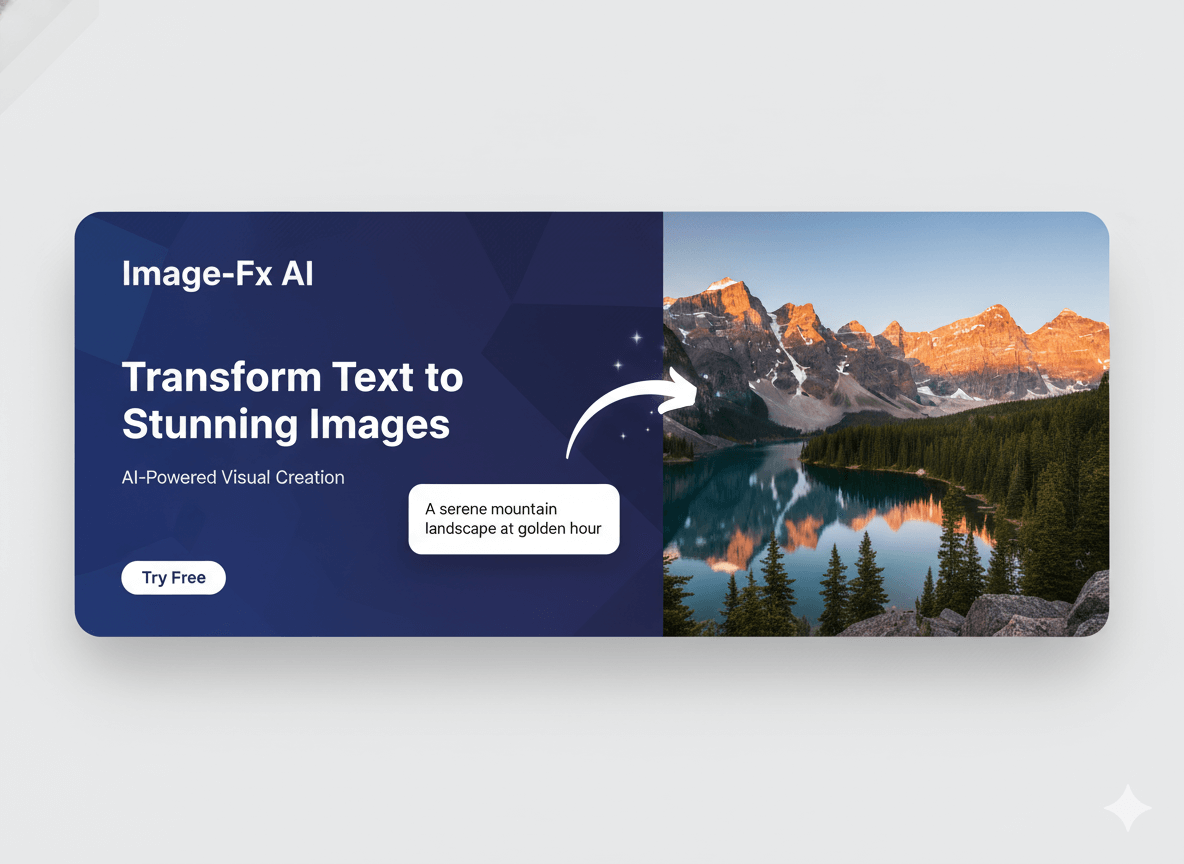
Image FX is a free, AI-powered photo editor and image generator, enabling users to enhance, transform, and create stunning visuals with a single click and no login required.

FAQs of Image FX
What makes ImageFX different from other AI image generators?
ImageFX distinguishes itself through its advanced AI technology, which integrates deep learning with professional-grade image processing. Unlike more basic AI image generators, ImageFX provides precise control over artistic styles, composition, and various technical parameters. The platform specializes in generating high-resolution outputs while maintaining exceptional image quality, making it suitable for professional creative endeavors.
How does ImageFX ensure the quality of AI-generated images?
ImageFX utilizes state-of-the-art AI algorithms and advanced rendering techniques to ensure high-quality AI-generated images. This includes features like AI Super Resolution and AI Enhancement, which transform blurry inputs into clear HD visuals. The platform also offers extensive style customization and professional output capabilities, allowing users to fine-tune creations for optimal visual quality.
Can I use ImageFX for commercial projects?
Yes, ImageFX is designed for both personal and commercial use. Users can generate high-resolution images suitable for professional applications. The platform’s robust features and quality output make it an ideal tool for creators, marketers, and businesses seeking to produce visual content for various commercial projects.
What types of images can I create with ImageFX?
ImageFX allows for the creation of a wide array of image types, ranging from photorealistic compositions to abstract digital art. Its intelligent Text-to-Image feature can interpret detailed descriptions and artistic styles. Users can explore various genres like fantasy, sci-fi, steampunk, and more, as demonstrated in the AI Art Gallery and Community Gallery.
How does ImageFX handle image customization and editing?
ImageFX provides comprehensive tools for image customization and editing. Users can adjust parameters such as aspect ratio and batch size, and fine-tune elements like style, color, composition, and resolution. The platform includes a "Creative AI Suite" with tools for style transfer and image enhancement, allowing for precise control over the final artwork.
Does ImageFX offer video generation capabilities?
Yes, ImageFX is an all-in-one creative platform that includes AI-powered video generation tools in addition to image generation. Users can leverage features like "Text to Video" and "Image to Video" to transform their ideas into dynamic video content. This expands the creative possibilities beyond static images, enabling a more comprehensive content creation workflow.
Is there a free version of ImageFX available?
ImageFX offers a free, basic AI image generator option. While this free version allows users to experience the core functionalities of the platform, it includes watermarks on generated images. For more advanced features, increased credits, and watermark-free outputs, users can upgrade to a Pro plan or purchase one-time packages.
How does the "Magic Tools" section enhance creation?
The "Magic Tools" section within ImageFX provides a suite of advanced features designed to enhance creative output. These tools include Text to Image, Image To Image, Nano Banana, Seedream 4.0, Text to Video, and Image to Video. These functionalities empower users to transform various inputs into high-quality AI-generated art and videos with greater flexibility.
What are the benefits of upgrading to ImageFX Pro?
Upgrading to ImageFX Pro unlocks advanced features and provides more credits, enabling users to generate a higher volume of images and videos. The Pro version typically removes watermarks from generated content and offers access to enhanced controls and capabilities not available in the free or basic packages. This allows for a more professional and unhindered creative experience.
How to use Image FX
- Create an ImageFX account to access the AI art generation tools.
- Navigate to the "Text To Image" feature to begin generating images from descriptive prompts.
- Input a detailed textual description of your desired image into the prompt field.
- Adjust parameters such as "Aspect Ratio" and "Batch Size" to refine the image generation.
- Optionally, select a "Photo Effect" to apply specific visual styles to your output.
- Click "Generate Image" to initiate the AI image creation process.
- Review the generated images in the "Output" section. Utilize the "Enhance prompt" feature for refining results.
- Explore "Magic Tools" like "Image To Image" or "Text to Video" for diverse content creation.
- Save desirable generated images to your "History" for future reference and access.
- Consider upgrading to a "Pro" plan for advanced features, more credits, and watermark-free images.
