
Grok Imagine 2 FAQs
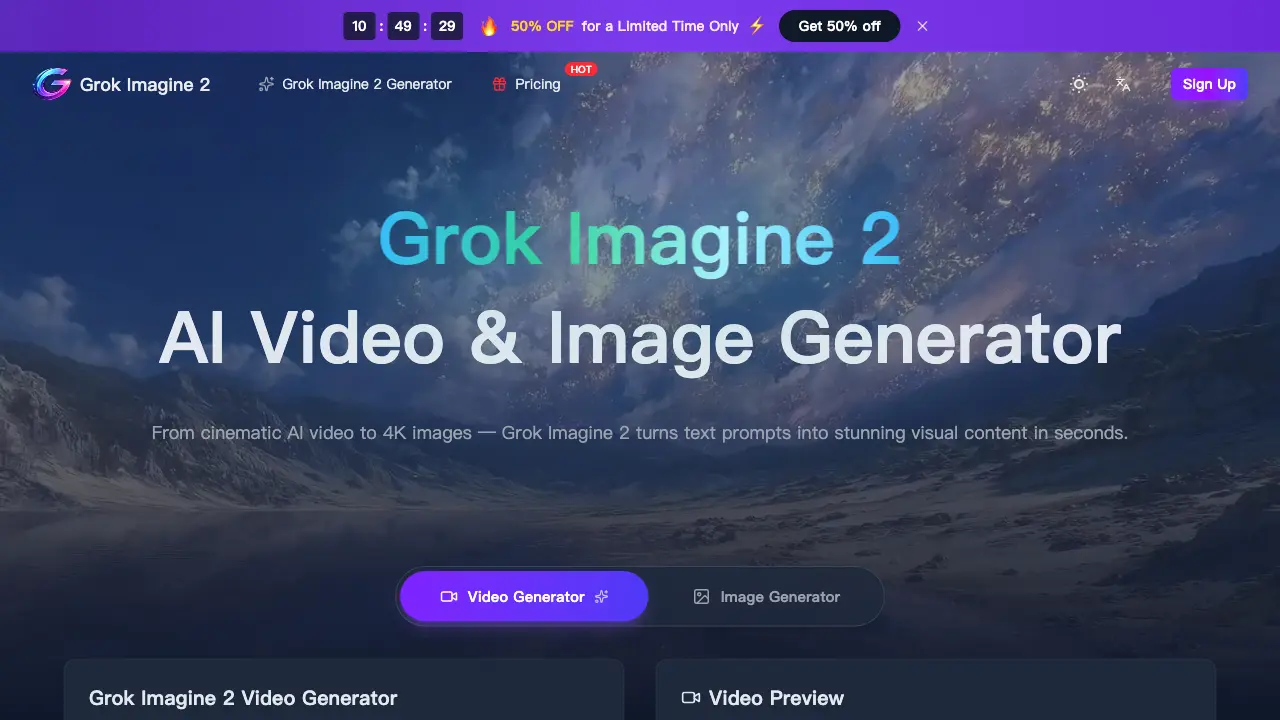
Grok Imagine 2 is an AI-powered platform for creators, generating cinematic videos from text or images and 4K photos with realistic physics.

FAQs of Grok Imagine 2
What is Grok Imagine 2?
Grok Imagine 2 is an AI-powered platform that generates cinematic videos and ultra-high-resolution images from text prompts or reference media. It combines text-to-video, image-to-video, and text-to-image capabilities, enabling creators to produce visual content with realistic physics, consistent characters, and multiple style options without traditional production tools.
How does Grok Imagine 2.0 differ from the original version?
Grok Imagine 2.0 introduces full video generation through text-to-video and image-to-video modes, upgrades image output to 4K Ultra-HD resolution, and achieves image generation in under five seconds. It also features enhanced prompt understanding with multi-turn context and includes a commercial use license with all outputs, distinguishing it from prior iterations.
What video and image specs does Grok Imagine 2 support?
Grok Imagine 2 supports video generation at up to 1080p HD with aspect ratios including 16:9, 9:16, 1:1, and 4:3, and durations from 4 to 8 seconds. Images render at up to 4K resolution in PNG, JPEG, or WebP formats. Prompts accept up to 2,000 characters for detailed scene descriptions, accommodating complex creative directions.
Is Grok Imagine 2 free to use?
Yes, Grok Imagine 2 offers a free tier with initial credits upon account creation, allowing users to explore both video and image generation features. Subsequent generations consume credits, with additional credits available through paid subscription plans or one-time purchases, providing flexible access to the AI video generator and image tools.
Can I use Grok Imagine 2 outputs commercially?
All videos and images generated with Grok Imagine 2 include a full commercial use license at no extra cost. Users may incorporate outputs into advertisements, social media content, print materials, or broadcast projects without royalty fees or watermarks, as detailed in the platform's licensing terms.
Which creative styles does Grok Imagine AI support?
The Grok Imagine AI engine supports photorealistic, cinematic film, anime, cyberpunk, watercolor, oil painting, 3D rendering, time-lapse, and other visual styles. Users can specify desired aesthetics through text prompts or reference images, enabling adaptation to diverse creative and marketing needs.
Does the Grok Imagine 2 generator work on mobile devices?
Grok Imagine 2 is accessible via web browsers on desktop, tablet, and mobile devices. As a cloud-based service, it requires no software installation or high-end local hardware, allowing users to generate AI video and image content directly from grokimagine2.org with an internet connection.
How do I get started with Grok Imagine 2?
To begin, create a free account on the Grok Imagine 2 website. Enter a text prompt describing your desired video or image, or upload a reference file. Adjust parameters like duration, resolution, and aspect ratio, then initiate generation. Completed content is available for immediate download in high definition.
How does the credit system work for Grok Imagine 2 generations?
Grok Imagine 2 uses a credit-based system where each generation consumes credits based on output type and selected parameters. Image generation costs a fixed 4 credits per output, as displayed in the interface. Video generation credit consumption varies with duration, resolution, and aspect ratio choices. Users can monitor their remaining credits in their account dashboard and purchase additional credits via the pricing page.
What is the refund policy for Grok Imagine 2 subscriptions?
Grok Imagine 2 subscription refund terms are outlined in the Refund Policy available on the website. Generally, subscriptions can be canceled anytime, with access continuing until the end of the paid billing cycle. Refunds for unused credits or subscription fees may have specific conditions; users should consult the full policy for detailed eligibility criteria and procedures.
Are there restrictions on the type of content I can generate with Grok Imagine 2?
Grok Imagine 2 users must adhere to the Terms of Service, which prohibit generating illegal, harmful, or infringing content. The AI system includes content safeguards to block certain restricted material. All generated outputs must comply with acceptable use guidelines, and users are responsible for ensuring their prompts and resulting content meet these standards.
How long does it typically take to generate a video or image with Grok Imagine 2?
Image generation with Grok Imagine 2 completes in under five seconds for standard outputs. Video generation duration varies significantly based on length, resolution, and scene complexity, ranging from several seconds to a few minutes. Longer or higher-resolution videos, especially with intricate physics or detailed styles, require additional processing time in the cloud render farm.
What customer support options are available for Grok Imagine 2 users?
All Grok Imagine 2 users can contact customer support via email at support@grokimagine2.org. Subscription plans include tiered support levels: the Starter plan offers standard support, Premium includes priority assistance, and Advanced provides expert team support for faster response times and dedicated help with technical or account inquiries.
How to use Grok Imagine 2
Grok Imagine 2 is an AI-powered platform generating cinematic videos and 4K images from text prompts or reference media. It supports text-to-video, image-to-video, and text-to-image modes for diverse visual content creation.
- Begin by visiting grokimagine2.org and creating a free account to receive initial credits for AI generation.
- Select the Video Generator for animated clips or the Image Generator for high-resolution stills, depending on your project.
- For video, input a detailed text prompt up to 2500 characters or upload an image/video file as a reference.
- Configure video settings including duration (4–8 seconds), resolution (up to 1080p), and aspect ratio (16:9, 9:16, etc.).
- Click the generate button to start processing; image creation finishes in under five seconds, while video takes longer.
- Preview the rendered AI video or 4K image directly in the browser interface once production is complete.
- Download the high-definition output file without watermarks for immediate use in your creative or commercial projects.
- All generated content includes a commercial use license, allowing unrestricted deployment across advertising, social media, or broadcast.
- Monitor your remaining credit balance within the account dashboard and purchase additional credits or a subscription plan as needed.
- Experiment with different prompts and parameters to refine outputs, leveraging the AI's support for multiple styles like photorealism or anime.
