
AI Beautify PPT Introduction
AI Beautify PPT uses AI to redesign PowerPoint slides with professional styling and layouts, preserving original content for a polished presentation.

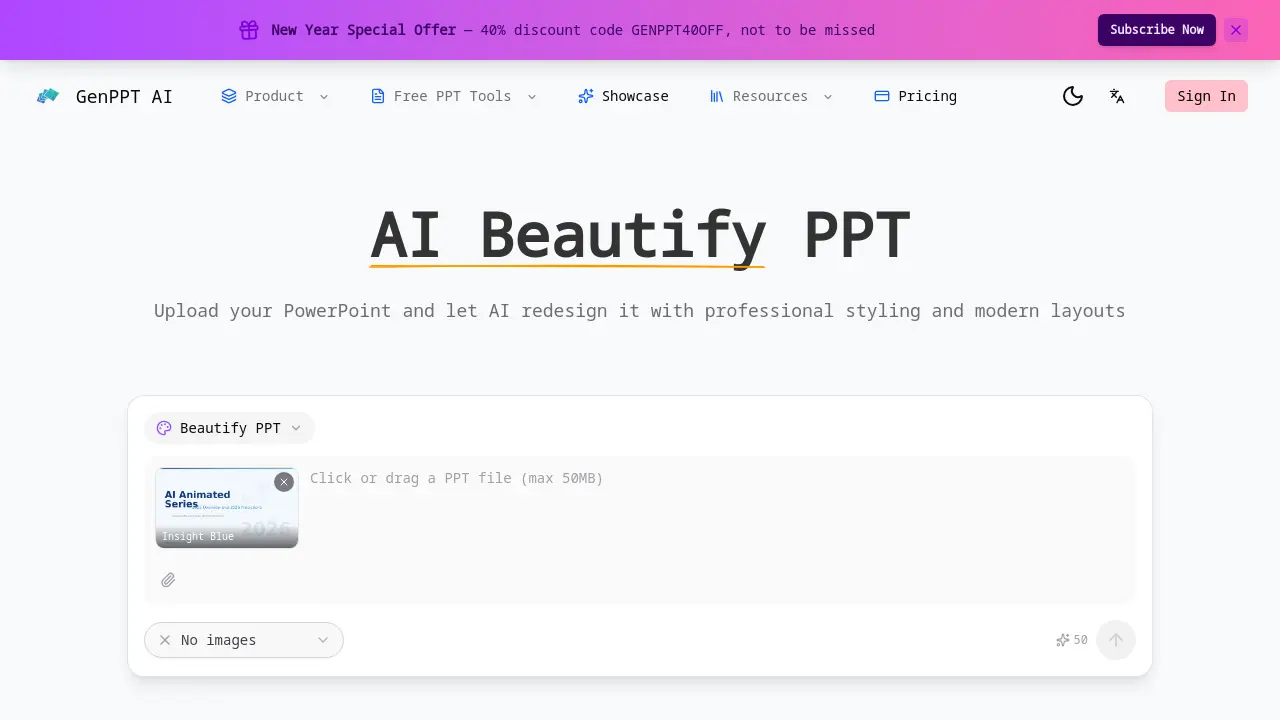
What is AI Beautify PPT
AI Beautify PPT is an automated design engine that transforms standard PowerPoint files into polished, visually engaging presentations. By uploading a deck, the tool applies modern typography, balanced layouts, and cohesive color schemes while preserving all original text, data, and slide structure. The AI evaluates each slide, selects optimal layouts, and rearranges elements to enhance visual hierarchy, ensuring key points receive appropriate emphasis. Users can supply custom design preferences—such as color palettes or stylistic directives—and the system incorporates these instructions into the final output. The process completes within minutes, supports files of any size, and requires no design expertise or account registration. This solution is ideal for business meetings, academic talks, and client presentations that demand a professional look without manual redesign effort.
How does AI Beautify PPT work
AI Beautify PPT processes an uploaded PowerPoint file by applying machine‑learning models that analyze each slide’s content, layout, and visual hierarchy. The system selects a suitable template, then adjusts typography, color schemes, spacing, and element placement while preserving the original text, data, and structure. Users can supply optional design preferences, which the AI incorporates into the final styling. The result is a cohesive theme applied across all slides, delivered within minutes and requiring no design expertise. The tool supports any PowerPoint size and operates entirely online.
Benefits of AI Beautify PPT
AI Beautify PPT transforms ordinary PowerPoint decks into polished, professional presentations by automatically applying modern typography, balanced layouts, and cohesive color schemes while preserving all original text, data, and structure. The AI analyzes each slide to optimize visual hierarchy, rearranging elements for maximum impact. Users can guide the redesign with custom color or style preferences, ensuring the final look matches their brand or personal taste. The tool works with any file size, delivers results in minutes, and requires no design experience or sign‑up, making it ideal for students, academics, and business professionals.
Pros and Cons of AI Beautify PPT
Pros
- Instantly enhances slide aesthetics with modern layouts.
- Preserves original content and structure.
- Applies consistent theme across all slides.
- Allows custom design instructions.
- Free to use, no sign‑up required.
Cons
- Limited support for non‑PPT file formats.
- No advanced editing beyond visual styling.
- Lacks real‑time collaboration features.
- Dependent on AI accuracy for layout choices.
- No offline usage available.
