
GanttPilot Core Features
AI project scheduling tool that generates editable Gantt charts from prompts, templates, or imported files, checking dependencies and revision impact.

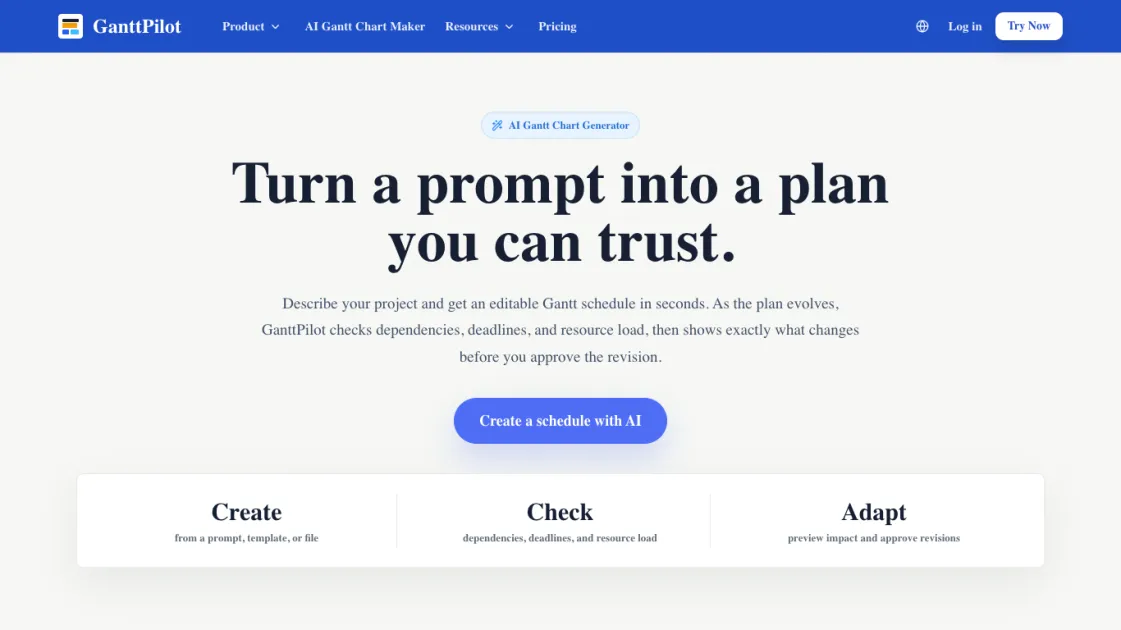
Core Features of GanttPilot
Prompt to Gantt
Describe the project, goal, deadline, or scope. GanttPilot turns it into tasks, dates, dependencies, and a visual Gantt schedule.
Templates
Start from reusable schedule templates for launches, campaigns, client delivery, events, construction, installation, and handover work.
File Import
Import the task list or schedule file you already have instead of rebuilding everything from scratch. Supports Excel, CSV, XLSX, Microsoft Project XML, and MPP formats.
Schedule Check
Check dependencies, deadline risk, resource pressure, and tasks that may affect the final milestone.
Change Preview
When dates, scope, or resources change, see which tasks move and by how much before the plan is updated.
Revision Approval
AI suggests the update. You approve what gets applied. Nothing moves without user confirmation.
Export and Share
Keep the schedule editable in a Gantt workspace, then export Project XML or share the plan when it is ready.
Use Cases of GanttPilot
- Product launches: Coordinate research, build, QA, marketing, release, and post-launch reporting with a single schedule.
- Client delivery: Plan kickoff, requirements, setup, training, review, and handover work with visible dependencies.
- Marketing campaigns: Schedule content creation, creative approvals, ad deployment, launch, and reporting in one timeline.
- Events and operations: Manage venue, vendors, speakers, setup, live day, and wrap-up with revision tracking.
- Construction and installation: Plan site work, delivery, installation, inspection, testing, and commissioning.
