
FastMoro AI FAQs
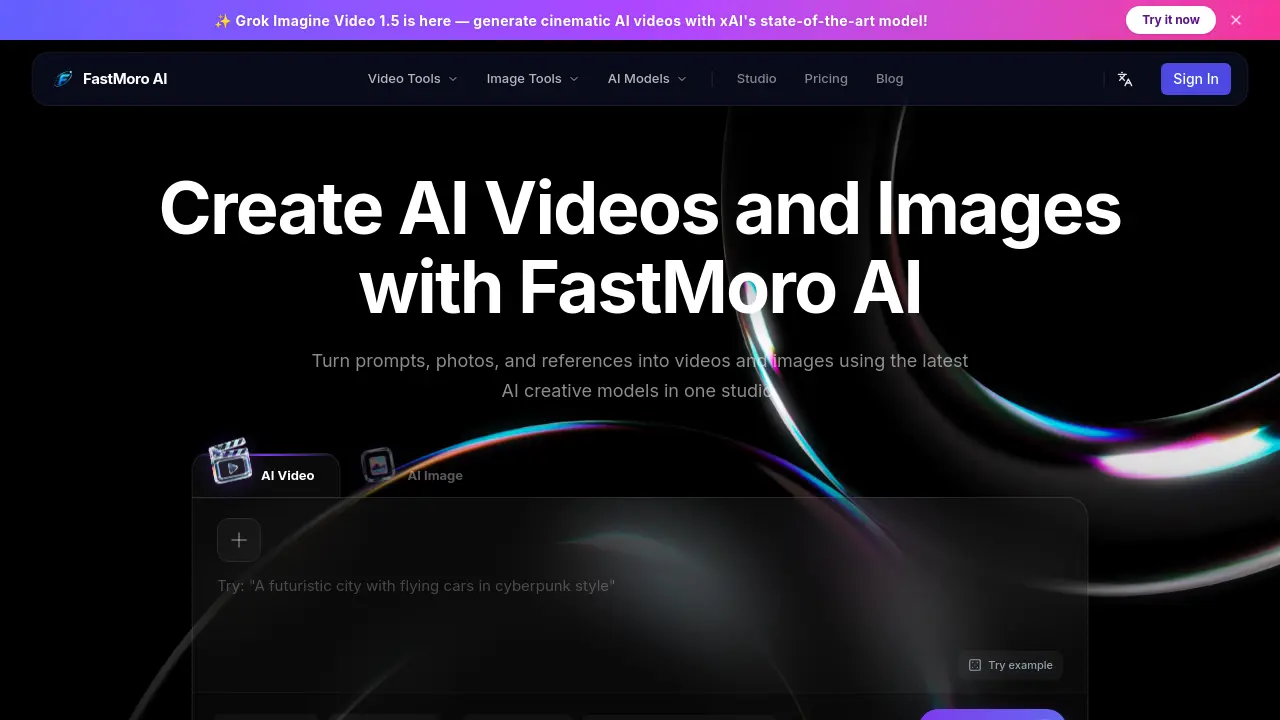
FastMoro AI is an AI creative studio for content creators that provides text‑to‑video, image‑to‑video, text‑to‑image and AI image editing tools, enabling rapid production of high‑quality visual media.

FAQs of FastMoro AI
Is this AI video generator really free?
FastMoro AI offers a free tier that allows users to generate videos without monetary payment, but the free usage is limited by a credit system. Each video generation consumes a specific number of credits, and once the allocated free credits are exhausted, users must purchase additional credits or upgrade to a paid plan to continue creating videos.
What is the maximum video duration I can generate?
The platform currently supports a maximum video length of 8 seconds per generation request. Users can adjust the duration within this limit by selecting the desired length in the settings panel before rendering. Longer sequences require multiple generation cycles or the use of higher‑tier plans that may combine shorter clips.
Can I use the generated videos commercially?
Yes, videos produced with FastMoro AI can be used for commercial purposes, provided the user complies with the platform’s licensing terms. The standard license included with purchased credits grants commercial rights, but users should review the Terms of Service to ensure their specific use case is covered.
Which AI models power the video generation?
FastMoro AI integrates several state‑of‑the‑art models, including Grok Imagine Video 1.5, Gemini Omni, Veo 3.1, Seedance 2.0, and Happy Horse 1.0. Each model is optimized for different styles and resolutions, allowing creators to select the most appropriate engine for their artistic vision.
How do credits work?
Credits act as a internal currency that corresponds to the compute resources required for each generation. The number of credits required varies by model, resolution, and video length; for example, generating a 4K video with Grok Imagine Video 1.5 may consume 80 credits. Users can purchase credit packs or receive a limited amount through the free plan.
How can I control the visual style of my video?
FastMoro AI provides a “Reference to Video” feature where users upload an image or short clip that defines color grading, camera angles, and artistic style. The system then uses this reference to guide the generated video, ensuring consistent aesthetics that match the supplied visual cue.
What file formats are available for download?
After generation, videos can be downloaded in widely supported formats such as MP4 and WebM. The platform automatically selects the appropriate codec based on the chosen resolution (720p, 1080p, or 4K) to balance quality and file size for easy sharing across social media and professional platforms.
Is there a way to edit a generated video without starting over?
FastMoro AI includes an AI‑driven image editor that allows users to modify individual frames, swap backgrounds, or remove objects after the initial render. Changes can be applied by providing new textual instructions, and the system will re‑process only the affected sections, saving credits compared to a full re‑generation.
How to use FastMoro AI
FastMoro AI functions as an all‑in‑one creative studio, enabling text‑to‑video, image‑to‑video, and text‑to‑image generation using advanced AI models such as Grok Imagine Video 1.5 and Gemini Omni.
Begin by signing in, then choose the desired tool (Text‑to‑Video, Image‑to‑Video, or Text‑to‑Image) from the navigation panel; the interface presents a prompt box and optional file upload area.
Enter a detailed prompt or upload reference media, then adjust settings—aspect ratio, resolution, duration, and model selection—using the sliders and dropdown menus displayed beside the input field.
Press the Generate button; the platform queues the request, allocates required credits, and processes the content within minutes, showing a real‑time preview once ready.
Review the generated output in the preview window; compare key attributes (visual fidelity, motion smoothness, style consistency) against the original prompt to assess alignment with creative goals.
Download the final video or image via the provided link, then integrate it into presentations, marketing material, or social media, leveraging the commercial‑use license indicated in the FAQ.
