
Face To Many FAQs
Face To Many uses AI to transform faces into various artistic styles and characters, generating unique face variations for creative expression.

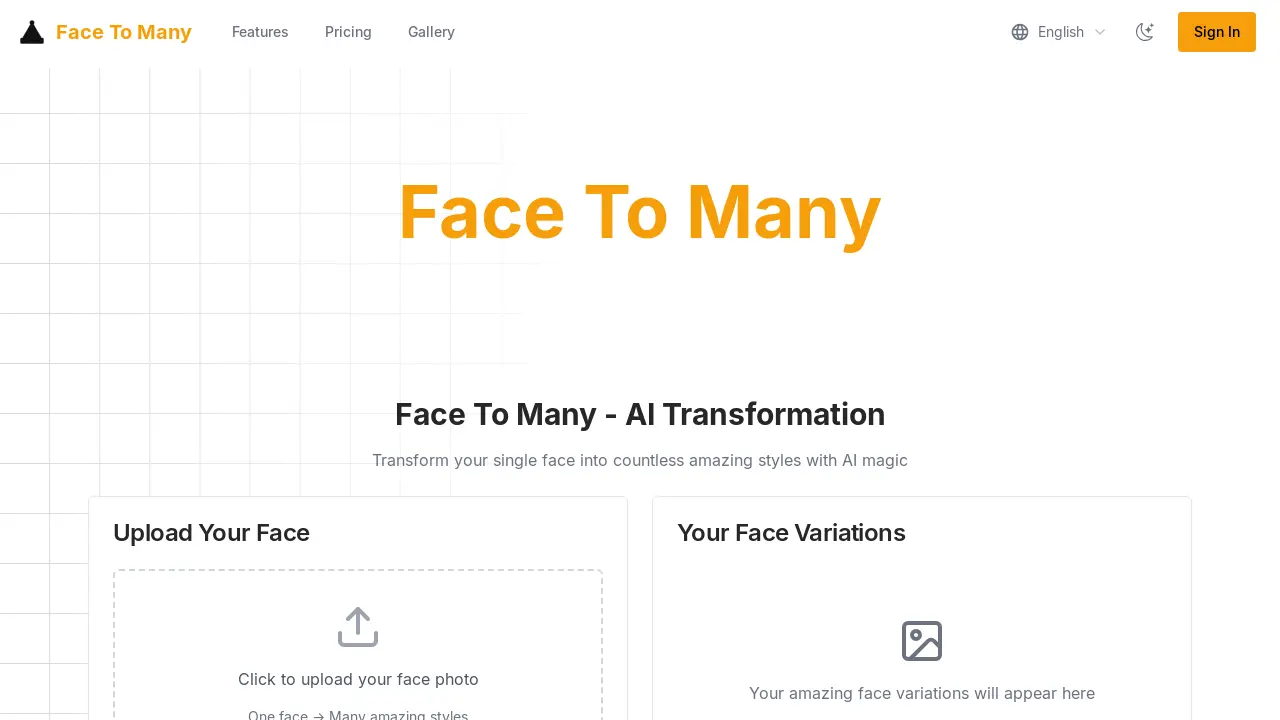
FAQs of Face To Many
How does Face To Many work?
Face To Many employs advanced AI neural networks to analyze facial features from uploaded photos and generate a diverse array of transformations. The AI models are trained using extensive datasets of faces to ensure that the resulting transformations are realistic and of high-quality, all while attempting to preserve the user's unique characteristics.
Is my photo data safe and private with Face To Many?
Face To Many prioritizes user privacy and data security. Uploaded photos are processed securely and automatically deleted from the servers after the transformation process is complete. Face To Many assures users that personal images are never stored or shared with third parties, ensuring confidentiality.
What photo quality works best with Face To Many?
To achieve optimal results with Face To Many, it is recommended to use clear and well-lit photos where the face is fully visible and facing forward. Higher resolution photos, ideally at least 512x512 pixels, will yield better transformations. Avoid using heavily filtered or blurry images, as these may hinder the AI's ability to accurately analyze facial features.
Can I use the transformed images commercially?
The commercial usage rights for images transformed using Face To Many are dependent on the user's subscription plan. The Creator and Professional plans include commercial usage rights, enabling users to utilize the transformed images for business purposes. The free trial is intended solely for personal use, and users should check their specific plan details for complete licensing terms.
How long does Face To Many take to process transformations?
The majority of transformations on Face To Many are completed within a timeframe of 10 to 30 seconds. However, the actual processing time can fluctuate based on factors such as the image resolution, the complexity of the chosen style, and the current server load. Subscribers with premium accounts benefit from priority processing, which ensures faster results.
Can I request custom transformation styles on Face To Many?
Yes, subscribers to the Professional plan on Face To Many have the option to request custom transformation styles. The Face To Many team can collaborate with users to create unique transformation styles tailored to their specific needs. The implementation of custom requests generally takes approximately 3 to 5 business days.
What is the cost of Face To Many?
Face To Many offers a few pricing plans to meet every user's needs, from content creators to enterprise clients. The "Creator" plan starts at $2.99, the "Professional" plan at $16.99, and the "Enterprise" plan at $29.99. Each tier provides users with credits for transformations.
What kind of transformations can Face To Many create?
Face To Many's technology enables a vast range of transformations, including artistic styles, ethnic variations, age progressions, gender swaps, and fantasy characters. The platform is designed to give users a wide range of creative options.
How to use Face To Many
Face To Many is an AI tool that transforms a single facial image into various styles using advanced algorithms. This tutorial outlines how to use Face To Many to create unique face transformations.
Begin by uploading a clear, front-facing photo of your face. This ensures the AI algorithms can effectively analyze your facial features. Face to many AI works best with well-lit photos.
Explore the extensive style library to select desired transformations. Consider artistic renditions, ethnicities, age variations, or fantasy characters for face to many transform.
Initiate the AI processing. Face To Many's algorithms analyze your uploaded photo and apply the chosen styles, creating multiple amazing styles in real-time using face to many comfyui.
Download and share your transformed images. Generated images can be downloaded in high resolution for sharing on social media or other platforms.
Explore style variation settings. Experiment with options like "Style Random" or "Persona Type Random" to discover a wide range of unexpected and interesting face variations.
Consider enabling "Preserve Outfit" or "Preserve Background" if maintaining context is important. Disabling these options will allow for complete creative freedom in face to many video game design.
Review the pricing plans to understand credit costs. Each face variation uses credits, so select a plan aligned with transformation needs to avoid face to face disadvantages.
Utilize the API for integration. Developers can access the API to integrate the face transformation technology into their applications, offering face to many free capabilities.
Examine the "Amazing Transformations" gallery for inspiration. The gallery showcases diverse styles, including anime, cartoon, and other creative interpretations, helping you replicate face to many outcomes.
Consult the FAQ for common questions regarding data privacy. Your uploaded photos are processed securely, and deleted after, which addresses concerns surrounding face to face guidelines.
