
Dreampik FAQs
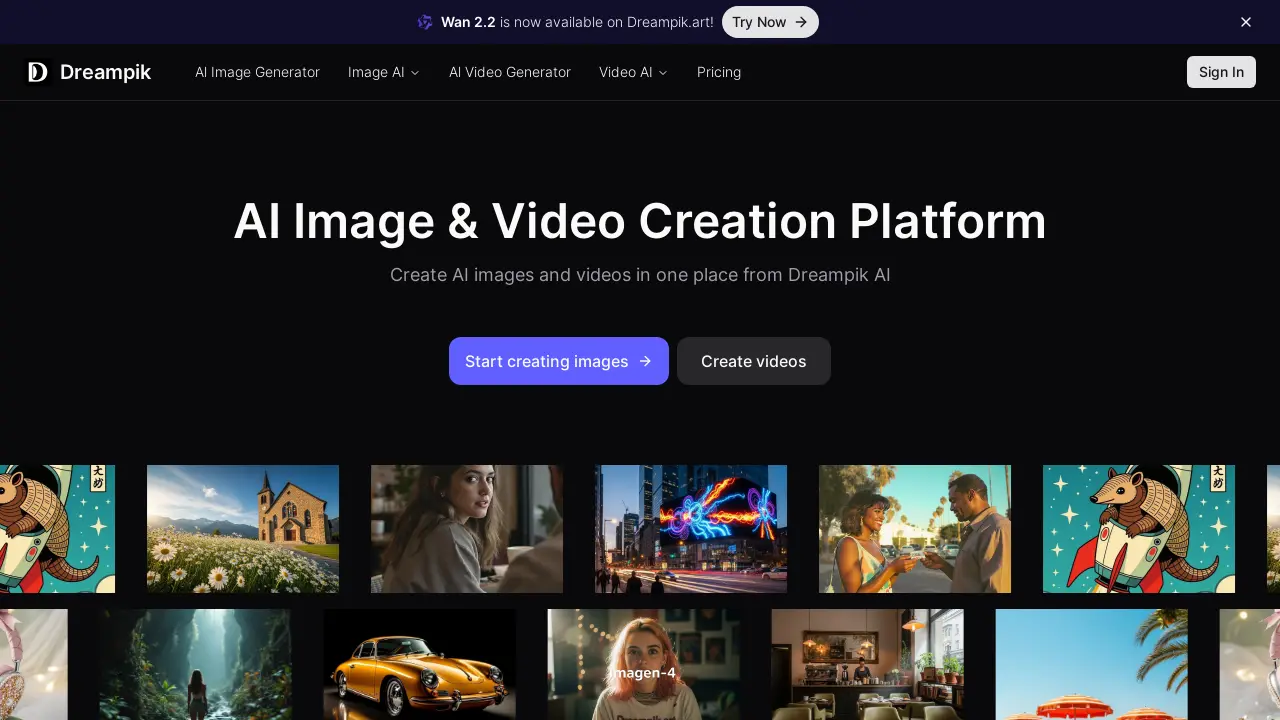
Dreampik is an AI platform offering image and video creation, including text-to-image, image-to-video, and various AI models for diverse creative outputs.

FAQs of Dreampik
What is Dreampik?
Dreampik is an AI-powered platform for creating both images and videos. It serves as a comprehensive online tool for users interested in leveraging artificial intelligence for visual content generation, offering various features and models to support creative endeavors.
What AI image generation capabilities does Dreampik offer?
Dreampik provides several AI image generation tools, including a text-to-image generator for creating images from descriptive text, an image-to-image feature for transforming existing images, and an AI image editor. The platform also offers various image AI tools and photo effects for diverse creative applications.
Which leading-edge models are supported for image generation on Dreampik?
Dreampik supports a range of leading-edge AI models for image generation, such as Flux (including Flux Krea, Flux Dev, Flux 1.1 Pro, Flux 1.1 Pro Ultra, and Flux Kontext), Imagen 4, Ideogram 3, Recraft 3, Seedream 3, HiDream, and Gemini Flash. These models offer diverse artistic styles and generation capabilities.
What AI video generation features are available on Dreampik?
Dreampik facilitates AI video generation through its image-to-video and text-to-video capabilities. The image-to-video function allows users to animate static images, while the text-to-video generator creates video content directly from textual prompts, enabling dynamic visual storytelling.
Which video AI models are integrated into the Dreampik platform?
Dreampik integrates several prominent video AI models to support its generation capabilities. These include Veo 3, Kling 2.1, Pixverse 4.5, Hailuo 2, Seedance 1, Wan 2.2, and LTX Video. These models empower users to produce a variety of video styles and effects.
What is Wan 2.2 on Dreampik?
Wan 2.2 is one of the new, leading-edge video AI models now available on the Dreampik platform. This particular model enhances the video generation capabilities, allowing users to create more advanced and diverse video content through the image-to-video or text-to-video functionalities.
Can users edit images with AI on Dreampik?
Yes, Dreampik provides an AI Image Editor feature that allows users to modify and enhance their images using artificial intelligence. This tool integrates various AI-powered functionalities to assist in photo editing, enabling transformations and adjustments beyond traditional manual editing.
How to use Dreampik
Dreampik is an AI-powered platform designed for the creation of images and videos. It consolidates various advanced AI models, allowing users to generate content from text prompts or transform existing images. This tool facilitates creative expression and content production through artificial intelligence.
- Navigate to Dreampik.art to access the AI image and video creation platform.
- Select "AI Image Generator" for text-to-image or image-to-image conversion, or "AI Video Generator" for video creation.
- Choose a preferred AI model, such as Wan 2.2, Flux, or Veo 3, from the available options.
- Input your text prompt or upload an image for AI processing, depending on your selected tool.
- Initiate the generation process; the platform will render your AI-generated image or video.
- Review the output and utilize the integrated editing tools to refine the generated content as needed.
- Download your finished AI artwork, whether it is a "dream pick" image or a "dreampic" video.
