
Crevid: AI Video & Image Generator for High-Quality Content

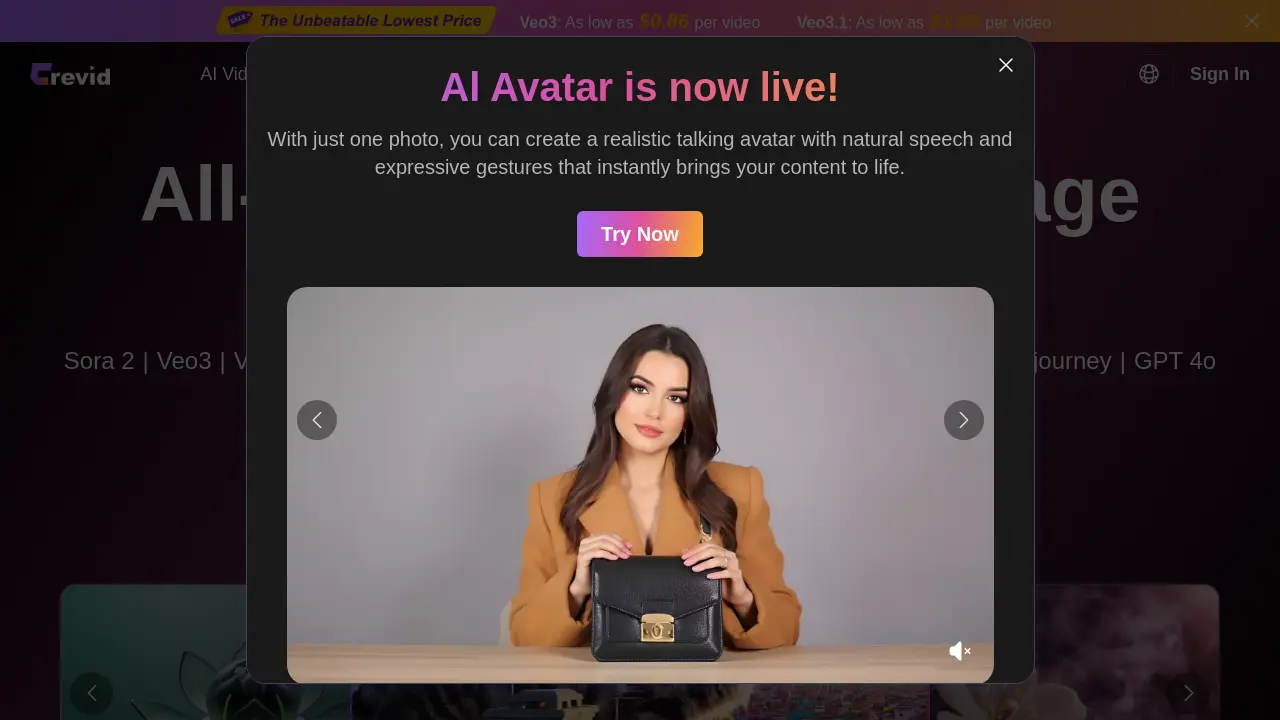
What is Crevid
Crevid is an all-in-one AI video and image generation platform that consolidates multiple advanced models, including Sora 2, Google Veo3, Runway Gen-4, and Midjourney, into a single creative suite. It facilitates the production of high-quality visual content from text prompts or static images via core functionalities such as text-to-video, image-to-video, video-to-video transitions, and AI avatars. The platform supports diverse applications, from cinematic storytelling to social media marketing, with competitive per-video pricing starting at $0.86 for Veo3. Requiring no prior editing expertise, Crevid streamlines workflows for content creators, marketers, and filmmakers by enabling rapid generation of professional-grade outputs. Additional integrated tools cover AI image generation, voice synthesis, music creation, and specialized video effects, providing a comprehensive ecosystem for efficient, scalable media production.
How does Crevid work
Crevid AI operates as a consolidated platform that aggregates multiple generative AI models, such as Sora 2, Google Veo3, and Runway Gen-4, for video and image creation. Users generate content by selecting a model and providing text prompts or uploading images, with options for text-to-video, image-to-video, text-to-image, and image-to-image modes. The system processes inputs through the chosen model, allowing parameter adjustments like video duration, aspect ratio, and watermark removal. Additional capabilities include AI effects, voice synthesis, and music generation, enabling streamlined production of visual and audio assets for diverse creative applications without manual editing expertise.
Benefits of Crevid
Crevid AI is an all-in-one generative platform that integrates advanced models like Veo 3, Sora 2, and Midjourney for versatile video and image creation. It supports diverse input methods—text-to-video, image-to-video, and video transitions—along with AI-driven effects such as avatars and lip sync. The service emphasizes accessibility with a simple, no-editing-required workflow and competitive pricing, exemplified by Veo3 videos starting at $0.86. Catering to creators in marketing, social media, and filmmaking, Crevid enables efficient production of high-quality visual content from prompts or images, backed by robust model variety and fast generation times.
Pros and Cons of Crevid
Pros
- Integrates multiple leading AI video models.
- Competitive per-video pricing starting from $0.86.
- Comprehensive toolset for video, image, and audio.
- User testimonials indicate professional utility.
- Simple workflow requiring no editing skills.
Cons
- Video generation times can be several minutes.
- Output quality may vary between integrated models.
- Some AI effects lack professional application.
- Credit-based system may become costly for heavy use.
- Platform dependent on third-party model availability.
Core Features of Crevid
AI Video Generation
Generate professional videos from text prompts or images using models like Sora 2 and Veo3, with options for duration, aspect ratio, and style customization.
AI Image Generation
Create high-quality images from text descriptions or source files via Midjourney, GPT-4o, and other models, with controls for resolution and artistic style.
AI Visual Effects
Apply pre-designed effects such as AI kissing, hugging, or earth zoom to videos and images, enhancing creativity with realistic animations and transformations.
AI Voice Synthesis
Convert text to natural speech, clone existing voices, and generate sound effects to add professional audio narration or character voices to visual projects.
AI Music Generation
Create original music tracks and soundscapes using Suno models, providing customizable audio backgrounds for videos, images, and multimedia content.
Use Cases of Crevid
- E-commerce sellers: Create dynamic product showcase videos from static images using Crevid's image-to-video AI.
- Social media managers: Generate platform-optimized short videos from text prompts with models like Sora 2 and Veo3.
- Independent filmmakers: Produce high-quality cinematic scenes using advanced AI video models for professional storytelling.
- Marketing teams: Develop presentation videos with AI avatars and lip sync technology for corporate brand content.
- Wedding videographers: Customize romantic save-the-date videos using image-to-video and seamless video transitions.
FAQs of Crevid
What is Crevid AI?
Crevid AI is an all-in-one AI video and image generation platform that enables users to create visual content from text or images using advanced AI models like Sora, Veo, and Midjourney. It supports multiple creative applications including video production, image generation, and audio tools for versatile content creation.
How do I create a video from text with Crevid AI?
To create a video from text, first select an appropriate AI model from the available options. Then, enter a detailed prompt describing the desired video, optionally using the "Generate With AI" feature to expand keywords. Set parameters such as video length and aspect ratio, then click generate. The system processes the request, with videos taking several minutes to complete based on complexity.
Which models are available on Crevid AI?
Crevid AI supports numerous AI models for video generation, including Sora 2, Google Veo3, Veo3.1, Hailuo 02, Runway Gen-4, Kling V2.1, Wan 2.5, Seedance, and Midjourney. For images, models like Nano Banana Pro, GPT 4o, and Midjourney are available. Additionally, specialized effects and audio models such as Suno for music are integrated into the platform.
Can I turn a photo into a video with AI?
Yes, Crevid AI offers an image-to-video feature that animates still images into dynamic videos. Users can upload an image and provide a prompt to guide the motion, resulting in a video output. This process leverages AI to interpret the image and generate realistic or stylized movement based on the input, enhancing static visuals with motion.
Is Crevid AI beginner-friendly?
Crevid AI is designed to be accessible to users without editing skills. The interface provides simple steps: choose a model, input a prompt or upload an image, adjust settings, and generate. Tools like "Generate With AI" assist in crafting effective prompts, lowering the barrier for new creators to produce professional-quality content.
How quickly can Crevid AI generate videos or images?
Image generation typically completes within seconds, while video generation may take several minutes depending on the selected model, video length, and complexity. Factors such as Pro mode usage and current platform demand can affect processing time, with longer or higher-quality videos requiring more computational resources.
Will Crevid AI outputs include watermarks?
Default outputs may include watermarks from the underlying AI models. However, Crevid AI offers a watermark removal option for certain models, such as Sora2, which requires additional credits (e.g., 260 credits) to activate. Users can choose this during the generation process to obtain cleaner, watermark-free results.
Can I use AI-generated content for commercial purposes?
Commercial usage rights depend on the terms of service of the specific AI models used and Crevid AI's policies. Users should review the Terms of Service and any model-specific licenses to understand permissions and restrictions for commercial applications of generated content, ensuring compliance with legal and licensing requirements.
How can I reach you if I have more questions?
Additional support is available through the Contact Us page linked in the website footer. Users can also refer to the Blog or Help sections for more information. For specific inquiries, the contact form on the website can be used to reach the support team directly for assistance.
What are the pricing options for Crevid AI?
Crevid AI operates on a credit-based system with pricing starting as low as $0.86 per video for Veo3 and $1.03 for Veo3.1. A premium subscription offers benefits like faster rendering, priority queues, more credits, and lower per-generation costs, with access to models such as Veo 3, Runway, and Midjourney for frequent creators.
How does the watermark removal feature work?
During video generation, users can opt to remove watermarks by selecting the corresponding option. For instance, removing the Sora2 watermark requires 260 credits. This feature ensures cleaner output for professional use, but credit deduction applies based on the model and watermark type, providing flexibility for different project needs.
What file types and sizes are supported for uploads?
For image uploads, Crevid AI accepts JPEG, PNG, and WebP formats with a maximum file size of 10MB. These specifications ensure compatibility with the image-to-video and other image-based features while maintaining processing efficiency and quality within the platform's technical constraints.
What is the difference between Basic and Pro modes?
Basic mode produces standard quality videos with shorter durations, while Pro mode offers higher quality output and longer video lengths. Pro mode is recommended for professional projects requiring finer details and extended footage, though it may consume more credits or take longer to generate, catering to varied user requirements.
How does the "Generate With AI" prompt assistant function?
The "Generate With AI" feature expands brief keywords into detailed, optimized prompts automatically. This assists users in crafting effective descriptions for better AI model interpretation, improving output quality without requiring extensive prompt engineering expertise, thereby streamlining the creative workflow for both novice and experienced users.
How to use Crevid
- Begin by accessing the Crevid AI platform and selecting the appropriate creation tool, such as image-to-video or text-to-video, based on the desired content type and project needs.
- Choose a suitable AI model from the supported options, including Sora2, Veo3, Runway Gen-4, or Kling V2.1, considering factors like output quality, video length, and generation cost.
- Provide a detailed text prompt or upload a source image; utilize the AI prompt generator to expand brief keywords into comprehensive instructions for optimal results.
- Configure generation parameters, such as video duration (e.g., 10s, 15s, 25s), aspect ratio (landscape or portrait), and quality mode (Basic or Pro for higher fidelity).
- If required, enable watermark removal for specific models like Sora2 by spending account credits to produce clean, professional-looking final videos without branding.
- Initiate the generation process and allow sufficient time for completion, as video rendering can take several minutes depending on model complexity and specified length.
- After generation, critically review the output video against the original prompt; iterate by refining prompts or switching models if the result does not meet expectations.
- Download the final video file in the rendered resolution for integration into marketing materials, social media content, presentations, or other creative applications.
Crevid Website Traffic Analysis
Latest traffic information
- Monthly Visits3.38K
- Bounce Rate33.46%
- Pages Per Visit2.3
- Visit Duration00:03:20
- Global Rank4.23M
- Country/Region Ranking1.27M
Visits Over Time
Top Keywords
| Keyword | Traffic | Volume | Cost Per Click |
|---|---|---|---|
| filmiki z ai | 140 | 160 | -- |
| sora 2 | 130 | 487.97K | $0.9 |
| seedance | 90 | 797.75K | $0.45 |
| veo 3.1 | 90 | 232.71K | $0.89 |
| runway ml | 70 | 456.03K | $0.61 |
