
Free Gemma 4 Chat, Setup Guides, and Model Comparisons

What is AvenChat
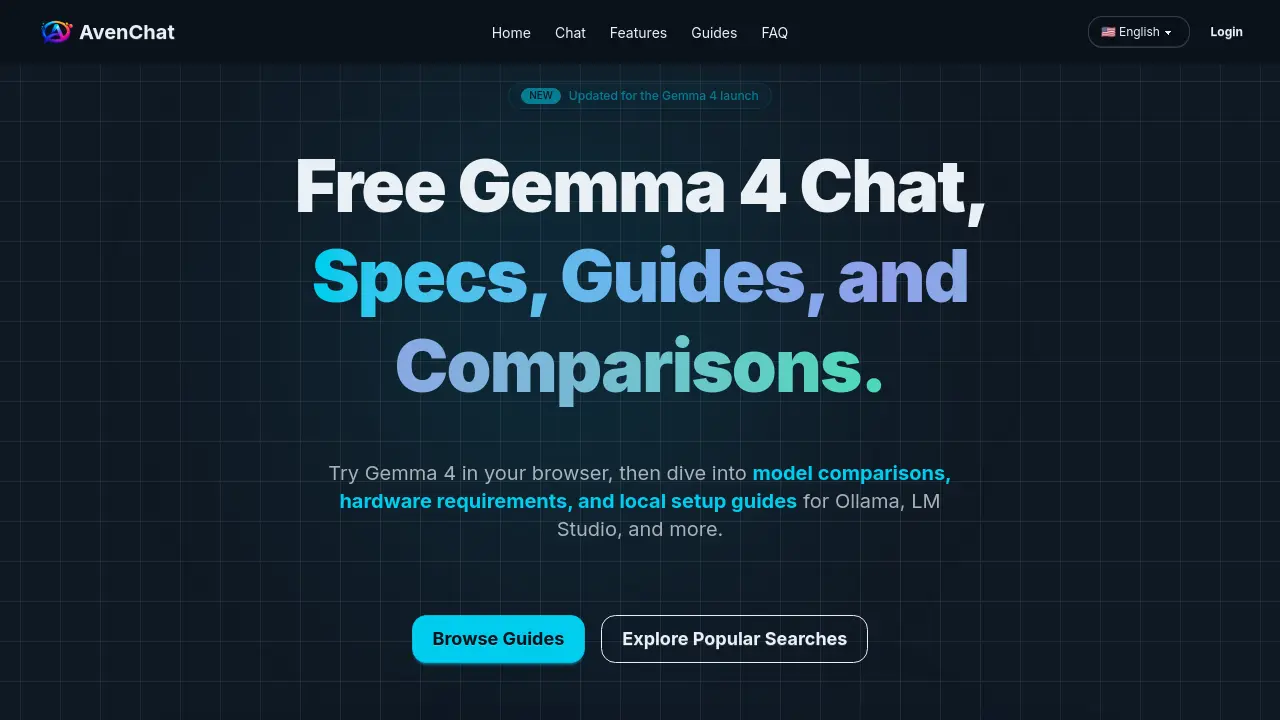
AvenChat provides a comprehensive platform for exploring and utilizing Gemma 4, Google's latest open-weight model family. The platform offers free web-based chat access, allowing users to test prompts and evaluate the model's capabilities before committing to local or hosted setups. Detailed guides cover hardware requirements, model comparisons, and setup instructions for popular local runtimes like Ollama and LM Studio. AvenChat also addresses common questions about Gemma 4's features, licensing, and deployment options, making it a valuable resource for developers and teams considering this versatile AI model.
How does AvenChat work
AvenChat is a web-based platform designed to provide users with access to Gemma 4, Google's open-weight model family. It offers a free browser-based chat interface, allowing users to explore Gemma 4's capabilities, including multimodal input and long-context processing. The platform supports various model sizes, such as 31B, 26B A4B, E4B, and E2B, catering to different hardware requirements and use cases. AvenChat also provides comprehensive guides for local setup using tools like Ollama and LM Studio, as well as comparisons with other models like Qwen. This makes it a versatile hub for evaluating and deploying Gemma 4 in diverse environments.
Benefits of AvenChat
AvenChat provides a comprehensive platform for exploring Gemma 4, Google's open-weight model family. Users can access a free web chat to test prompts and evaluate model performance before committing to local or hosted setups. The site offers detailed guides on hardware requirements, model comparisons (31B, 26B A4B, E4B, E2B), and local deployment with tools like Ollama and LM Studio. Gemma 4 supports multimodal input (images, audio in smaller variants) and flexible deployment paths, making it suitable for diverse workflows. With Apache 2.0 licensing and clear memory guidance, AvenChat simplifies decision-making for developers and teams evaluating Gemma 4 against alternatives like Qwen.
Pros and Cons of AvenChat
Pros
- Free Gemma 4 web chat access.
- Multiple model variants available.
- Supports multimodal input.
Cons
- Limited to Gemma 4 models only.
- Requires sign-in for conversations.
- No mention of advanced features.
Core Features of AvenChat
Gemma 4 Model Selection
Provides guidance on choosing between Gemma 4 variants (31B, 26B A4B, E4B, E2B) based on quality, efficiency, and hardware requirements.
Local Deployment Setup
Offers step-by-step guides for running Gemma 4 locally using Ollama, LM Studio, llama.cpp, and other supported frameworks.
Hardware Requirements Planning
Details approximate memory needs for each Gemma 4 model variant, ranging from 3.2 GB (E2B) to 17.4 GB (31B), to help users plan hardware accordingly.
Free Web Chat Interface
Provides a browser-based chat interface for testing Gemma 4 prompts and evaluating model performance before local deployment.
Model Comparison Tools
Enables users to compare Gemma 4 with alternatives like Qwen across deployment flexibility, ecosystem support, and hardware requirements.
Use Cases of AvenChat
- Product teams: Quickly evaluate Gemma 4 31B's strengths for product development using the free web chat.
- Researchers: Compare Gemma 4 31B and Qwen for long-context research work using model comparison guides.
- Project managers: Turn meeting notes into launch updates efficiently with the free Gemma 4 web chat.
- Developers: Explore local deployment options for Gemma 4 using setup guides for Ollama and LM Studio.
- Teams: Determine the best Gemma 4 model variant for their needs using the comprehensive model comparison guide.
FAQs of AvenChat
What is AvenChat?
AvenChat is a Gemma 4 hub that provides free web chat, model comparisons, hardware requirement guides, and local setup walkthroughs for the Gemma 4 model family. It serves as a comprehensive resource for users to explore and utilize Gemma 4's capabilities.
What is Gemma 4?
Gemma 4 is Google's open-weight model family designed for reasoning, multimodal input, and flexible deployment. The official family includes four variants: 31B, 26B A4B, E4B, and E2B, each catering to different use cases and hardware requirements.
How can I try Gemma 4 for free?
You can try Gemma 4 for free on AvenChat's website. The platform offers a browser-based chat interface where you can test prompts, summarize documents, and compare outputs before deciding whether to set up a local or hosted environment.
Which Gemma 4 model should I choose?
The choice of model depends on your specific needs. The 31B model is quality-first, the 26B A4B is efficiency-focused, and the E4B and E2B variants are lighter and easier to run on less powerful hardware. For a detailed comparison, refer to AvenChat's model comparison guide.
Can I run Gemma 4 locally?
Yes, Gemma 4 is designed for flexible deployment paths, including local setups. You can run it using various local runtimes such as LM Studio, llama.cpp, MLX, Gemma.cpp, and Ollama. AvenChat provides setup guides for these platforms to help you get started.
What hardware do I need to run Gemma 4?
Hardware requirements vary by model size and quantization. For example, the E2B variant requires approximately 3.2 GB in Q4, while the 31B variant needs about 17.4 GB in Q4. It's essential to choose the right variant based on your hardware capabilities before downloading.
Does Gemma 4 support images and audio?
All official Gemma 4 models accept image input. The smaller E2B and E4B variants additionally support native audio input, while the larger 31B and 26B A4B models focus on text-plus-image workloads.
Is Gemma 4 better than Qwen?
There is no single universal winner between Gemma 4 and Qwen. Gemma 4 may be preferable if you value the official Google ecosystem, Apache 2.0 licensing, and clear variant selection. Qwen might be better if your team already prefers the Qwen toolchain or Alibaba Cloud stack.
Where should I start with Gemma 4?
If you're still evaluating quality, start with the free chat on AvenChat. If you're choosing a model size, read the model comparison guide first. If you know you want local inference, start with hardware requirements and then move to the setup guides.
How to use AvenChat
AvenChat is a web-based platform for interacting with Google's Gemma 4 language model family. It offers free browser-based chat, model comparisons, hardware requirement guides, and local setup walkthroughs for running Gemma 4 on your own machine.
- Navigate to the AvenChat homepage at https://avenchat.com/.
- Explore the available options: Home, Chat, Features, Guides, and FAQ.
- Click on "Chat" to access the free Gemma 4 web chat interface.
- Sign in to save your conversations and access personalized features.
- Use the provided quick prompts or write your own to interact with Gemma 4.
- Review the generated responses and refine your prompts as needed.
- To learn more about Gemma 4, click on "Guides" to access comprehensive setup and comparison resources.
- Refer to the FAQ section for answers to common questions about Gemma 4 and AvenChat.
AvenChat Website Traffic Analysis
Latest traffic information
- Monthly Visits12.14K
- Bounce Rate39.38%
- Pages Per Visit1.4
- Visit Duration00:00:06
- Global Rank2.03M
- Country/Region Ranking135.4K
Top Keywords
| Keyword | Traffic | Volume | Cost Per Click |
|---|---|---|---|
| error loading model: unknown model architecture: '' | 220 | -- | -- |
| gemma 4 thinking mode | 190 | 490 | -- |
| gemma4:e2b-it-qat 内存要求 | 150 | 160 | -- |
| gemma 4 2b chạy trên c | 140 | 150 | -- |
| any difference between gemma 4 31b and gemma 4 26b-a4b | 130 | 140 | -- |
Top Regions
| Region | Percentage |
|---|---|
| South Korea | 31.36% |
| United States | 12.85% |
| Brazil | 12.17% |
| Germany | 11.49% |
| Indonesia | 7.91% |
AvenChat Alternatives
Alenta AI trains an AI agent on your website to answer visitor questions, capture qualified leads, and book appointments 24/7 for service businesses.
SeedRouter puts image, video, language and audio models from OpenAI, Google and Anthropic behind one key, billing per request and never for failed calls.
Ordalin is an AI tool directory for comparing reviewed tools by category, goal, pricing and platform, with facts checked against makers’ official websites.
Coralflavor offers uncensored AI chats without safety filters, plus burn-mode retention, web search, image generation, and an OpenAI-compatible API for U.S. adults.
Jev is TypeSafe AI's System One model that returns typed decisions with calibrated confidence for automation. Fast, cheap, zero hallucinations.
AIdorable is a virtual baby AI companion app. Adopt, name, and care for a tiny AI baby in daily moments, as it grows, learns to speak, and remembers you.

Use GPT, Claude, Gemini and Grok through one OpenAI-compatible API. Compare model rates, create a key, and make your first request in minutes.
Gamified SaaS & AI tools directory with an interactive launch map. Browse launches, vote, and earn a DR 61+ dofollow backlink free with your badge.
Tokenhot is a unified LLM API gateway delivering OpenAI, Claude, Gemini and DeepSeek models through a single endpoint, cutting API costs by up to 90%.
DSH Hub catalogs verified DeepSeek Harness plugins and clients. Browse open-source repositories with source inspection before installation.
Zens AI delivers account-aware AI customer support, turning user feedback into product work for SaaS teams via Codex, Linear, Slack, and GitHub.
Turn your website into a searchable knowledge base. Knowster answers visitors from your content in any language. One-line setup, no coding, free plan.