
Voicss Introduction
Voicss is an online AI vocal remover that separates vocals and instrumentals, creates karaoke backing tracks, and isolates vocals for remixing, serving singers and creators with a fast, no‑download interface.

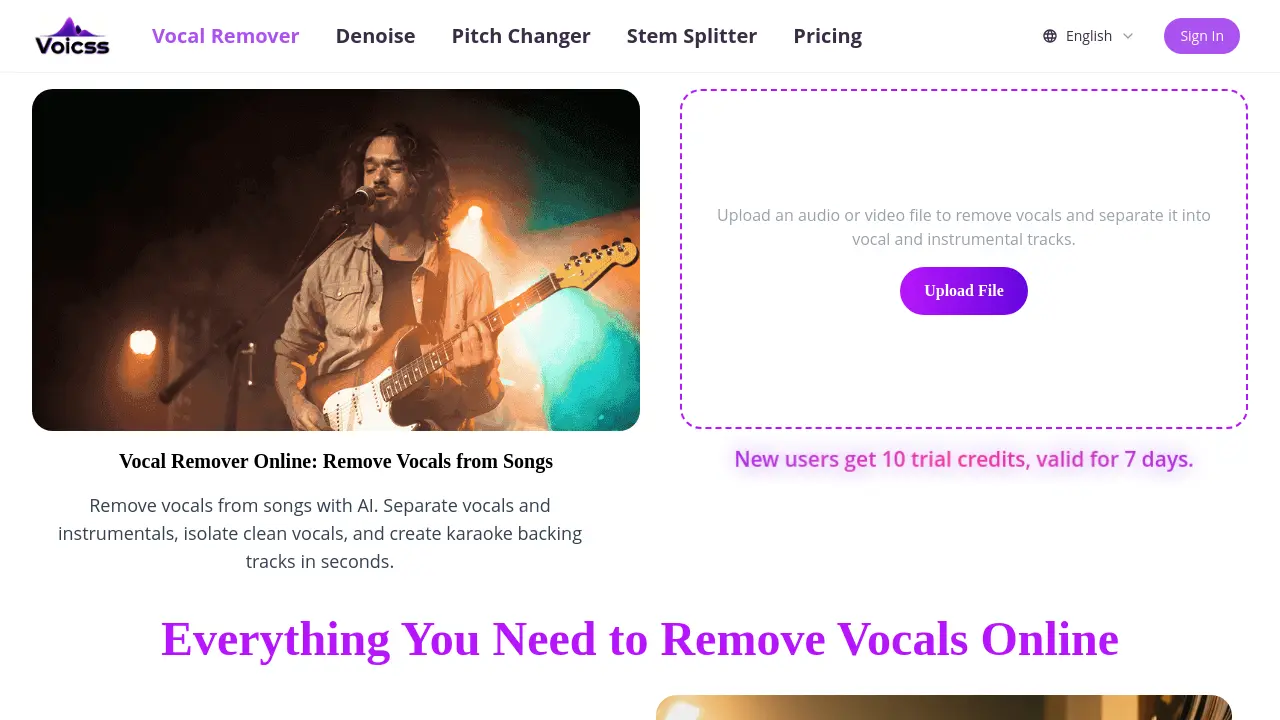
What is Voicss
Voicss is an AI‑powered, browser‑based vocal remover that isolates vocals and instrumentals in seconds. Users upload an MP3, WAV, FLAC, or other common audio format, then the platform instantly separates the tracks, producing a clean karaoke backing or an isolated vocal file ready for remixing, sampling, or practice. Because the service runs entirely online, no software installation or technical expertise is required; the workflow consists of upload, processing, and download. The tool supports high‑quality results across a variety of languages and music styles, making it suitable for singers, producers, and educators alike. A free trial provides ten credits for new users, and the pricing page outlines affordable plans for frequent creators. Voicss therefore delivers a fast, secure, and beginner‑friendly solution for anyone needing quick audio stem separation without the overhead of traditional DAW software.
How does Voicss work
Voicss operates as a browser‑based AI vocal remover that processes uploaded audio or video files entirely online. When a user submits a file, the platform’s server‑side neural network analyzes the spectral content, separates the vocal component from the instrumental background, and generates two distinct tracks—one containing isolated vocals and the other a clean accompaniment. The workflow requires no local installation, supports common formats such as MP3, WAV, M4A and FLAC, and delivers the split files within seconds, allowing creators to produce karaoke backs, remixes, or practice tracks without additional software.
Benefits of Voicss
Voicss provides a fully browser‑based vocal remover that isolates vocals and instrumentals in seconds using AI. Users simply upload an MP3, WAV, FLAC, or other common format, wait for processing, then download clean karaoke tracks or isolated vocal stems without installing software. The interface is designed for beginners, requiring no audio editing experience, while delivering results comparable to desktop tools. Voicss supports instant, high‑quality output for practice, remixing, and content creation, and offers a free trial of ten credits for new users, making the service both accessible and cost‑effective.
Pros and Cons of Voicss
Pros
- AI separates vocals and instrumentals instantly.
- Fully browser‑based, no software download required.
- Supports MP3, WAV, FLAC, M4A and other common formats.
- Free trial credits available for new users.
- Simple UI enables fast uploads and downloads.
Cons
- Free tier limited to 10 trial credits.
- Output may contain occasional separation artifacts.
- Lacks advanced editing features (e.g., stem mixing controls).
- Requires constant internet connection.
- No offline or desktop application offered.
