
VisualGPT is an all-in-one AI image generation and editing platform.

What is VisualGPT
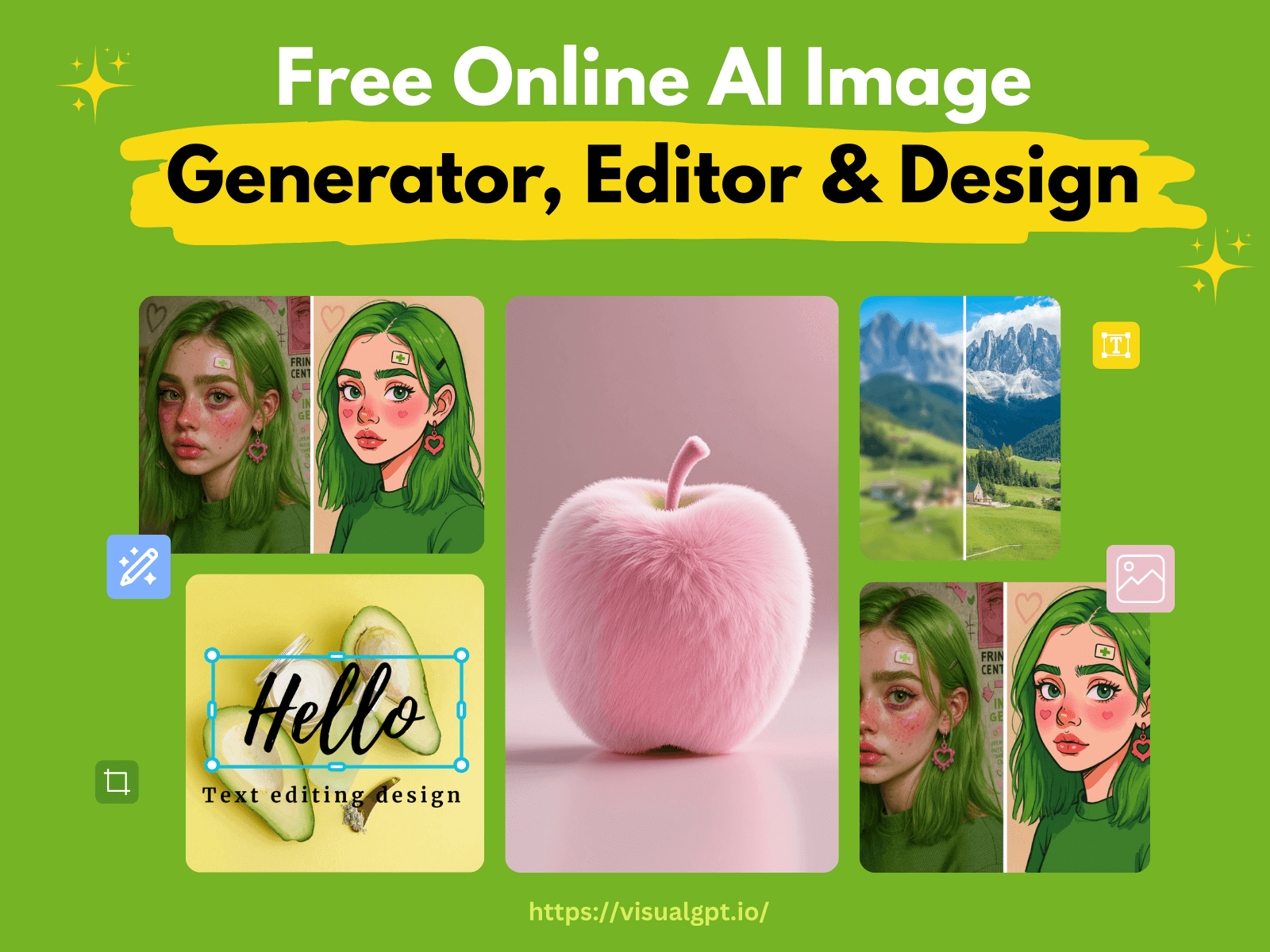
VisualGPT is an AI-powered platform for image generation, editing, and enhancement. The tool integrates advanced AI models like Nano Banana, Flux Kontext Pro, Ideogram, and Stable Diffusion to deliver high-quality visuals. Its features include an AI image editor, background remover, image upscaler, and AI interior design tools for room planning and visualization. Additionally, VisualGPT can generate flowcharts, infographics, and mind maps. The web-based platform is designed for ease of use, enabling users to create and edit images without complex software or prior experience, making it suitable for marketers, designers, educators, and everyday users.
How does VisualGPT work
VisualGPT functions as an AI-powered image generation and editing platform, leveraging advanced models like Nano Banana, Flux Kontext Pro, and Stable Diffusion. Users either upload images or provide text descriptions, and the platform's AI tools perform various tasks, including photo retouching, background removal, and image upscaling. It also supports specialized applications such as AI room design, allowing users to visualize different layouts and styles. Furthermore, VisualGPT facilitates the creation of unique visual assets like flowcharts, infographics, and mind maps, making it a comprehensive solution for diverse visual content needs.
Benefits of VisualGPT
VisualGPT offers a comprehensive AI image platform for creating, editing, and enhancing visuals. Users can leverage tools for AI image editing, background removal, and AI interior design to transform rooms or generate visuals like flowcharts and mind maps. Integrating leading models ensures high-quality results without a steep learning curve. This visualGPT AI solution is ideal for professionals and everyday users seeking efficient, professional-grade image manipulation and content creation.
Pros and Cons of VisualGPT
Pros
- All-in-one AI image platform.
- Integrates leading AI image models.
- User-friendly interface, zero learning curve.
- Fast image generation and editing.
- Diverse applications for many users.
Cons
- Specific pricing details are not immediately clear.
- Reliance on third-party AI models.
- "Free" access has unclear limitations.
Core Features of VisualGPT
AI-Powered Image Creation and Editing
VisualGPT offers extensive AI tools for generating, editing, and enhancing images, facilitating quick design, photo retouching, and creative visual production.
AI Interior Design and Room Planning
This function allows users to transform and visualize room designs, enabling planning for various spaces like bedrooms, living rooms, and kitchens with diverse layouts and styles.
AI Visualization for Infographics and Diagrams
VisualGPT creates unique visuals, including infographics, flowcharts, and mind maps, converting complex data or concepts into clear, editable formats for diverse professional and academic needs.
Background Removal and Image Upscaling
The platform provides efficient AI tools for precise background removal, even with intricate details, and allows for image upscaling to enhance clarity and resolution for professional-quality output.
Use Cases of VisualGPT
- Marketers: Swiftly generate engaging social media visuals, ads, and brand materials using VisualGPT's AI image editor.
- Interior Designers: Utilize VisualGPT AI room designer to plan and visualize various room layouts and styles.
- Educators: Create clear infographics, flowcharts, or mind maps for reports and presentations with VisualGPT AI visualization.
- E-commerce Businesses: Enhance product images by precisely removing backgrounds and upscaling using VisualGPT.
FAQs of VisualGPT
How can I start using VisualGPT for image creation and editing?
VisualGPT is designed for ease of use. To begin, users can upload an existing image or provide a textual description of their desired visual. The AI then processes this input to generate or edit images rapidly, without requiring complex software installations or advanced technical knowledge.
Do I need to install any software to use VisualGPT?
No installation is necessary for VisualGPT. It operates entirely as a web-based platform, accessible directly through a browser. This eliminates the need for software downloads, configuration, or concerns about compatibility issues, allowing users to access its features from various devices.
Can beginners use VisualGPT without prior experience?
VisualGPT is developed to accommodate users across all experience levels. Its intuitive and clean interface allows beginners to create and edit images by simply using plain language or uploading photos, avoiding complex settings. This makes it an effective tool for hobbyists, students, and first-time users seeking professional-quality visuals.
What types of images can VisualGPT create or edit?
VisualGPT supports a broad spectrum of image types, including portraits, landscapes, product photography, social media graphics, and infographics. The platform's AI capabilities extend to enhancing clarity, applying diverse artistic styles, removing backgrounds, and integrating multiple visual elements to produce high-quality, professional-grade results.
Which AI models does VisualGPT use for editing and generation?
VisualGPT integrates advanced AI models such as Nano Banana, Flux Kontext Pro, Ideogram, and Stable Diffusion. These models are selected for their high precision, resolution capabilities, and ability to generate both realistic and creative imagery, with the system automatically applying the most suitable model for each specific task.
Can I remove backgrounds from multiple images at once with VisualGPT?
Yes, VisualGPT features a batch background removal capability. This function efficiently and accurately isolates subjects, preserving fine details like hair or complex edges, even when processing multiple images simultaneously. This is particularly beneficial for professionals needing consistent, high-volume image processing.
How fast does VisualGPT generate images or edits?
VisualGPT is optimized for rapid processing, typically generating or editing most images within seconds of receiving a prompt or uploaded photo. This efficiency in handling tasks like style transfer, background removal, and image enhancement makes it suitable for users requiring quick, high-quality visual outputs, such as marketers or content creators.
Does VisualGPT support interior design and room visualization?
Yes, VisualGPT includes an AI Interior Design feature. Users can transform room images, visualize different layouts, and apply various design themes for spaces like bedrooms, living rooms, and dining areas. This functionality assists real estate professionals and designers in quickly creating realistic, high-resolution interior visualizations.
Can VisualGPT generate charts, diagrams, and infographics?
VisualGPT offers AI Visualization tools that enable the creation of infographics, flowcharts, and mind maps. These tools facilitate the conversion of data and concepts into clear, aesthetically pleasing visual formats rapidly, supporting educators, marketers, and business professionals in effective information dissemination.
Is my data safe when using VisualGPT online?
VisualGPT prioritizes user data privacy and security. Images and prompts are processed securely, utilizing encryption, and uploaded files are typically deleted post-processing. Personal information is not shared with third parties, ensuring a secure environment for users to create and edit visuals without data compromise.
Can I try VisualGPT for free before subscribing?
Yes, VisualGPT provides free access for new users to explore its AI functionalities without an immediate subscription. This allows prospective users to upload images, perform edits, and evaluate the platform's workflow, quality, and user-friendliness before committing to a paid plan for advanced features.
How Does VisualGPT Help Improve Social Media Content Quickly?
VisualGPT streamlines social media content creation by enabling marketers and creators to generate high-quality visuals rapidly. Users can upload images or provide text descriptions, and the AI will enhance, edit, or create new content instantly. This accelerates the design process, ensures consistent branding, and helps produce engaging posts that attract audience attention, thereby improving overall campaign effectiveness.
How to use VisualGPT
VisualGPT is an AI-powered platform for image creation, editing, and enhancement. It integrates advanced AI models to refine photos, generate creative visuals, and design various graphics like flowcharts or mind maps. This versatile tool supports tasks from background removal to AI room design, making it useful for marketers, designers, educators, and general users seeking high-quality visual content.
- Access VisualGPT directly in your browser by navigating to the platform. No software installation is required for this web-based tool.
- Initiate image creation or editing by either uploading an existing image or providing a descriptive text prompt of your desired visual.
- Select specific AI tools based on your objective, such as the AI Image Editor for refinements or the AI Room Planner for interior visualization.
- Allow the AI to process your request; VisualGPT utilizes models like Nano Banana and Flux for rapid generation and high-quality results.
- Review the generated or edited image. VisualGPT ensures sharp, detailed output ready for immediate use.
- Utilize features like the background remover for bulk processing or the image upscaler to enhance resolution.
- For complex visualizations, explore the AI Visualization tools to create editable flowcharts, infographics, or mind maps from your input.
- Interpret the results to align with your project goals, whether for social media, marketing, academic presentations, or personal use.
- Download your final image; VisualGPT aims to provide output that requires no further adjustments, saving time and effort.
- Experiment with various AI models and tools within VisualGPT to explore creative styles and optimize your visual content efficiently.
VisualGPT Website Traffic Analysis
Latest traffic information
- Monthly Visits1.71M
- Bounce Rate48.92%
- Pages Per Visit3.31
- Visit Duration00:02:25
- Global Rank30.12K
- Country/Region Ranking27.72K
Visits Over Time
Traffic Sources
- Organic Search: 49.04%
- Direct: 37.68%
- Referrals: 7.11%
- Organic Social: 3.32%
- Generative AI: 2.28%
- Mail: 0.51%
Top Keywords
| Keyword | Traffic | Volume | Cost Per Click |
|---|---|---|---|
| gemini watermark remover | 65.78K | 308.74K | $0.31 |
| visualgpt | 19.64K | 12.79K | $1.39 |
| remove gemini watermark | 17.32K | 145.45K | $0.3 |
| watermark remover | 16.71K | 594.68K | $0.29 |
| gemini logo remover | 14.21K | 74.4K | $0.17 |
Top Regions
| Region | Percentage |
|---|---|
| United States | 15.77% |
| India | 8.92% |
| Brazil | 3.53% |
| Germany | 3.44% |
| China | 3.4% |
