
VicSee FAQs
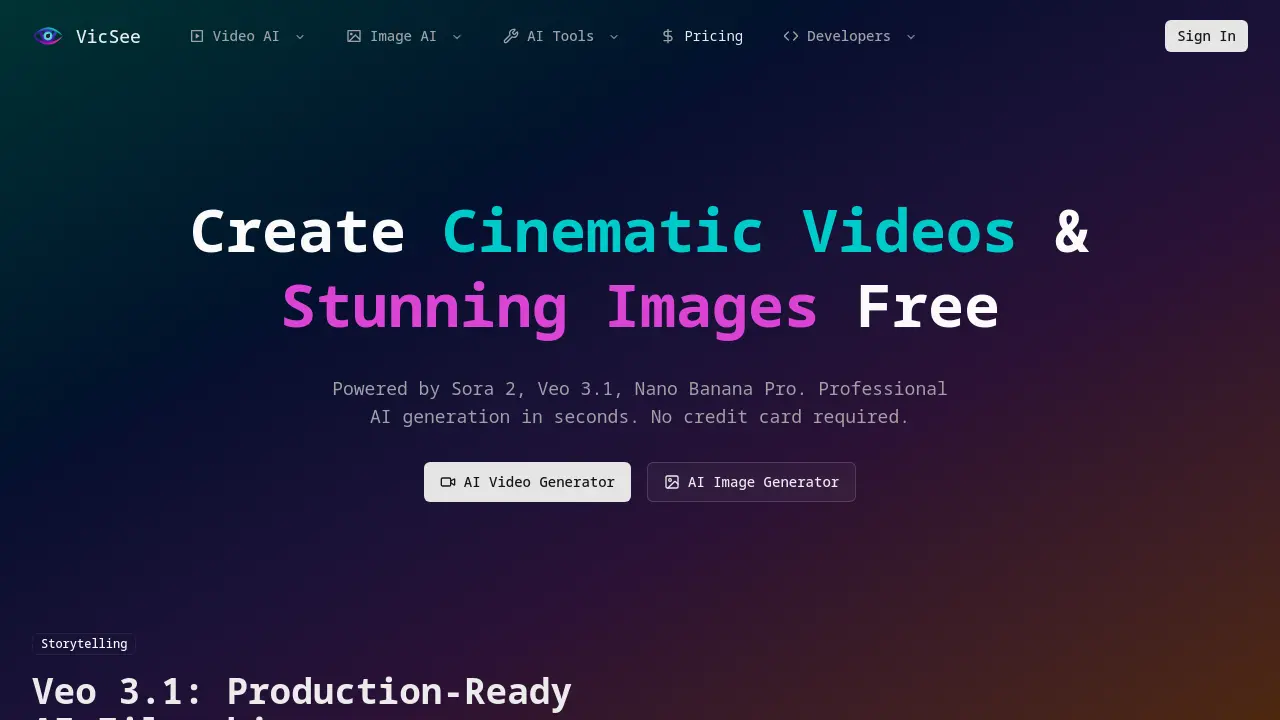
VicSee offers AI video and image generation, letting marketers, creators, and designers produce cinematic videos, high‑resolution images, and synchronized audio in seconds with Sora 2, Veo 3.1, and Nano Banana Pro, and professional quality at affordable prices.

FAQs of VicSee
What's the difference between Veo 3.1 and Sora 2?
Veo 3.1 is a cinematic‑focused model that offers fine‑grained control over character consistency, synchronized dialogue, and creative audio effects. Sora 2, on the other hand, is optimized for longer, physics‑accurate videos, delivering realistic motion and shadowing for up to 15‑second clips. While Veo 3.1 excels at short, polished scenes, Sora 2 is better suited for extended storytelling or product demos that require natural interactions.
What's the difference between Nano Banana and Nano Banana Pro?
Nano Banana produces high‑quality images at up to 4096 × 4096 pixels, ideal for quick marketing shots and social media graphics. Nano Banana Pro extends this capability with 4K resolution, advanced lighting models, and support for ultra‑high‑definition output, making it suitable for print‑ready posters, detailed product photography, and professional presentations.
How does the credit system work?
VicSee operates on a credit‑based model. Each free generation consumes a set number of credits, with 20 free credits available upon sign‑up. Paid plans allow you to purchase additional credits or subscribe for a monthly allotment. Credits are tracked per user account and can be viewed in the dashboard; unused credits do not expire within the same billing cycle.
Do you add watermarks to free generations?
No. All free and paid generations are delivered without watermarks. The platform ensures that every image or video is fully branded and ready for commercial use, provided the user complies with the licensing terms.
What models do you use?
VicSee integrates several state‑of‑the‑art models: Veo 3.1 for cinematic video, Sora 2 for longer, physics‑accurate clips, Nano Banana and Nano Banana Pro for still images, and additional specialized models such as Kling AI for dialogue and lip‑sync. Each model is selected based on the desired output format and quality.
How long does generation take?
Generation time varies by model and output resolution. Typical image requests with Nano Banana finish in 10–30 seconds, while Veo 3.1 video generation may take 30–90 seconds depending on length and complexity. Users can monitor progress in real time through the web interface.
Can I use generated content commercially?
Yes. Content produced with VicSee is licensed for commercial use, including marketing, product photography, and social media campaigns. The platform’s terms of service grant users full rights to the output, provided the content does not violate any third‑party intellectual property.
Do you have an API?
VicSee offers a developer API that allows programmatic access to all generation models. The API supports JSON payloads for prompts, resolution settings, and output format selection. Documentation and authentication keys are available through the developers section of the website.
What happens if a generation fails?
If a generation fails, VicSee automatically retries up to three times. Should the request still fail, the user receives an error message with a reference ID and can contact support via the help center. Failed requests do not consume credits.
What file formats are supported for output?
Generated images are available in PNG and JPEG formats, while videos can be downloaded as MP4 or WebM. Users can specify the desired format in the generation settings; the API also accepts format parameters for automated workflows.
How can I integrate VicSee into my workflow?
VicSee’s API can be embedded into content‑creation pipelines, allowing batch generation of product shots or video snippets. For example, a marketing team can upload a list of Vicseed phone holder models—such as the Vicseed Tesla phone mount or Vicseed magnetic car mount—and automatically generate high‑resolution product images for the Vicseed website or e‑commerce listings.
What are the system requirements for using VicSee?
VicSee is a cloud‑based service, so no local installation is required. A modern web browser (Chrome, Firefox, Safari, or Edge) with JavaScript enabled is sufficient. For API usage, a stable internet connection and an HTTP client (e.g., cURL, Postman, or a custom script) are needed.
Is there a mobile app for VicSee?
Currently, VicSee is accessible via its responsive web interface, which adapts to mobile screens. No dedicated mobile app exists, but the web app can be bookmarked and used on smartphones or tablets for on‑the‑go content creation.
How do I manage my credits and billing?
Credits and billing information are displayed in the user dashboard. Users can view current credit balance, purchase additional credits, or upgrade to a subscription plan. Billing history and invoices are downloadable in PDF format for accounting purposes.
How to use VicSee
- VicSee is an AI platform that creates cinematic videos and high‑resolution images, offering tools like Sora 2, Veo 3.1, and Nano Banana Pro for creators and marketers.
- Sign in to your VicSee account or create a new one; the dashboard displays free credits and access to the AI Video and AI Image generators.
- Select either the AI Video Generator or AI Image Generator from the main menu to start a new creative project.
- Enter a descriptive prompt in the text box; include details such as scene, lighting, and desired style to guide the model.
- Choose the appropriate model—Sora 2 for longer videos, Veo 3.1 for cinematic control, or Nano Banana Pro for 4K images—before generating and preview the output before finalizing.
- Click the Generate button; the system processes the request, applying physics‑accurate motion and synchronized audio where applicable and review the progress bar for status updates.
- Review the preview; use the zoom and playback controls to inspect details, and adjust the prompt if the output does not meet expectations.
- Download the final file or share it directly to social media platforms; VicSee provides export options in multiple formats and choose the desired resolution or format.
- Track credit usage in the account panel; free credits allow two initial creations, after which a credit purchase or subscription is required.
- Interpret results by comparing generated media against project goals; assess visual quality, narrative coherence, and brand alignment and identify areas for improvement.
- Leverage the AI‑generated assets for marketing campaigns, social media posts, or product showcases, ensuring consistency with brand guidelines and distribute them across marketing channels.
