
Silvia FAQs
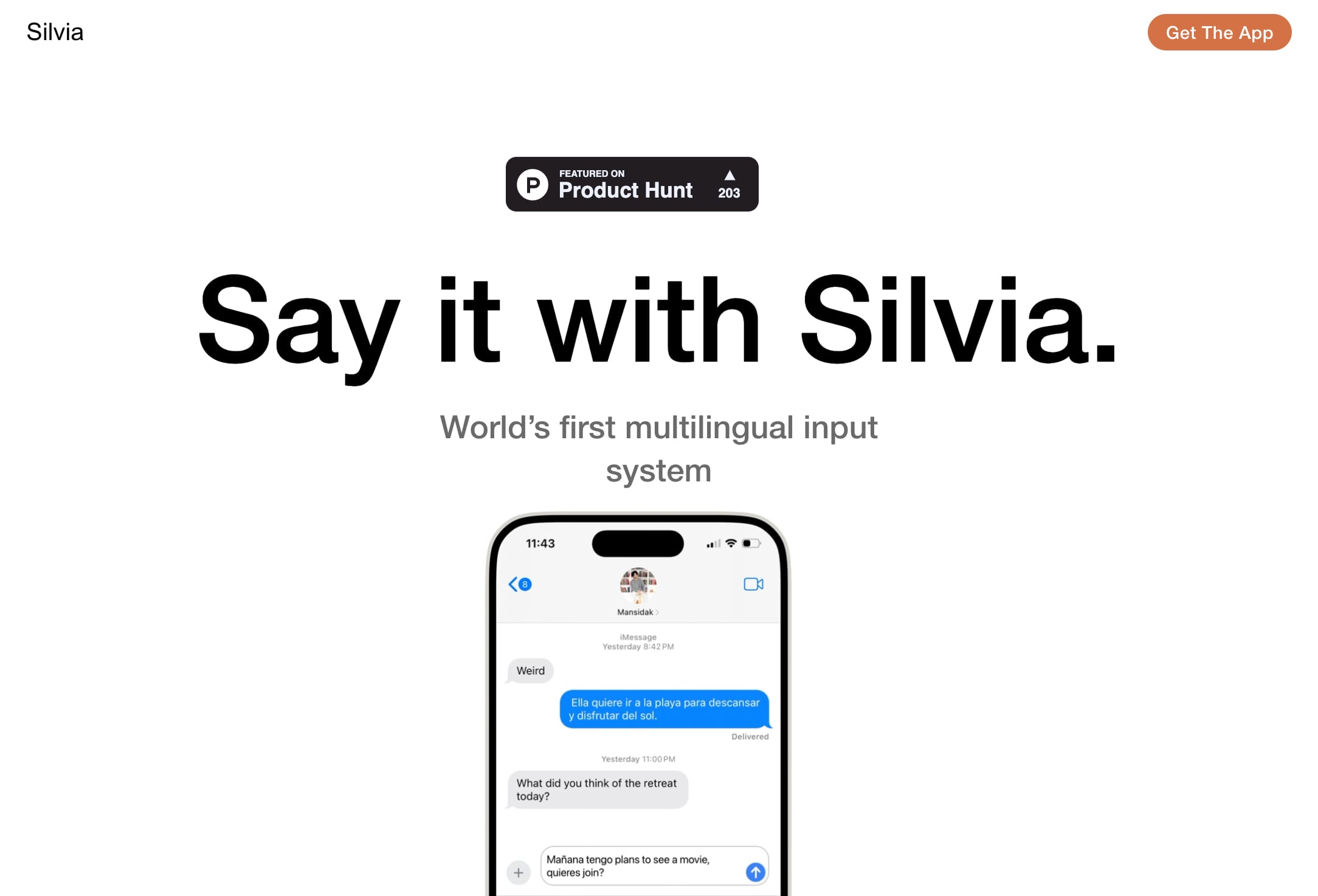
Silvia is the world's first multilingual input system for iOS. It effortlessly handles multilingual dictation, allowing you to mix languages like English and Spanish in one sentence. Say it with Silvia and experience seamless language switching.

FAQs of Silvia
What is Silvia?
Silvia is an AI-powered, multilingual input system that lets you dictate text in different languages, even mid-sentence. It sits right where you're used to dictating, like in your messaging apps, and lets you finish speaking first.
How does Silvia work?
Silvia works by using a combination of advanced natural language processing (NLP) and speech recognition technology to understand what you're saying. You can speak naturally and Silvia will transcribe your speech into text, even if you switch languages mid-sentence.
What languages does Silvia support?
Silvia currently supports English and Spanish. French, Romanian, German, and Dutch will be supported soon.
How can I use Silvia?
Silvia is available in the Apple App Store as an extension for all your chat platforms: iMessage, WhatsApp, Signal, Telegram, Messenger, and any other app where you type.
What are the benefits of using Silvia?
Silvia can help you save time and effort when writing. It can also be helpful for people who have difficulty typing or who prefer to speak rather than type. It's especially helpful when you are switching between multiple languages, especially for those who have difficulty with language translation.
How is Silvia different from other dictation apps?
Silvia is different from other dictation apps because it's the first multilingual dictation system that understands when you switch languages, even mid-sentence. Other dictation apps typically require you to select the language you're speaking in advance.
How to use Silvia
- Begin by downloading the Silvia app from the Apple App Store. This installs the multilingual dictation extension.
- Open the chat application (iMessage, WhatsApp, etc.) where you wish to use Silvia.
- Activate Silvia; the exact method depends on your specific chat application settings.
- Start dictating your message; Silvia will transcribe your speech in real-time.
- Silvia seamlessly handles language switching, even mid-sentence, between English and Spanish.
- Review the transcribed text for accuracy; edit as needed before sending your message.
- Additional languages (French, Romanian, German, Dutch) are planned for future releases.
- For optimal performance, ensure a clear audio environment and speak clearly.
- Consult the Silvia app's in-app help for troubleshooting and additional features.
- Silvia's transcription capabilities are designed to enhance messaging efficiency.
