
Silvia - Multilingual Dictation for iOS
| Added on: | Aug 9, 2024 |
| Monthly Visits: | -- |
| Social & Email: | -- |

What is Silvia
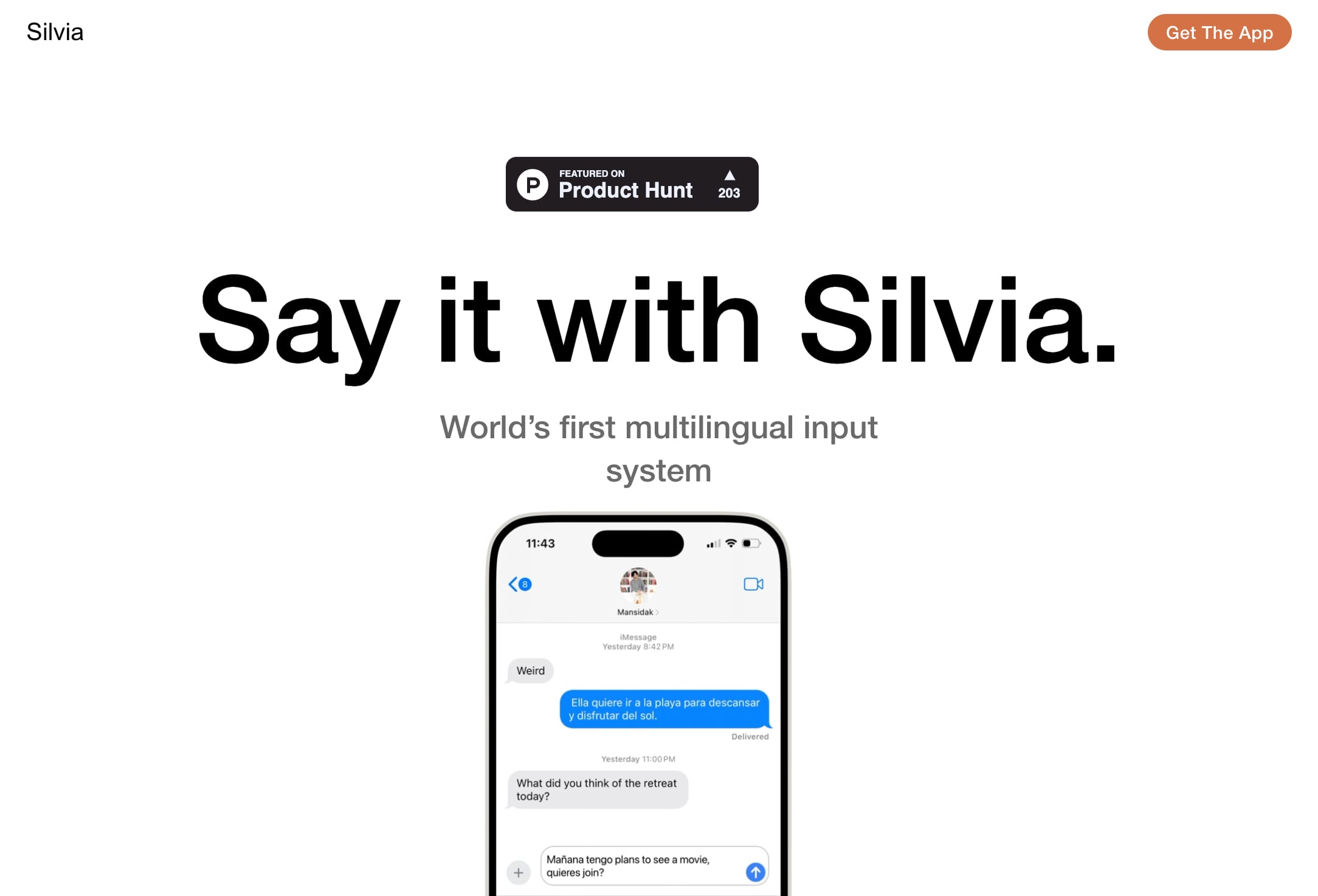
Silvia is a multilingual input system that allows users to dictate text in different languages, even mid-sentence. It's available as an extension for popular chat platforms like iMessage, WhatsApp, Signal, Telegram, Messenger, and more. Silvia understands when you switch languages and lets you finish speaking before processing your text, making it a seamless experience. Currently, it supports English and Spanish, with support for French, Romanian, German and Dutch coming soon. Silvia is a great option for anyone who wants to type faster and more efficiently, especially when switching between languages.
How does Silvia work
Silvia is a multilingual dictation system and Apple App Store extension functioning as a keyboard for various chat platforms including iMessage, WhatsApp, and others. Its core functionality involves real-time transcription of speech, adapting to the user's speaking style and seamlessly handling code-switching between languages, currently supporting English and Spanish with future support planned for French, Romanian, German, and Dutch. This allows for efficient multilingual text input, eliminating the need to switch between languages manually. The Silvia app prioritizes continuous speech recognition, enabling users to finish speaking before the system processes the input.
Benefits of Silvia
Silvia is a multilingual dictation system, the world's first, adapting to your speech patterns. It seamlessly integrates with popular chat platforms like iMessage and WhatsApp, functioning as an extension. Silvia uniquely understands language switching, even mid-sentence, currently supporting English and Spanish, with French, Romanian, German, and Dutch coming soon. This innovative app lets you dictate freely, finishing your thought before processing, offering a smooth and efficient dictation experience. Available on the Apple App Store, Silvia provides a free and convenient way to communicate across multiple languages.
Pros and Cons of Silvia
Pros
- Multilingual input system.
- Adapts to speech patterns.
- Handles mid-sentence language switches.
- Integrates with chat platforms.
- Available on Apple App Store.
Cons
- Currently limited languages.
- iOS-only availability.
- Extension functionality only.
- Free version limitations unknown.
- No Android compatibility.
Core Features of Silvia
Multilingual Input System
Silvia is a dictation system that supports multiple languages and can switch between languages mid-sentence.
Real-Time Language Detection
Silvia can automatically detect the language you are speaking and switch between languages as you speak.
Integration with Chat Platforms
Silvia is available as an extension for several chat platforms, including iMessage, WhatsApp, Signal, Telegram, Messenger, and others, allowing users to dictate messages in different languages within their preferred apps.
Use Cases of Silvia
- Journalists: Quickly transcribe interviews in multiple languages using Silvia's multilingual dictation capabilities.
- Students: Improve essay writing speed and accuracy by using Silvia's adaptable dictation system for various assignments.
- Translators: Leverage Silvia's seamless language switching for efficient translation between English and Spanish.
- Business Professionals: Enhance communication by dictating emails and messages in multiple languages with Silvia's chat platform integration.
- Multilingual Writers: Boost writing productivity using Silvia's ability to understand and transcribe mixed-language speech.
FAQs of Silvia
What is Silvia?
Silvia is an AI-powered, multilingual input system that lets you dictate text in different languages, even mid-sentence. It sits right where you're used to dictating, like in your messaging apps, and lets you finish speaking first.
How does Silvia work?
Silvia works by using a combination of advanced natural language processing (NLP) and speech recognition technology to understand what you're saying. You can speak naturally and Silvia will transcribe your speech into text, even if you switch languages mid-sentence.
What languages does Silvia support?
Silvia currently supports English and Spanish. French, Romanian, German, and Dutch will be supported soon.
How can I use Silvia?
Silvia is available in the Apple App Store as an extension for all your chat platforms: iMessage, WhatsApp, Signal, Telegram, Messenger, and any other app where you type.
What are the benefits of using Silvia?
Silvia can help you save time and effort when writing. It can also be helpful for people who have difficulty typing or who prefer to speak rather than type. It's especially helpful when you are switching between multiple languages, especially for those who have difficulty with language translation.
How is Silvia different from other dictation apps?
Silvia is different from other dictation apps because it's the first multilingual dictation system that understands when you switch languages, even mid-sentence. Other dictation apps typically require you to select the language you're speaking in advance.
How to use Silvia
- Begin by downloading the Silvia app from the Apple App Store. This installs the multilingual dictation extension.
- Open the chat application (iMessage, WhatsApp, etc.) where you wish to use Silvia.
- Activate Silvia; the exact method depends on your specific chat application settings.
- Start dictating your message; Silvia will transcribe your speech in real-time.
- Silvia seamlessly handles language switching, even mid-sentence, between English and Spanish.
- Review the transcribed text for accuracy; edit as needed before sending your message.
- Additional languages (French, Romanian, German, Dutch) are planned for future releases.
- For optimal performance, ensure a clear audio environment and speak clearly.
- Consult the Silvia app's in-app help for troubleshooting and additional features.
- Silvia's transcription capabilities are designed to enhance messaging efficiency.
Silvia Alternatives
Alenta AI trains an AI agent on your website to answer visitor questions, capture qualified leads, and book appointments 24/7 for service businesses.
Coralflavor offers uncensored AI chats without safety filters, plus burn-mode retention, web search, image generation, and an OpenAI-compatible API for U.S. adults.
AIdorable is a virtual baby AI companion app. Adopt, name, and care for a tiny AI baby in daily moments, as it grows, learns to speak, and remembers you.

Aurey AI is a browser-based game maker that turns text descriptions into playable games, with version history and community sharing.
Zens AI delivers account-aware AI customer support, turning user feedback into product work for SaaS teams via Codex, Linear, Slack, and GitHub.
doany is an AI company builder that builds your product, finds customers, and sells for you. No code, no team needed. You own 100% of the company.
Turn your website into a searchable knowledge base. Knowster answers visitors from your content in any language. One-line setup, no coding, free plan.
Discover curated website, landing page, and hero design prompts at HeyDesign AI. Browse the style, copy the prompt, and build faster.
AI website cloner that rebuilds live sites from a URL into editable React + Tailwind. Free preview, multi-page clones, production-ready code export, no subscription.
Chat with 20 realistic AI boyfriend characters. Send voice messages, request photos, and build romantic scenarios that remember what matters to you.
HappySeeds is an AI app building platform that turns ideas into apps with built-in agents, payments, and one-click deployment. Concept to revenue in minutes.
Therly AI is an AI therapist and chatbot offering private, anonymous mental health support for anxiety, stress, and emotional well-being, available 24/7.